Paperwork & training management software
Manage and automate people compliance
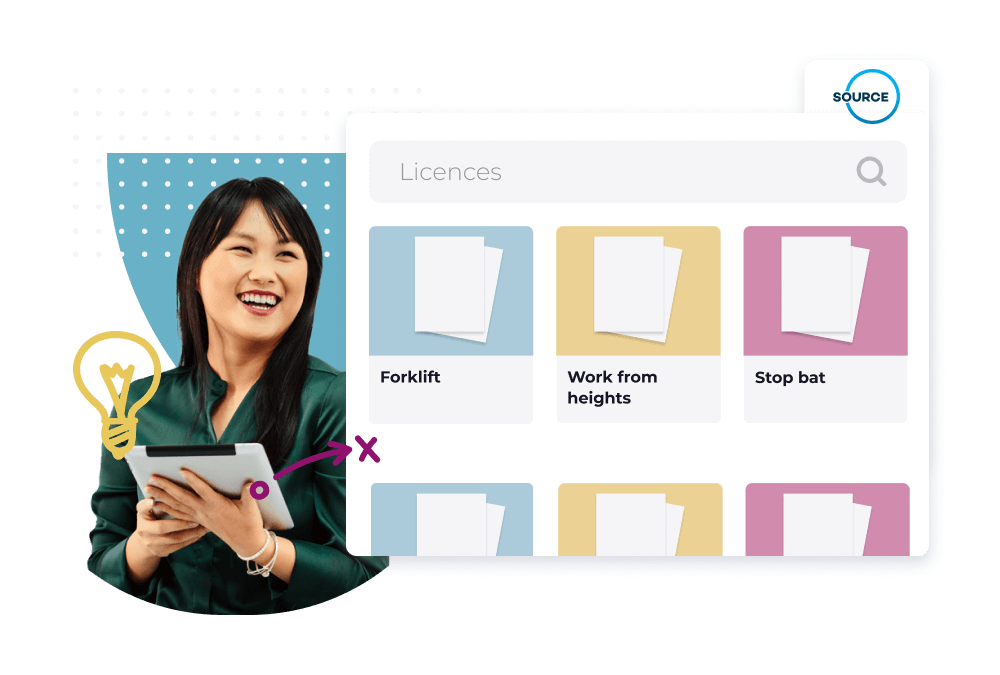
Create, issue, track and securely store all of your vital work compliance requirements in one spot. With a broad range of smart features and automated alerts, managing certificates, licences, tickets, visas and training completion will be a breeze.


Businesses have many varying employee groups, roles and types of employment. Managing and maintaining their respective compliance needs quickly become extremely time consuming. Thanks to the Worknice smart and secure certificate and training compliance management software solution, creating, collecting and managing compliance documents has never been easier. You have full control over all of your compliance in one place, accessible from anywhere. Worknice moves your compliance management away from scattered spreadsheets and paper files forever, putting organised, centralised data at your fingertips whenever you need it.
Why you will love our people compliance management software
Why you will love our people compliance management software

Define compliance once. Apply it everywhere
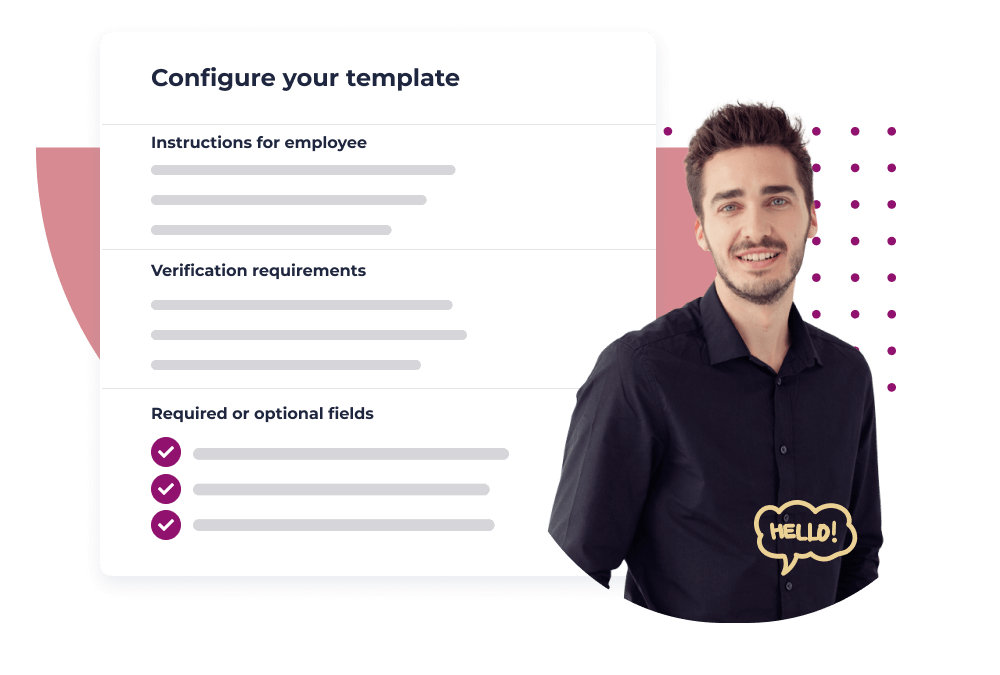
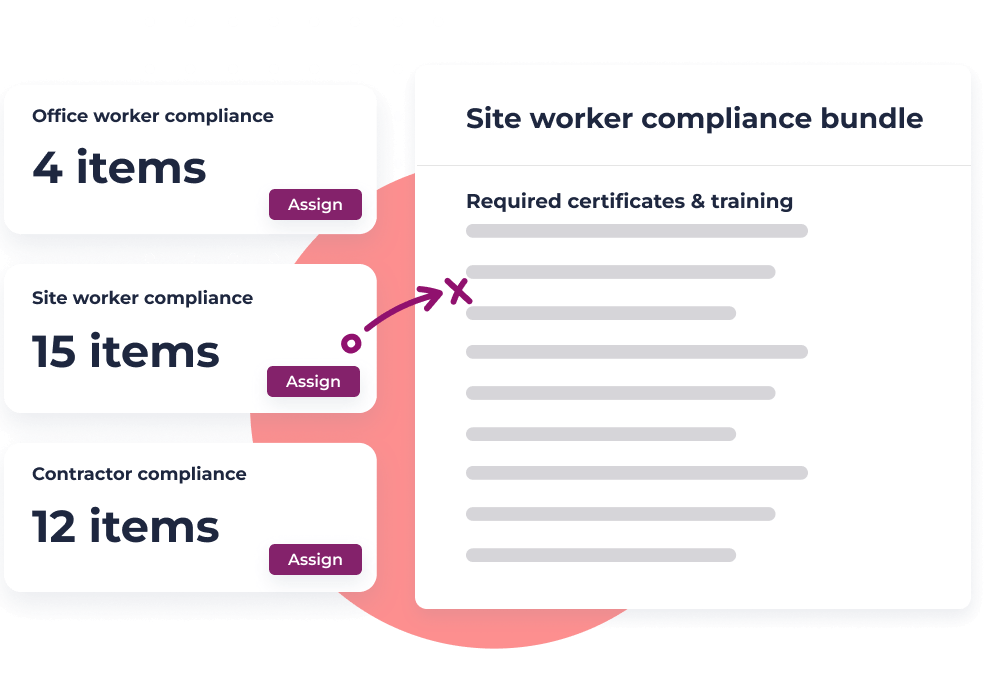
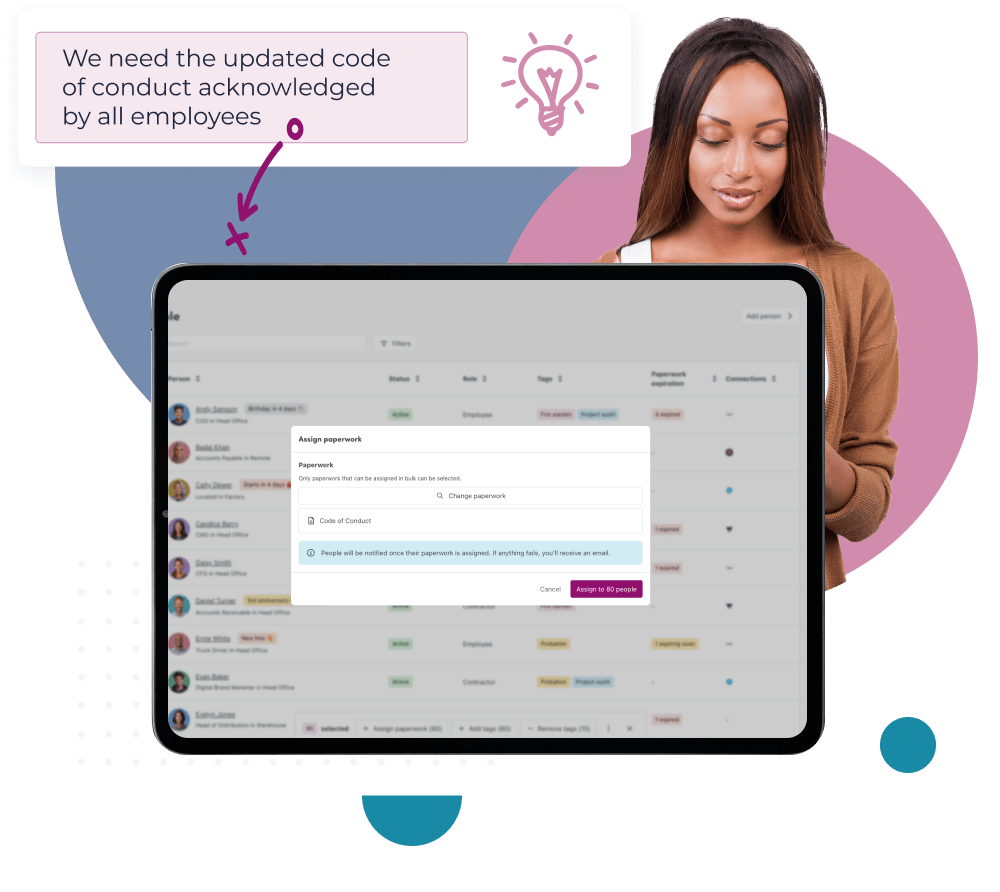
Set clear compliance requirements for every role, team, or location with configurable compliance groups. Define exactly which licences, certificates, training, and policies each employee needs, then let Worknice handle the follow-up.

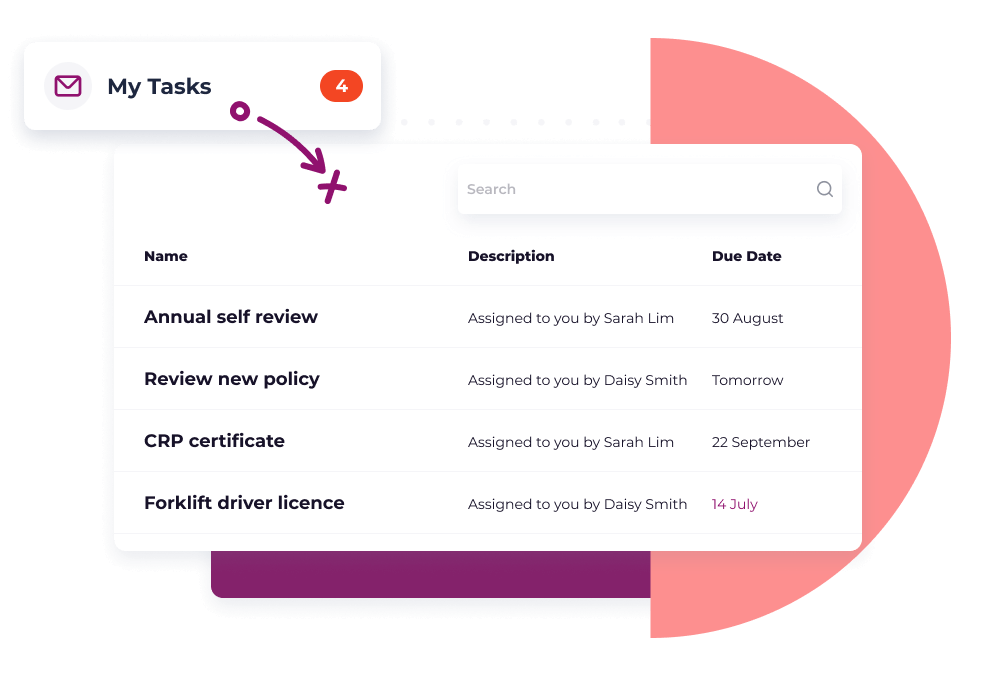
Save time with automation and self service
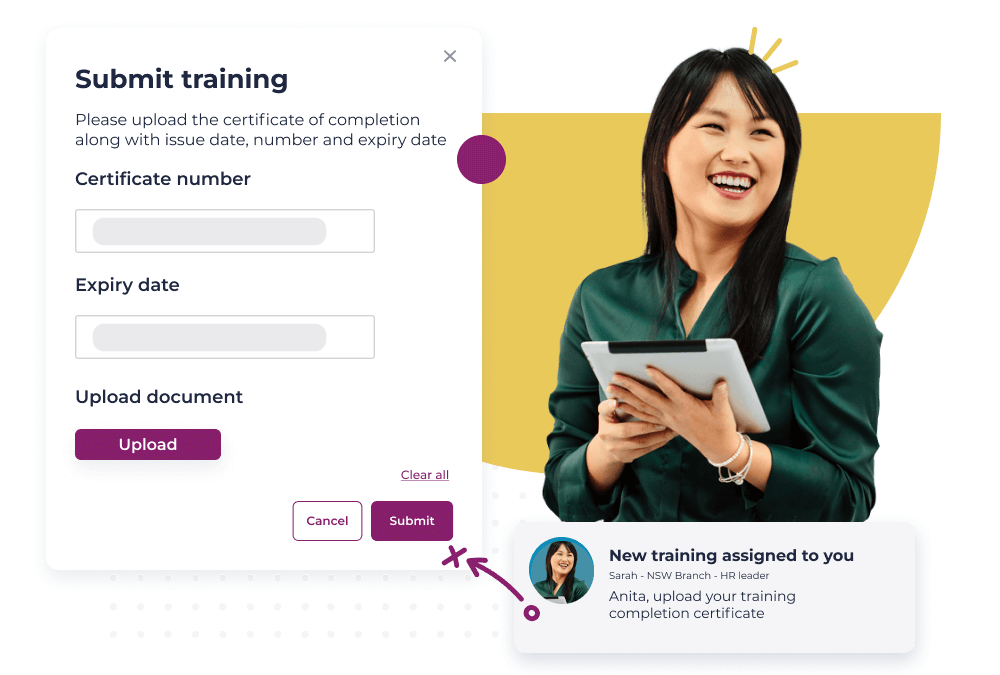
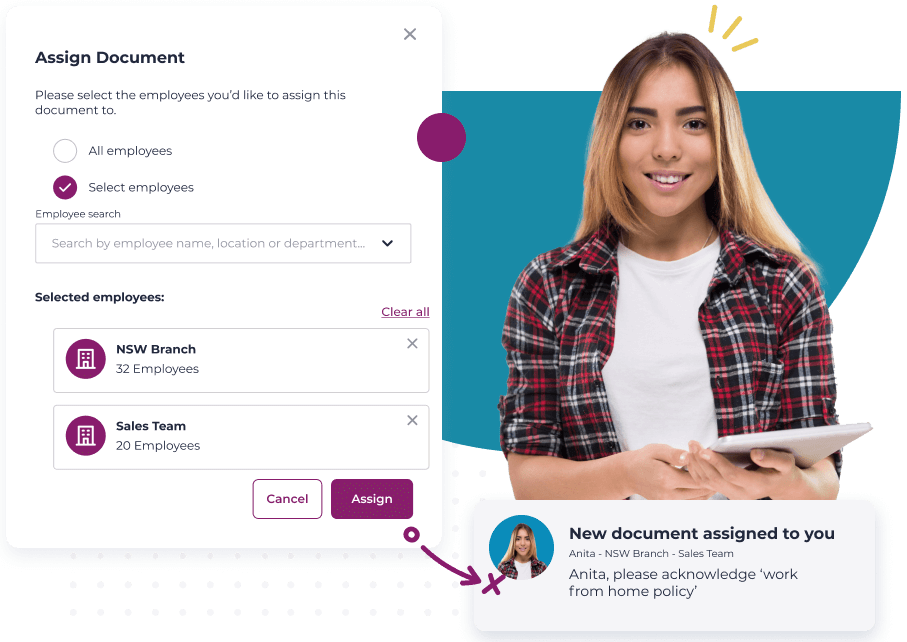
Eliminate manual follow-ups and spreadsheets. Worknice automatically assigns, tracks, and reminds employees about missing, overdue, and expiring compliance items, so HR stops chasing paperwork by hand.

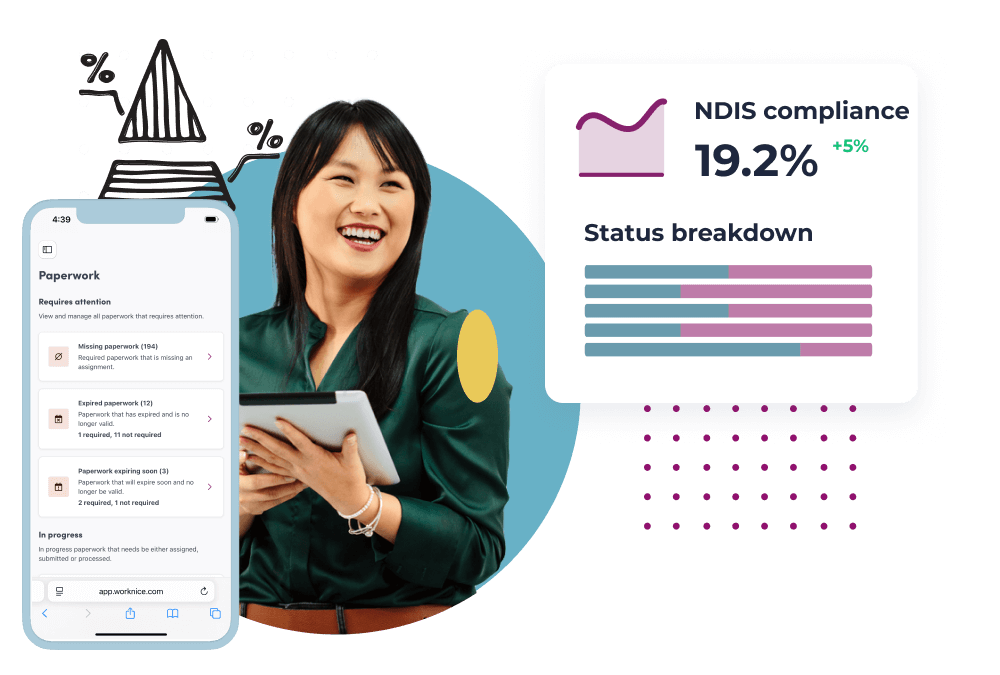
Stay ahead with real-time compliance insights
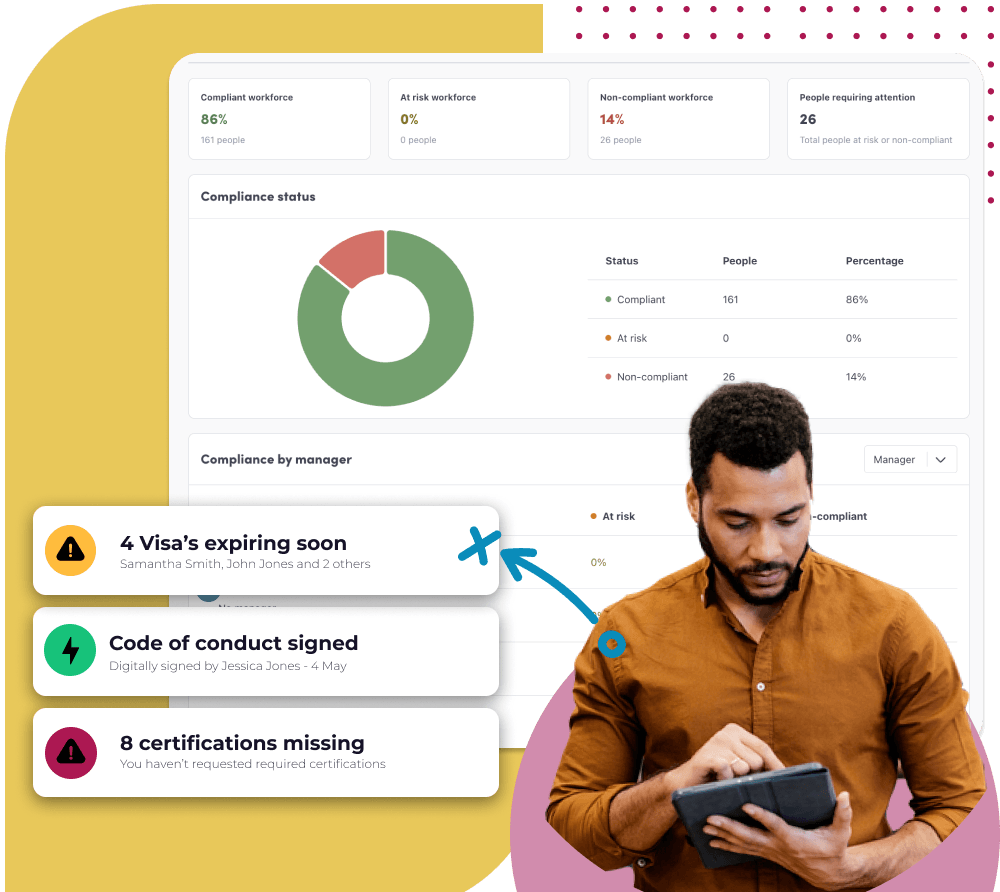
Get a clear, live view of compliance across your workforce. Instantly see what’s missing, what’s expiring, who’s compliant, and who’s at risk, then take action before it becomes a bigger problem.
Get started with Worknice
Take control of your compliance

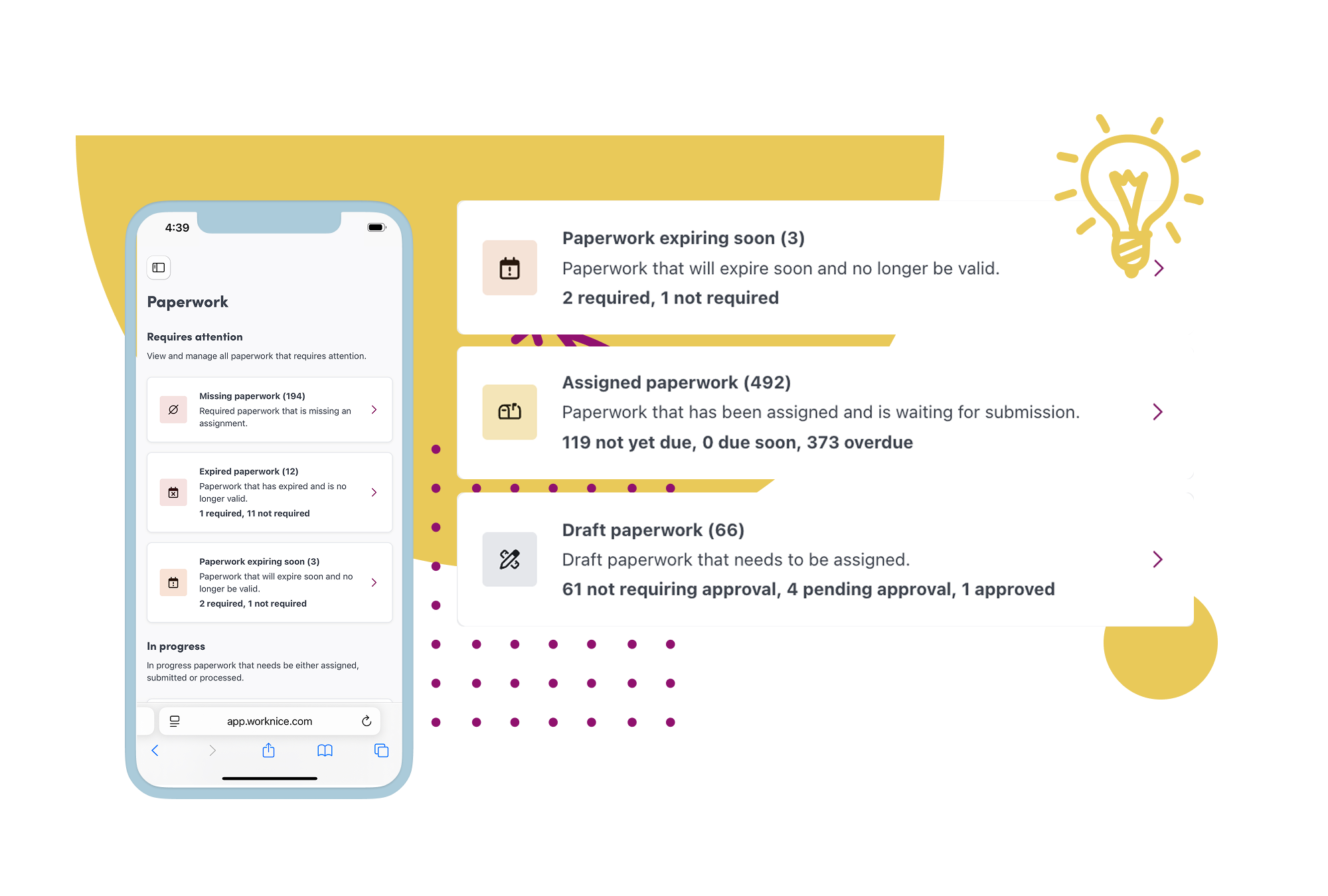
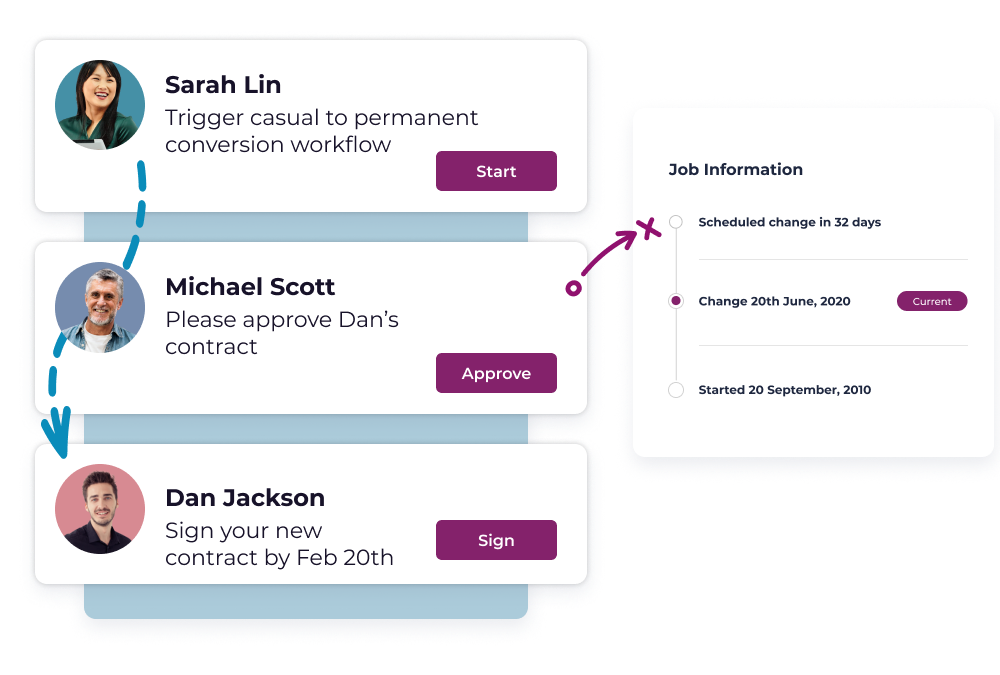
Save time with automation and self service
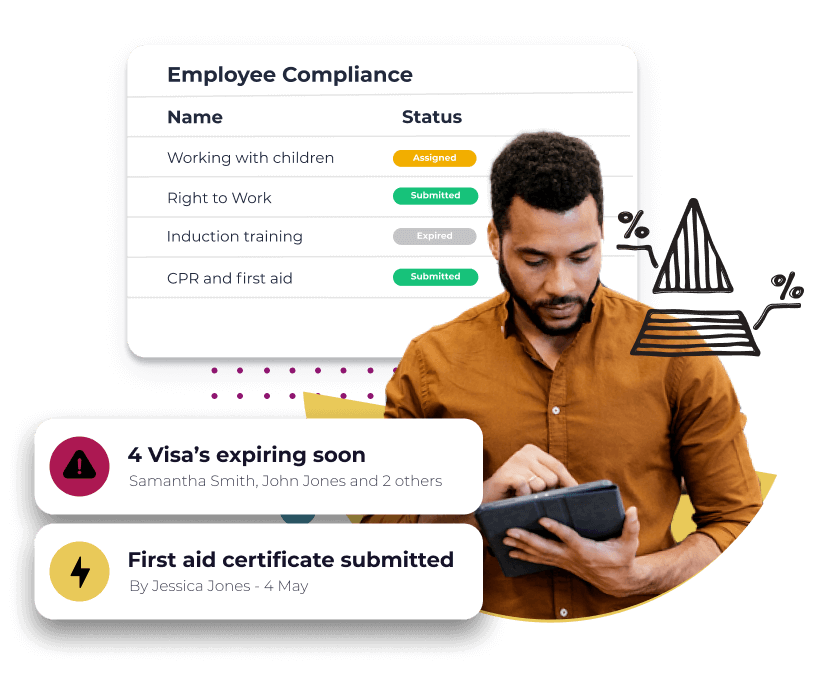
Monitor compliance with insights

Handle compliance with ease
Certificate & training management everyone will love

Holly – Employee
Wow your employees
Knock your employees socks off with a delightful HR portal. Employees can access and submit everything they need on one simple online portal that works on any device.

Dan – Team Manager
Empower managers
Your divisional managers are key to supporting the HR team and driving success. Worknice allows them to focus on the important tasks – and no more digging out compliance records of their team.

Sarah – HR Leader
Get hours back in your day
Get productivity gains with an HR platform that does the legwork for you with workflows, automations and alerts.




What people are saying about us
More Features
-
Fast, Local Australian
Built for Australian’s by Australian’s.
-
Expert Advice
Combine expert advice with our modern technology.
-
Assisted Onboarding
A fast and pain free onboarding experience.
-
Trusted Security
Market leading security and data privacy by AWS.
-
100s of Integrations
Connect your people, data and systems through powerful integrations.
-
Mobile friendly
Built for mobile from the ground up. Works on any device, any where.
Discover Worknice Today
Talk to us about your plans and discover how Worknice can help you build a great company.
If you have the questions, then we have the answers!
Like our HR employee onboarding software, Worknice’s free resource’s are created to set HR leaders free to do great work. Discover our free HR resources now.
Ensure compliance during the employee onboarding process
You’ve hired a new employee for your organisation. You ensure there is a desk set up, you rummage through the dusty supply closet to gather all of the necessities, grab their employment documentation […]
FAQs
-
What is Paperwork Management Software?
Based on customer reviews, paperwork management software helps organisations collect, manage and store compliance-related documents, such as licences, certificates and training records, all in one secure, centralised system.
-
Why do customers use Paperwork Management Software?
Insights from G2 and Capterra reviews suggest companies use paperwork management software to reduce manual admin, maintain compliance, track expiries, and keep workforce documentation organised and accessible.
-
What is Next-Gen Paperwork Management Software?
Worknice is a Next-Gen solution that centralises compliance paperwork, automates tracking and alerts, and enables teams to manage certificates, licences and training requirements within one unified platform.
-
What are the core functions of paperwork management software?
Paperwork management software enables businesses to create, collect, track and securely store compliance documents, monitor expiry dates, automate reminders, and maintain a real-time view of workforce compliance.
-
How do we know what compliance paperwork is missing, not just what is about to expire?
Worknice helps teams see missing, overdue, expiring, and complete paperwork in one place. Because requirements can be set by role, team, or location, Worknice can show gaps where a licence, certificate, visa, or training record was never collected in the first place, not only items that were uploaded and are nearing expiry.
-
Can we set different compliance requirements for different roles, teams, or sites?
Yes. Worknice lets you define different certificate, licence, policy, and training requirements for different employee groups, then apply those requirements automatically. That is especially useful for businesses where site-based workers, office staff, contractors, and managers do not all need the same paperwork.
-
Can managers see whether their team is compliant without seeing every sensitive document?
Yes. Worknice can give managers visibility into compliance status while keeping sensitive files and details restricted to the right people. That means leaders can follow up on missing or overdue items without broadening access to confidential employee records.
-
Can we see compliance across the whole business, not just one employee at a time?
Yes. Worknice gives HR teams a live view of compliance across the workforce so they can see who is compliant, at risk, non-compliant, or missing required paperwork, then drill down into individuals or teams. That makes it easier to spot problems early and focus follow-up where it matters most.
-
Can employees upload new or renewed certificates themselves, or does HR still have to chase everything?
Employees can upload certificates, licences, and training evidence directly in Worknice from any device, while HR keeps oversight from one place. Worknice combines employee self service with compliance tracking so the process moves away from email chasing and manual follow-up.
-
Will Worknice remind people before a licence, certificate, or training item expires?
Yes. Worknice can send automated reminders for upcoming expiries, missing items, and overdue renewals so teams are not relying on calendars or manual chasing. HR can stay focused on exceptions while the system handles the routine follow-up.
-
Can we keep using another training or operational system and still use Worknice as the compliance hub?
Yes. Worknice can sit alongside other systems and act as the central place to assign requirements, collect evidence, and track completion status. That is useful when training content lives elsewhere but HR still wants one clear compliance record and workflow in Worknice.
-
Do we have to start from scratch, or can we upload the certificates and paperwork we already have?
You can upload existing paperwork into Worknice and map it to the right requirement, so the platform reflects what is already on file instead of forcing a full restart. Many teams begin with the highest-priority items first, then use the missing-item view to work through the remaining gaps over time.
-
What happens if someone uploads the wrong document or enters the wrong expiry date?
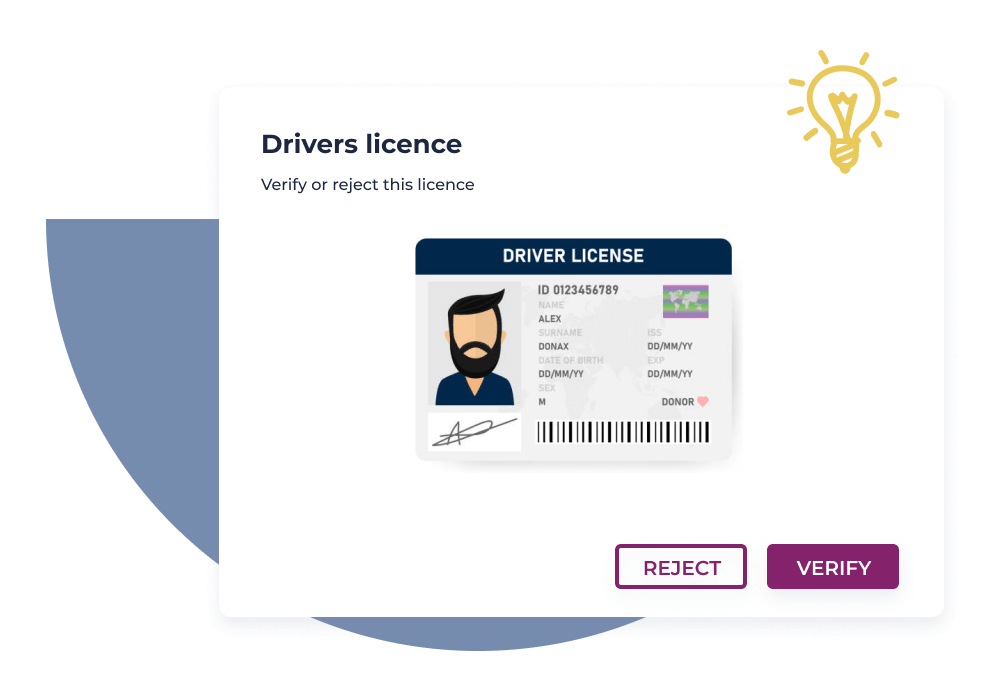
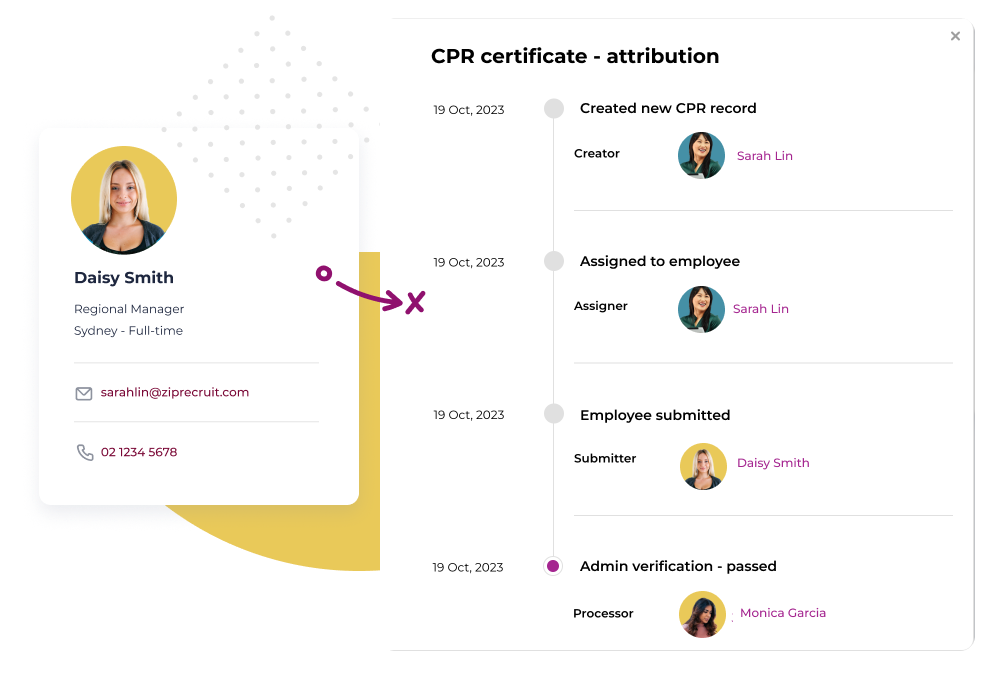
Worknice gives admins a verification step so uploaded documents can be reviewed, accepted, rejected, or corrected before they are treated as complete. That helps teams catch incorrect evidence, wrong metadata, or non-compliant submissions before they turn into a bigger risk.
-
How do we prove who requested, updated, or approved a piece of compliance paperwork?
Worknice records the lifecycle of each paperwork item so HR can see actions like requests, uploads, expiry updates, approvals, and verification activity. That gives teams a clearer audit trail when they need to understand what happened, when it happened, and who handled it.
