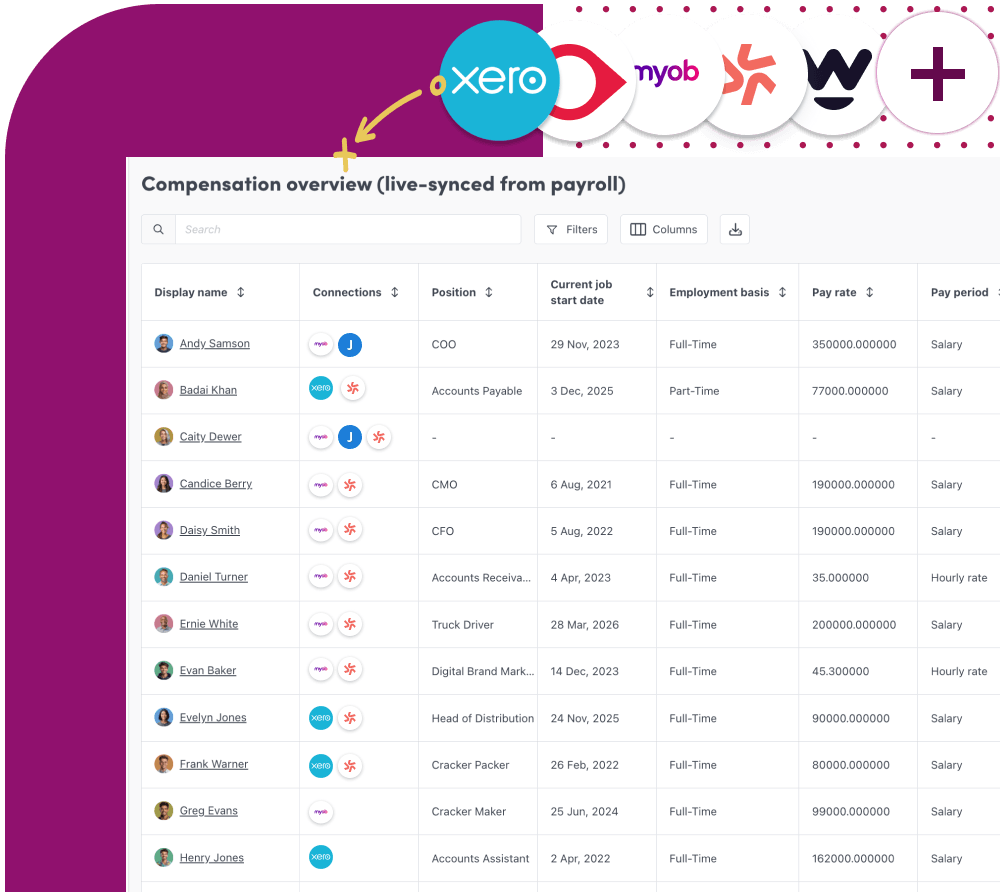
Worknice Data Tables
Unify people data without the spreadsheet chaos
Bring all your people data (from Worknice or integrated tools) into one secure, spreadsheet-style view. Browse, filter, update and organise employee information at scale with Worknice Data tables.


Worknice Data tables helps HR teams move faster with a familiar and flexible way to manage people data. Instead of chasing updates across spreadsheets, systems and disconnected records, you can work from one connected source of truth. Review key information in seconds and keep your data clean, current and ready for action.
Why you will love our data tables
Why you will love our data tables

One unified view of your workforce
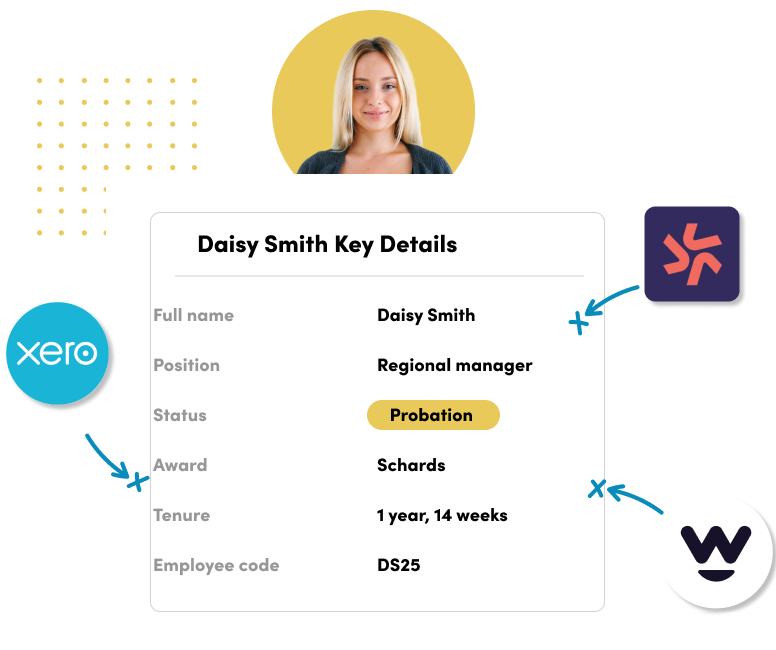
Connect and manage employee data from multiple sources in a single, structured table. No more switching between systems just one place to view, update and understand your workforce.

Replace fragmented data experiences
Move beyond disconnected tools and inconsistent datasets. Worknice brings your people data together into a consistent, reliable experience your team can trust.

Ready for insight & reporting, not clean-up
Work with clean, structured data that’s always up to date. Confidently power reporting, compliance and workforce planning without manual prep.
Spreadsheets vs Worknice Data Tables
Get started with Worknice
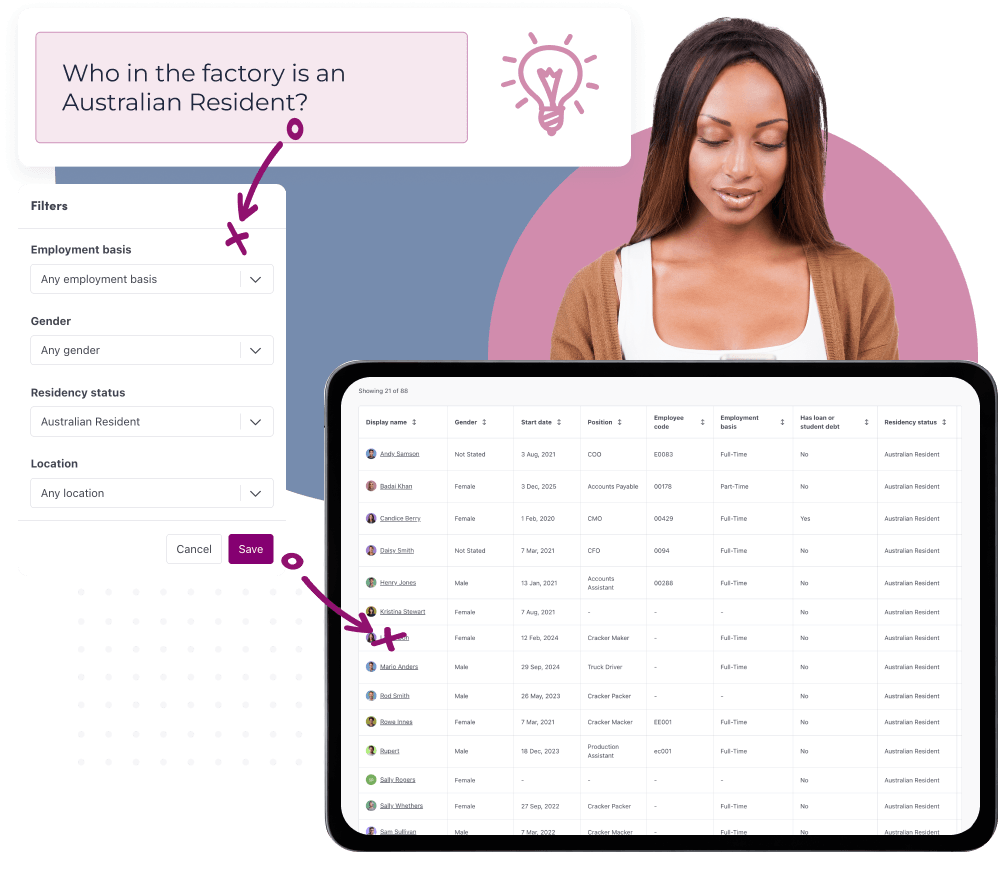
One clear view of your workforce
Bring your people data together into a single, trusted view of your organisation.
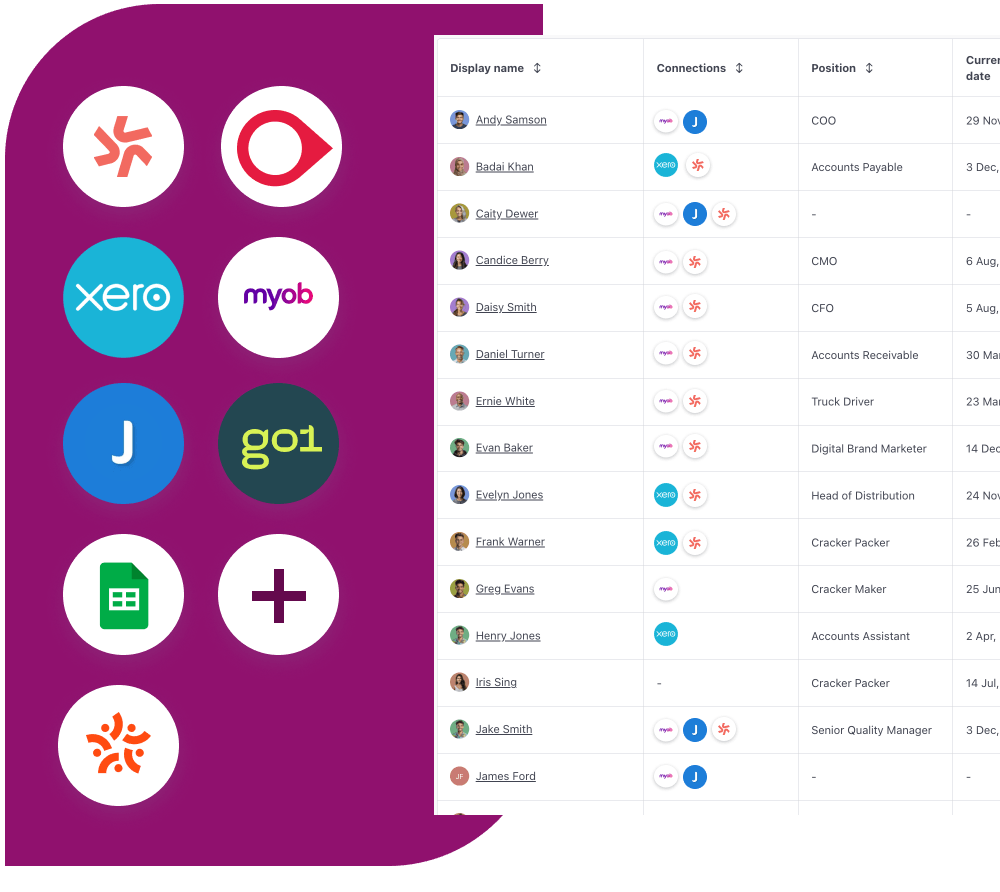
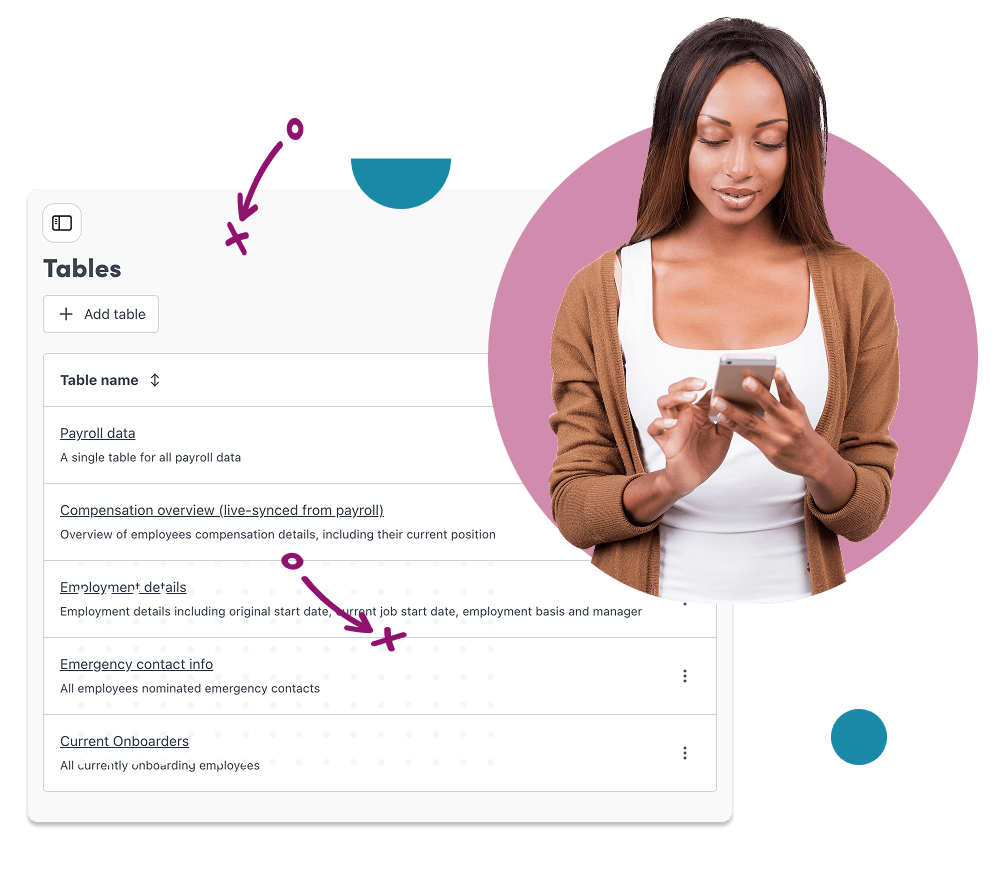
Consistency you can rely on
Create a reliable, structured foundation for your people data.
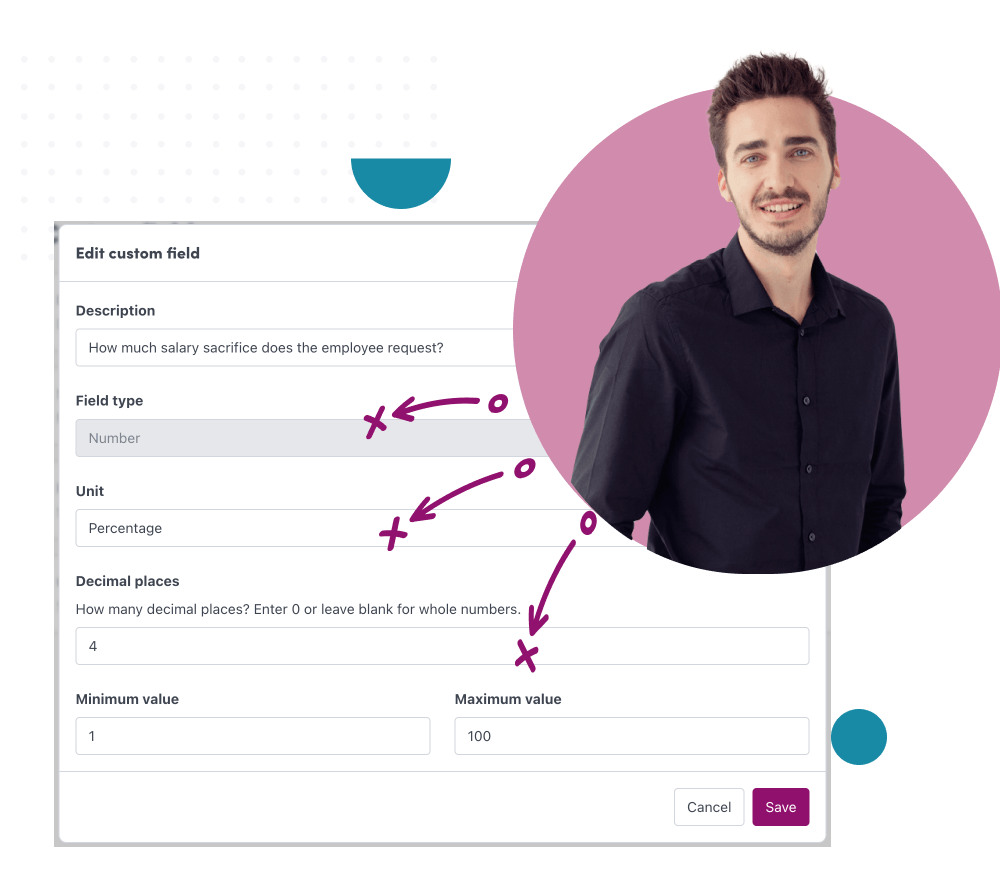
Ready for insight, not clean-up
Spend less time preparing data and more time acting on it.
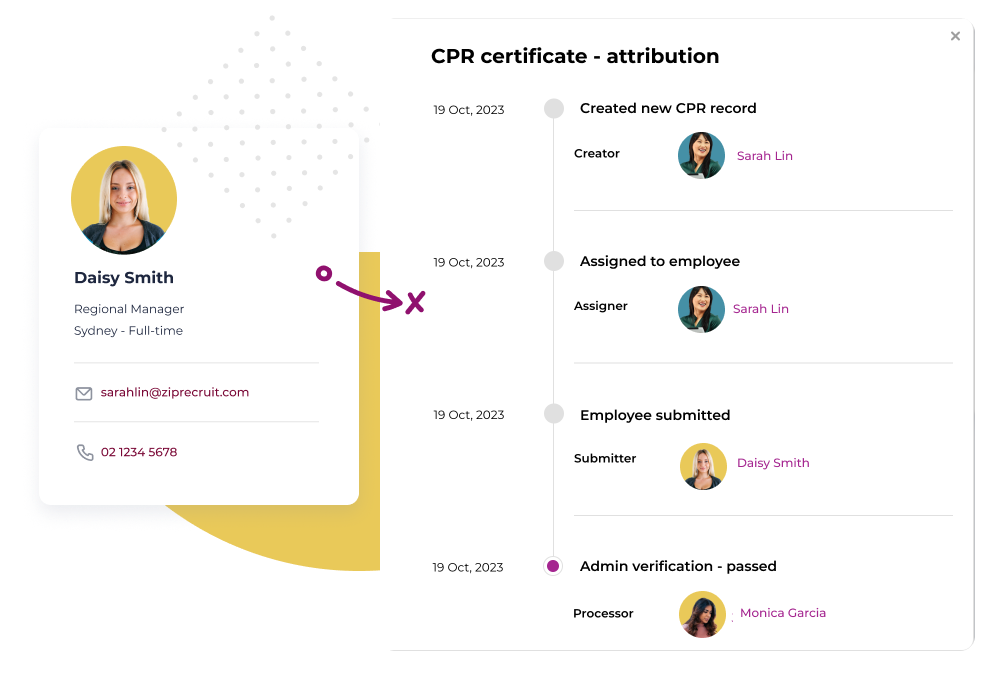
Control access, security, and systems





What people are saying about us
More Features
-
Fast, Local Australian
Built for Australians by Australians.
-
Robust access control
Access & permissions to protect sensitive people data.
-
Assisted Onboarding
A fast and pain free onboarding experience.
-
Trusted Security
Market leading security and data privacy by AWS.
-
100s of Integrations
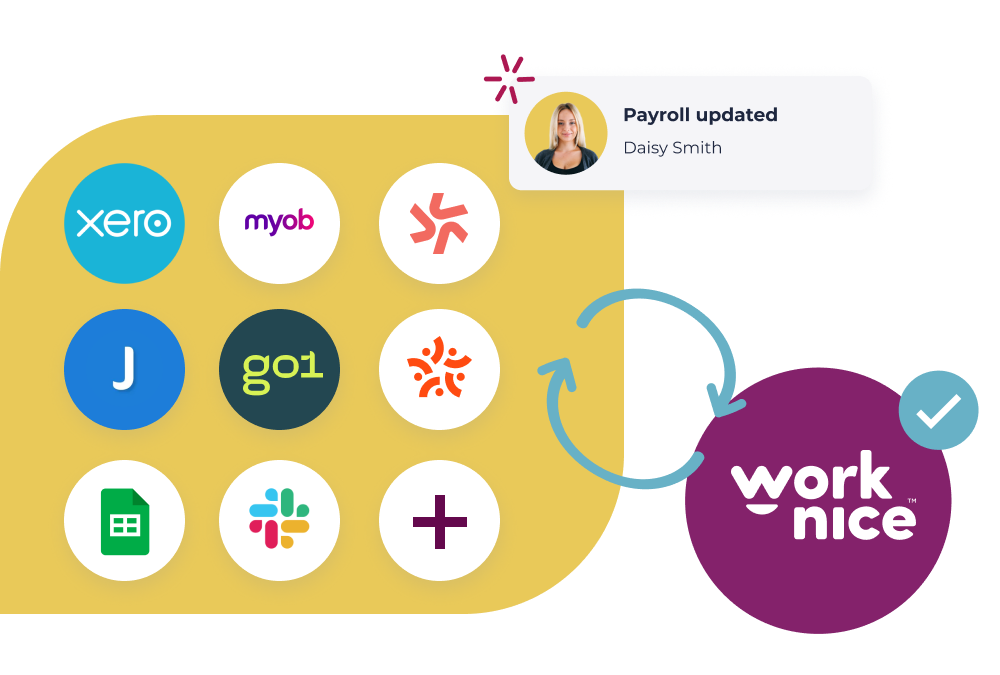
Connect your people, data and systems through powerful integrations.
-
Mobile friendly
Built for mobile from the ground up. Works on any device, any where.
Discover Worknice Today
Talk to us about your plans and discover how Worknice can help you build a great workplace.
If you have the questions, then we have the answers!
Like our employee records solution, Worknice’s free resource’s are created to set HR leaders free to do great work. Discover our free HR resources now.
SaaS vs On premise employee database software
If you’re looking to let your your inner nerd go wild and learn everything there is to know about modern day software options, then bam – you are in the right place! This blog will immerse that inner nerd into […]
FAQs
-
Can Worknice replace the spreadsheets we still use to manage people data?
Yes. Worknice gives you a familiar table-style experience for workforce data, without the version control issues, duplicate records, or manual updates that come with spreadsheets. Your team can work from live employee data instead of disconnected exports and side files.
-
Is the data live, or are we still exporting reports?
The data stays connected to your systems, so teams can work from current information instead of static exports. When data changes in payroll, HR, or connected systems, your tables stay up to date automatically.
-
Do we need to move all our payroll data into Worknice?
No. Worknice is designed to work alongside your existing systems, not replace them. Payroll can remain the source of truth for payroll-specific data, while Worknice brings workforce information together into one clear, usable view.
-
Can different teams create their own views of the same data?
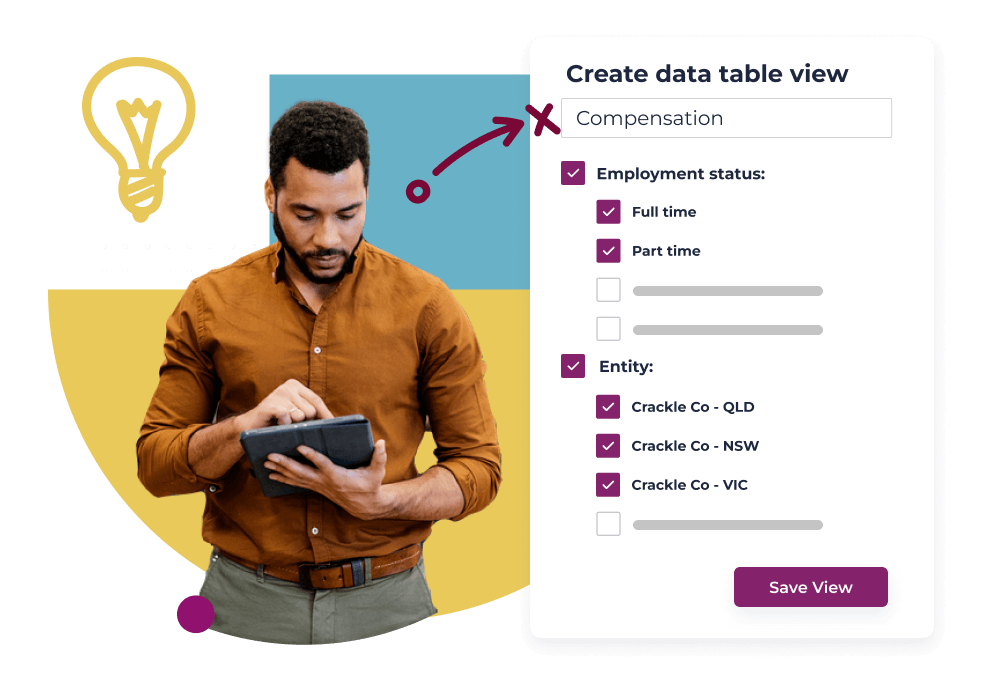
Yes. HR, payroll, operations, and leadership teams can save their own views, filters, and columns without creating duplicate spreadsheets. Everyone works from the same underlying workforce data.
-
Can we filter employee data by team, role, location, or custom fields?
Absolutely. You can filter workforce data however you need, by department, manager, employment type, location, custom fields, and more so teams can quickly get to the information that matters.
-
Will this help us answer people questions faster?
That’s exactly what it’s designed for. Instead of pulling information from multiple reports or systems, teams can work from one connected view of workforce data and get answers faster.
-
Can Worknice help clean up messy people data?
Yes. Worknice helps standardise and structure workforce data so reporting, planning, and compliance work starts from clean foundations not spreadsheet clean-up projects.
-
How does Worknice help teams trust the data?
By reducing duplicate records, disconnected spreadsheets, and conflicting reports. Worknice gives teams one consistent view of workforce data, with permissions and controls built in.
-
Can we bring existing spreadsheet data into Worknice?
Yes. Existing workforce data can be imported into Worknice so teams can move away from manual spreadsheets without starting from scratch.
-
Will this help us answer people questions faster?
That’s exactly what it’s designed for. Instead of pulling information from multiple reports or systems, teams can work from one connected view of workforce data and get answers faster.
-
Can Worknice help clean up messy people data?
Yes. Worknice helps standardise and structure workforce data so reporting, planning, and compliance work starts from clean foundations — not spreadsheet clean-up projects.
-
How does Worknice help teams trust the data?
By reducing duplicate records, disconnected spreadsheets, and conflicting reports. Worknice gives teams one consistent view of workforce data, with permissions and controls built in.
-
Can we bring existing spreadsheet data into Worknice?
Yes. Existing workforce data can be imported into Worknice so teams can move away from manual spreadsheets without starting from scratch. You can utilise custom fields for any non-core data you may have.
