HR Approval Workflow Software
Action decisions & requests without the admin drag
New roles, pay rises, promotions and equipment – manage your requests and approvals in one place with Worknice. Track, route and update records automatically.



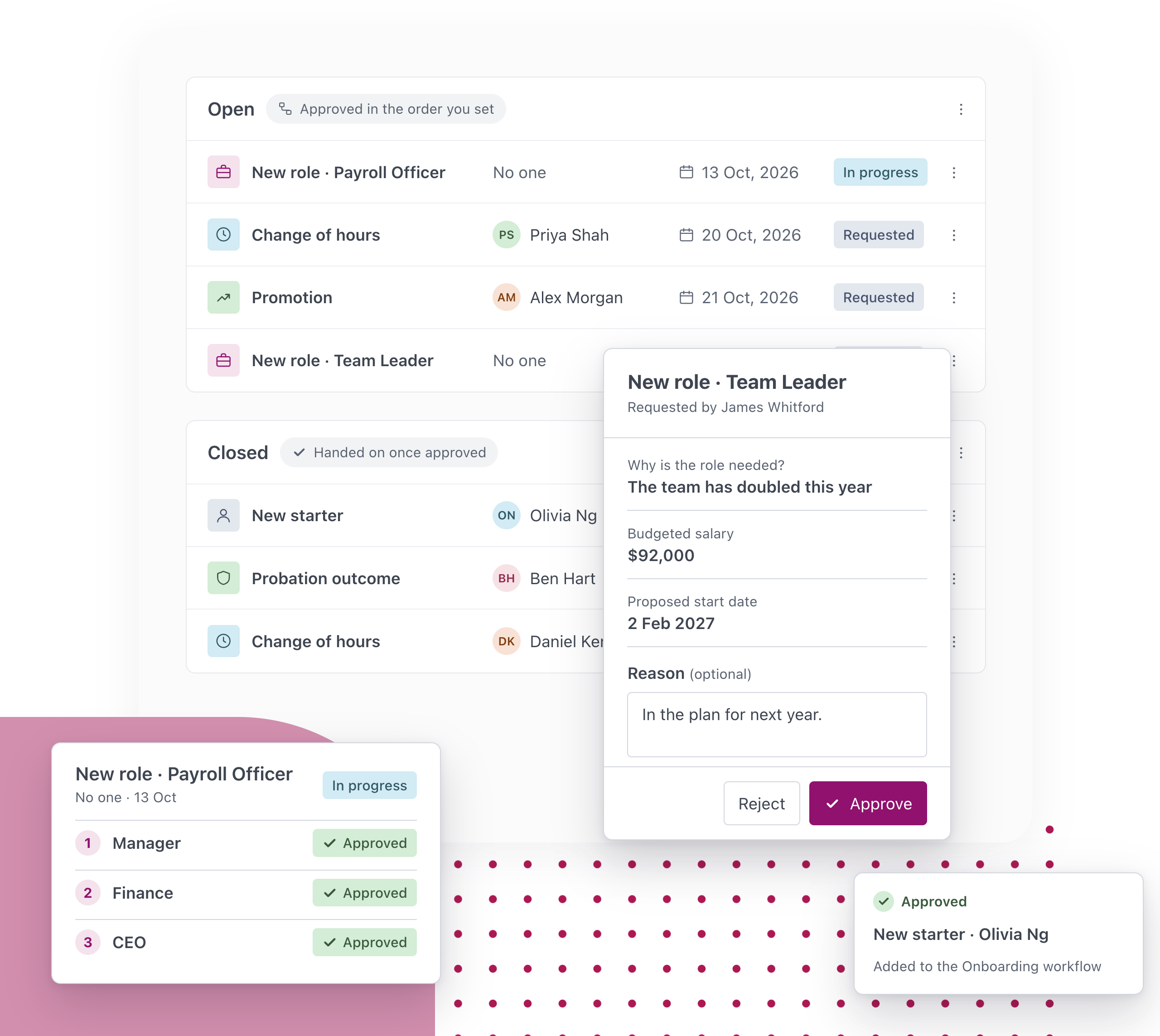
For a lot of teams, approval to hire is a form passed around for signatures, and a pay rise is a chain of emails before anyone writes the letter. Worknice requests brings everything that needs a sign-off onto the same platform as the rest of your people processes. Set up each request once, with the questions it asks and the approvers it goes through, and your people can make it whenever they need to. Approvals happen in the order you set, everyone can see where a request is up to, and once it’s approved Worknice marks it complete, hands it to the person who does the work or starts a workflow, so the paperwork follows the decision.
Why you will love our approval software
Why you will love our approval software

Request scopes for all scenarios
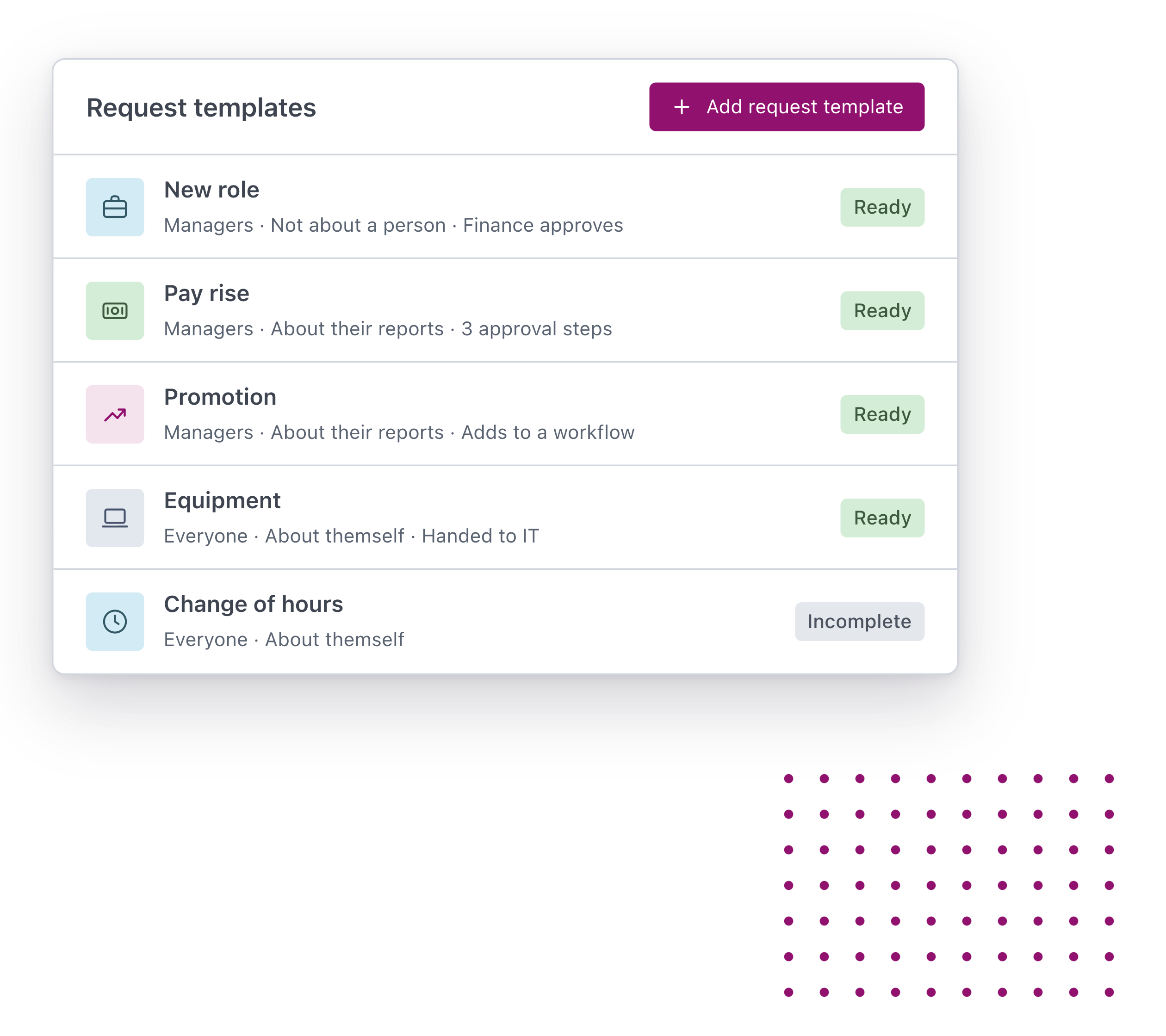
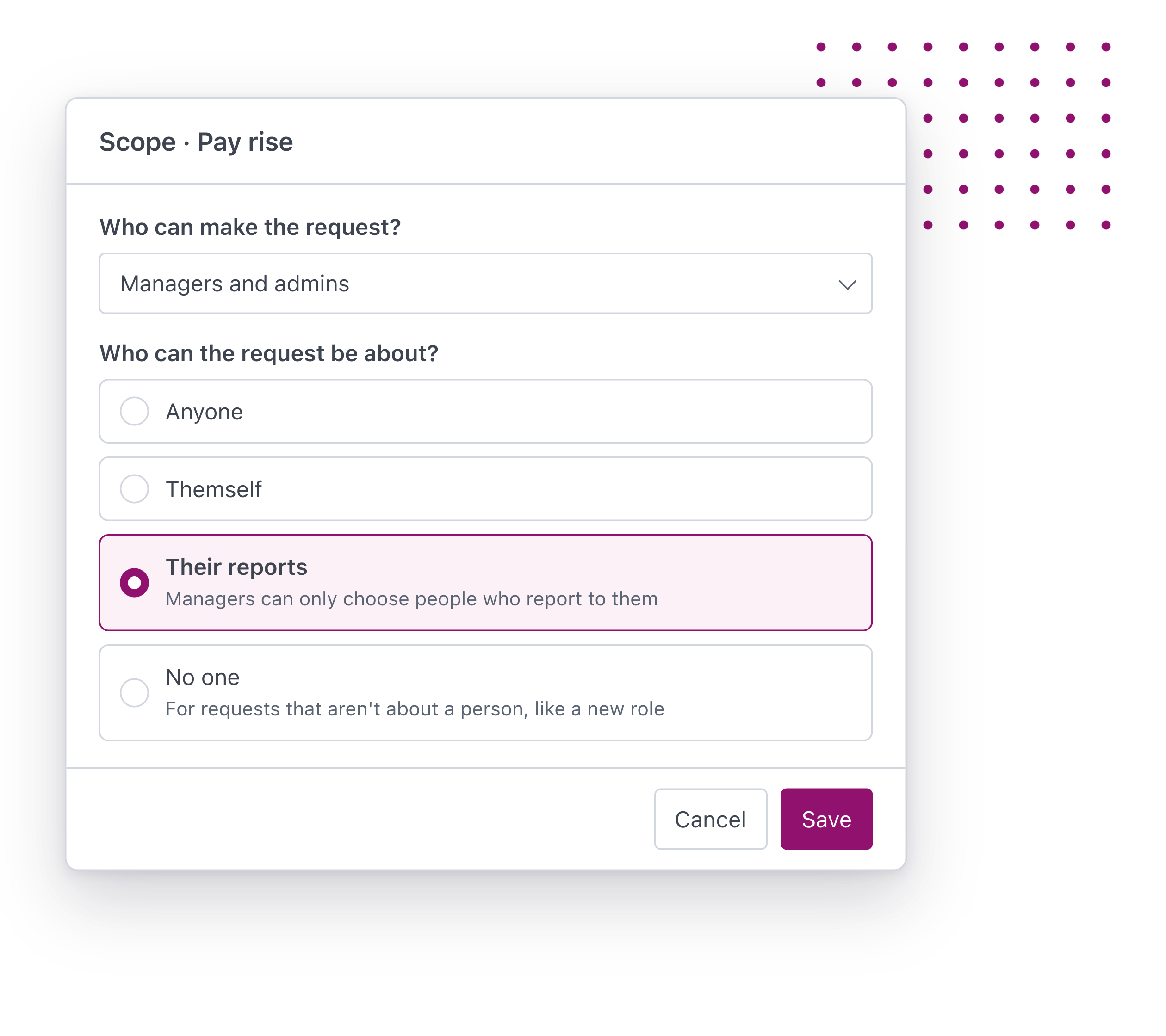
Build a requests that can be triggered by employees, managers and/or your HR team. Your people pick it, fill it in and send it.

The right approvers, in order
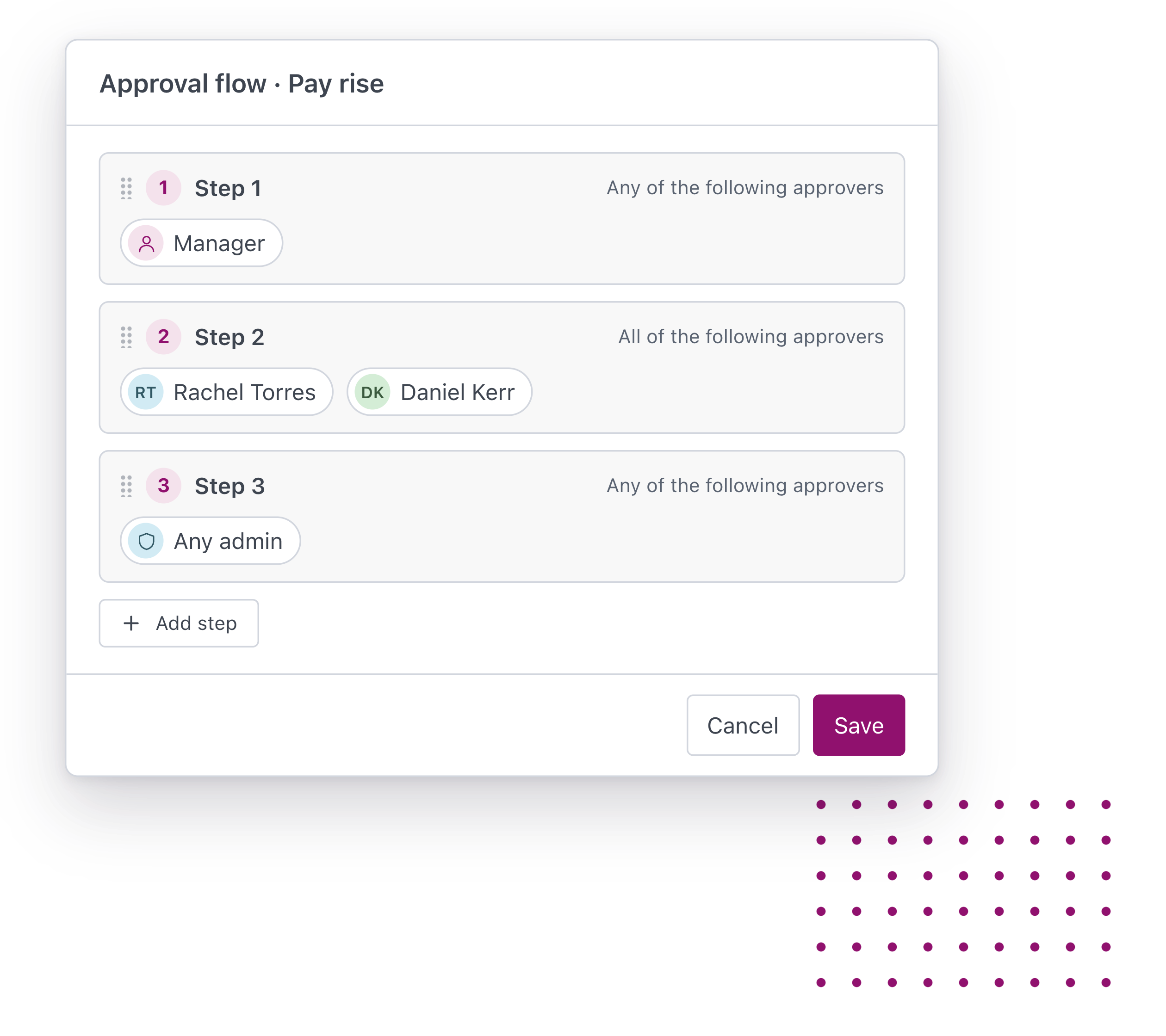
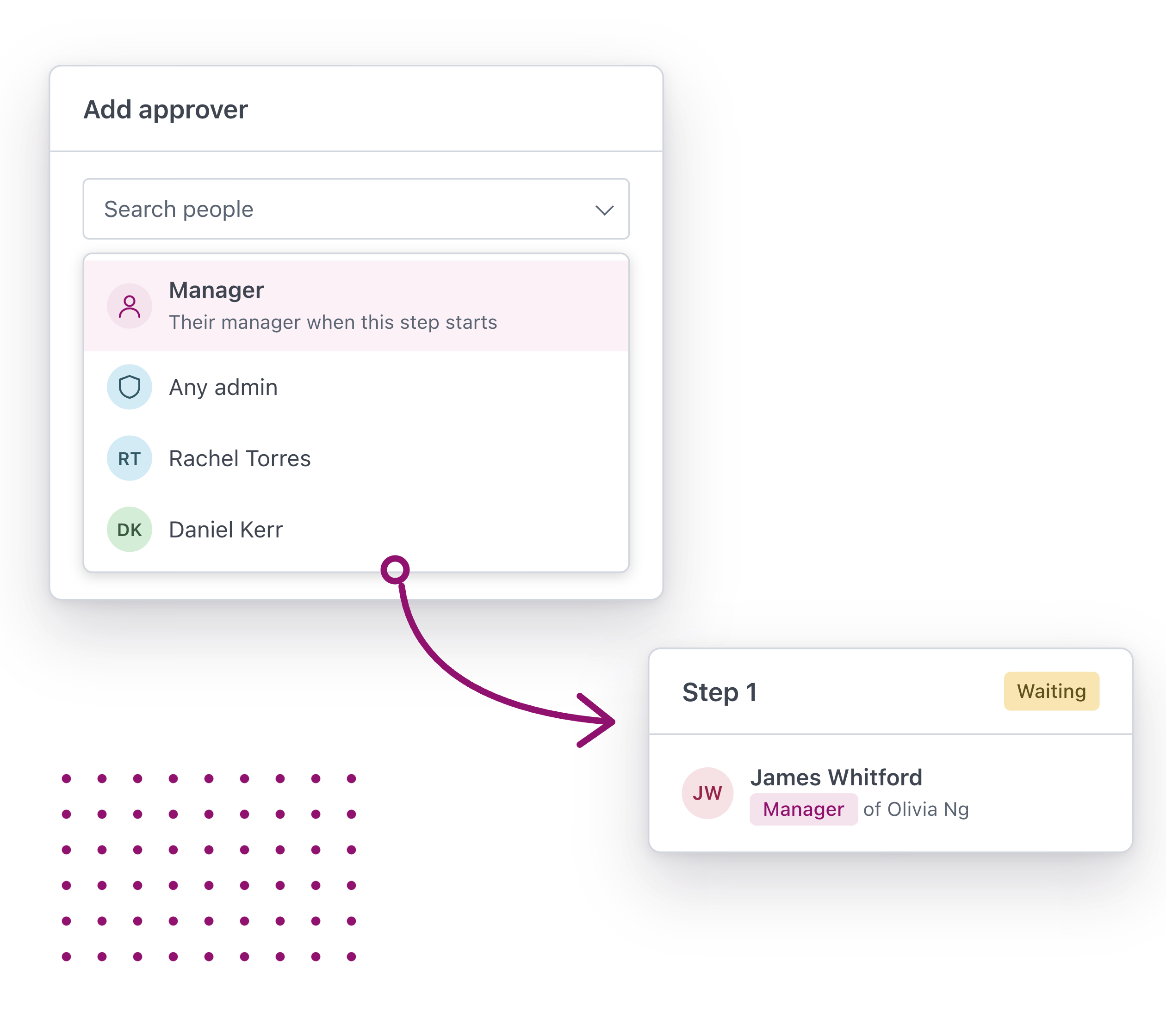
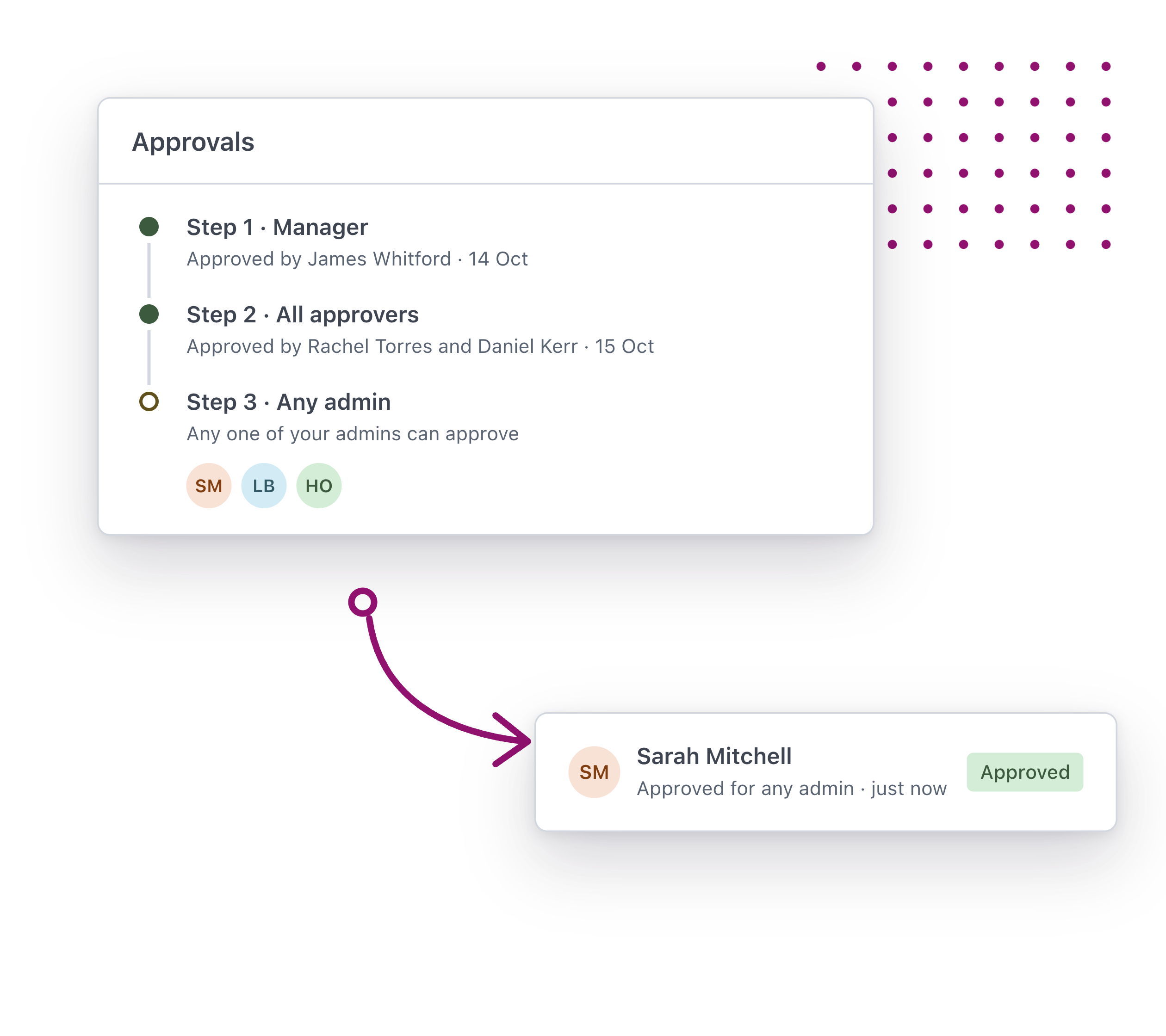
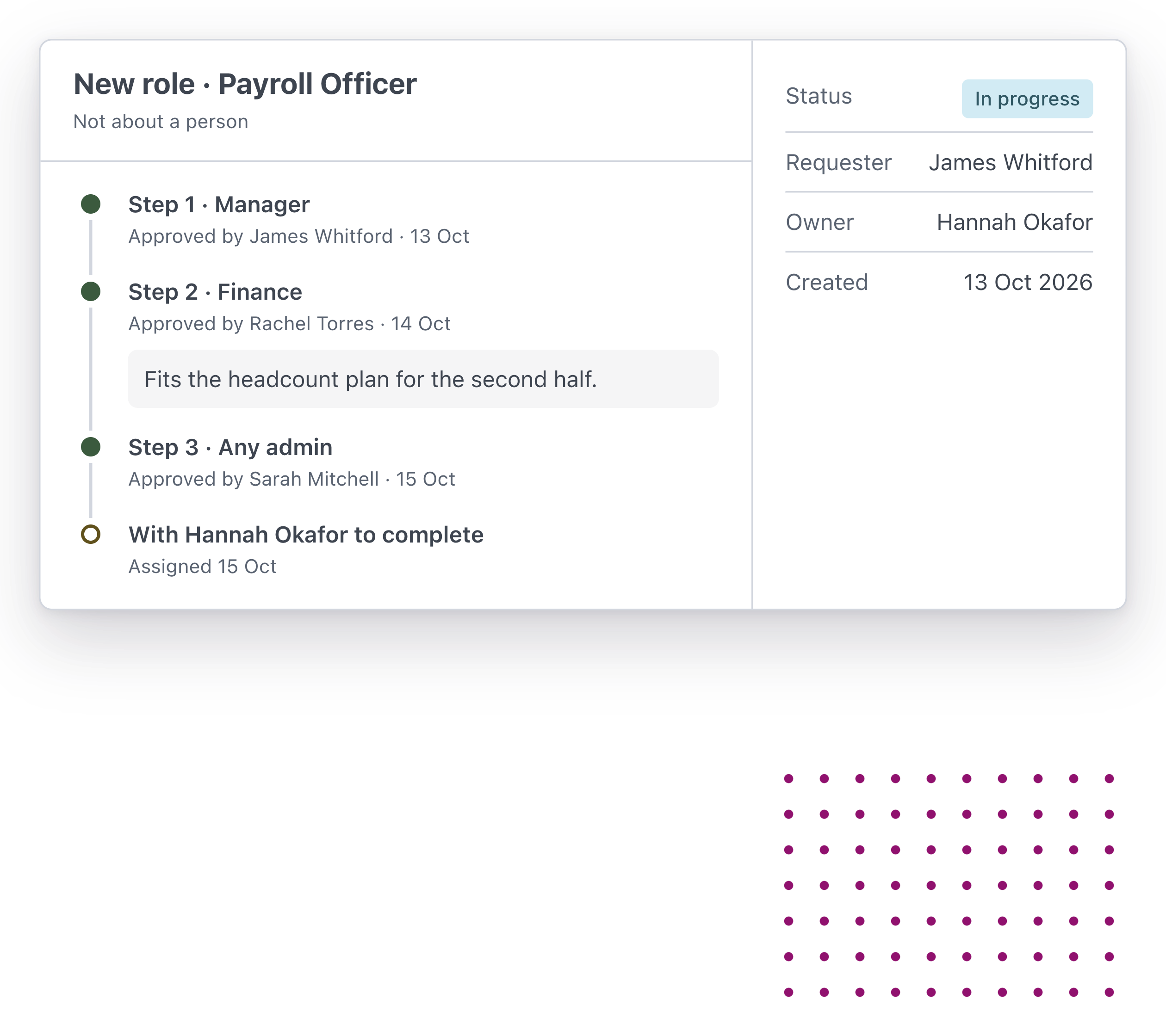
Send each request through the steps you set, from the person’s manager to finance and your CEO. Each step is signed off before the next one starts.

Approval to action so nothing falls through the cracks
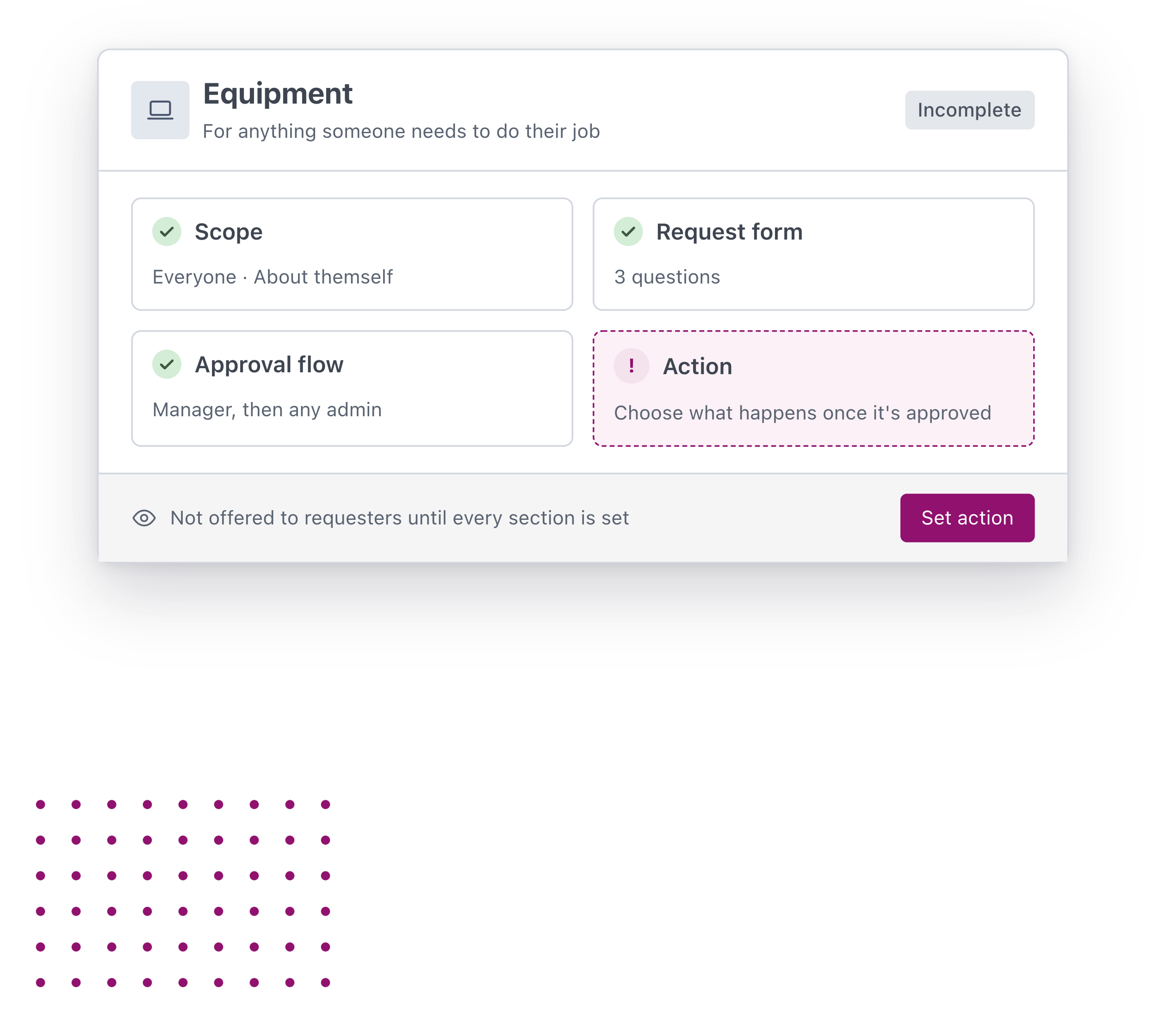
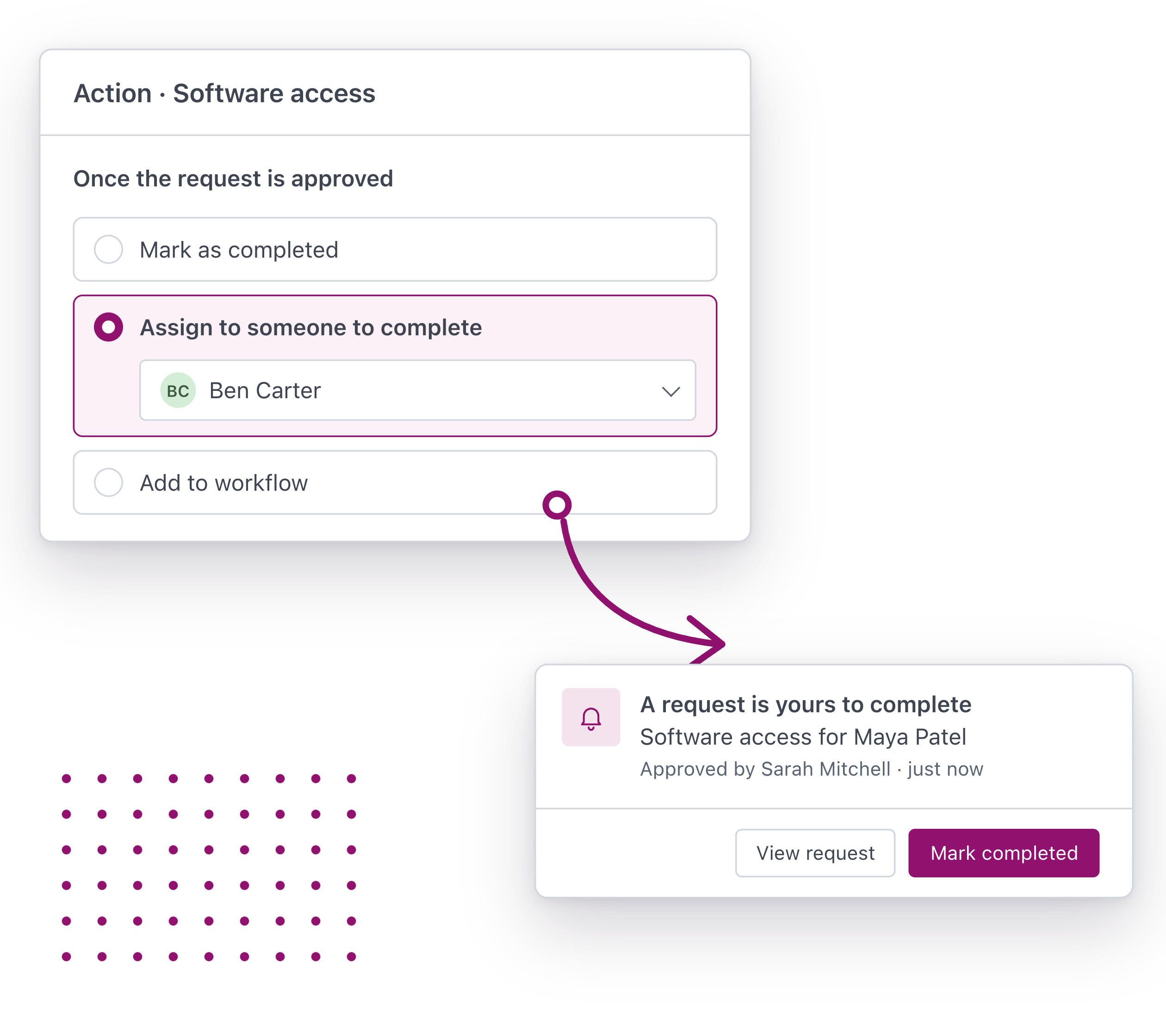
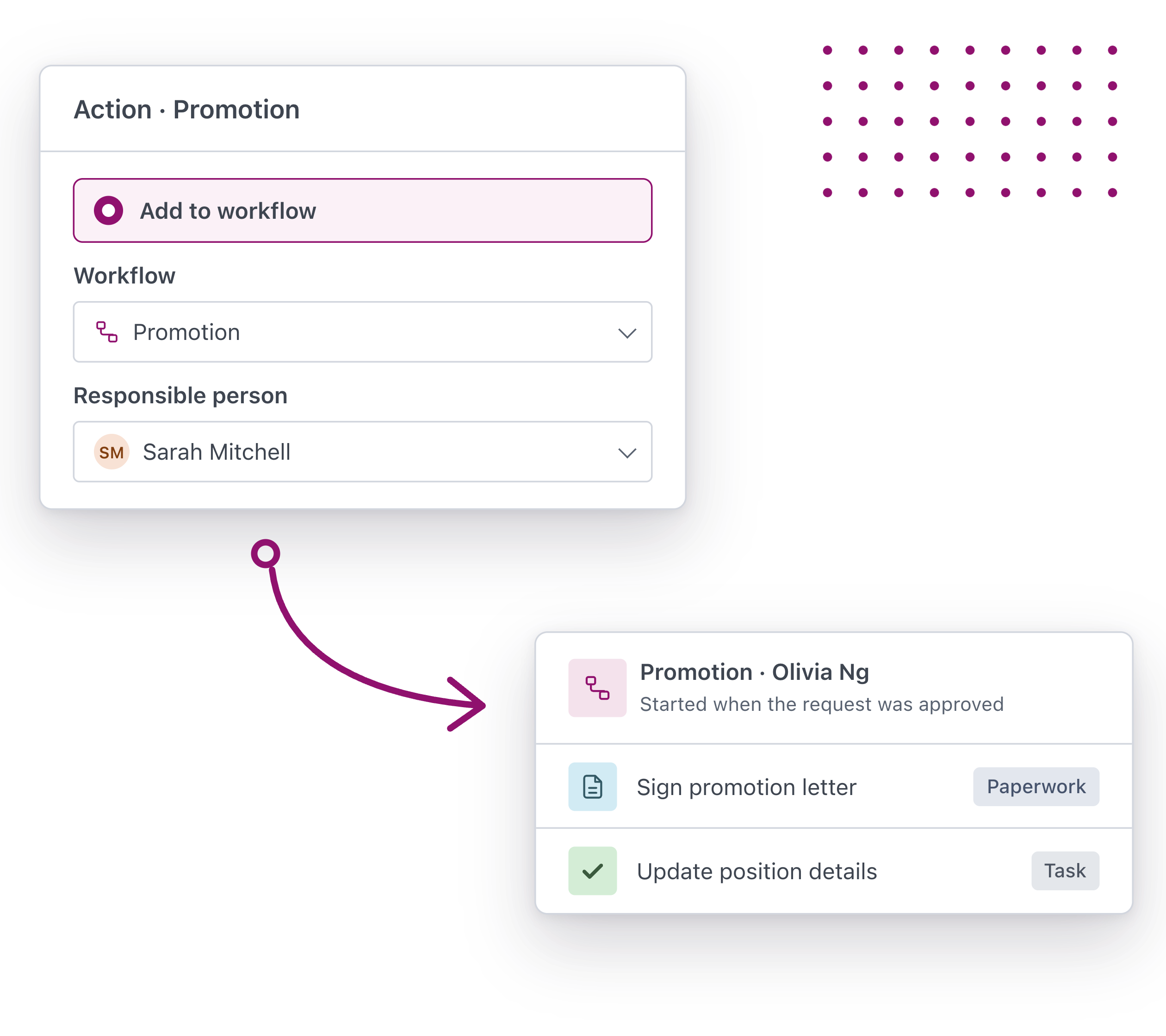
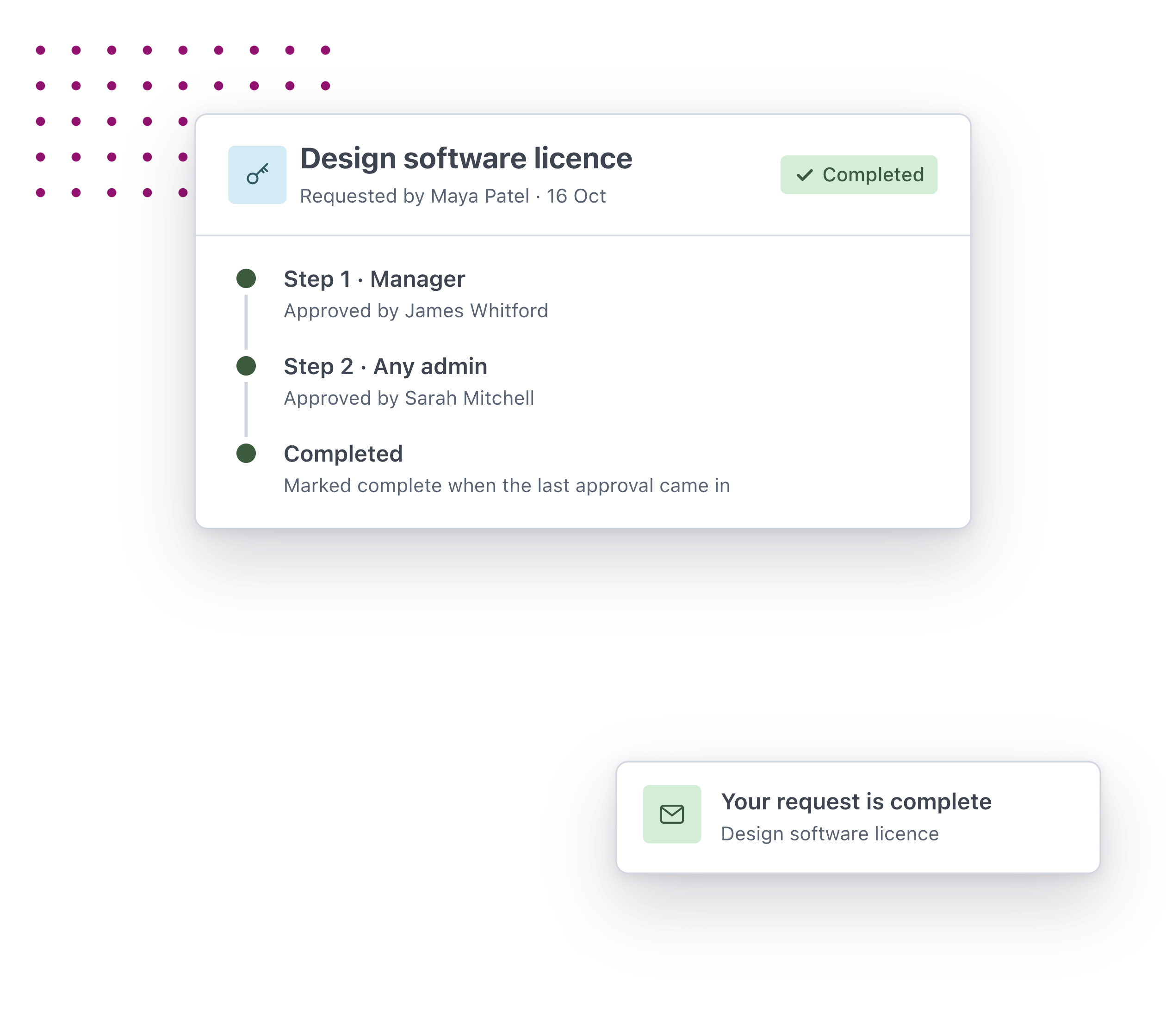
Once a request is approved, Worknice marks it complete, hands it to the person who does the work or starts a workflow. Nobody has to remember to follow up.
Get started with Worknice
Set up any request once
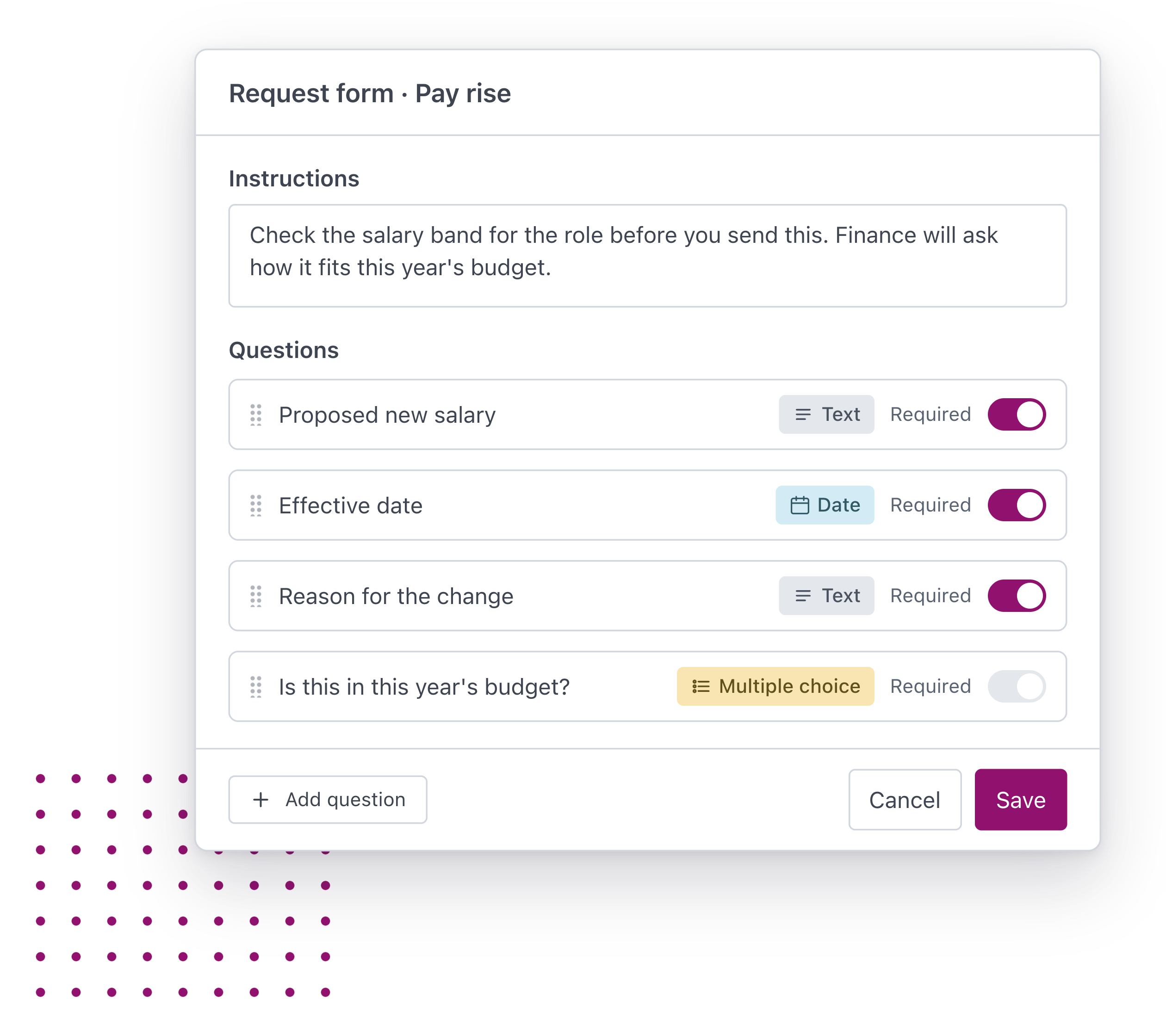
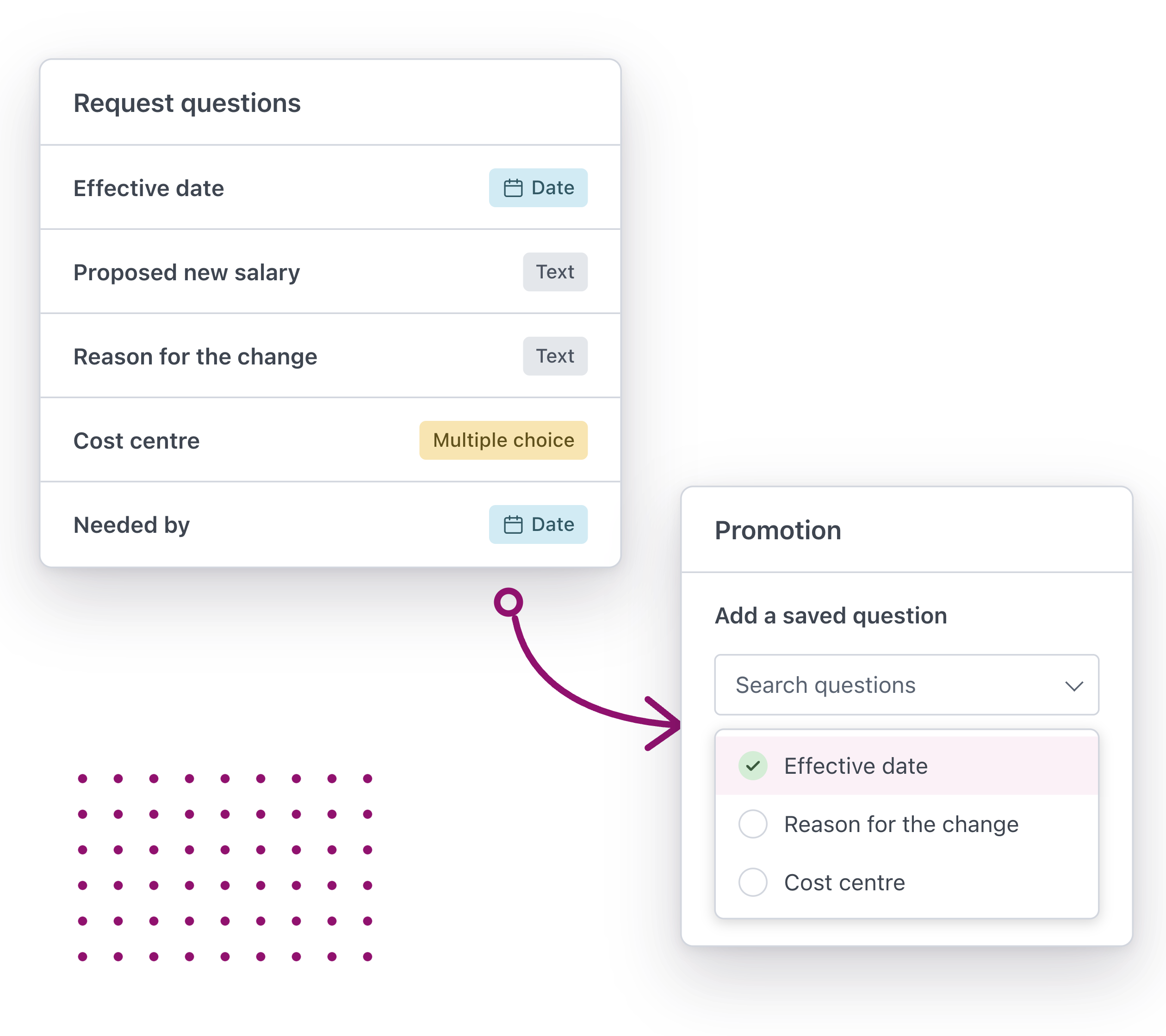
Decide what each request asks, who can make it and what happens next, then let your people make it whenever they need to.
The right approvers, every time
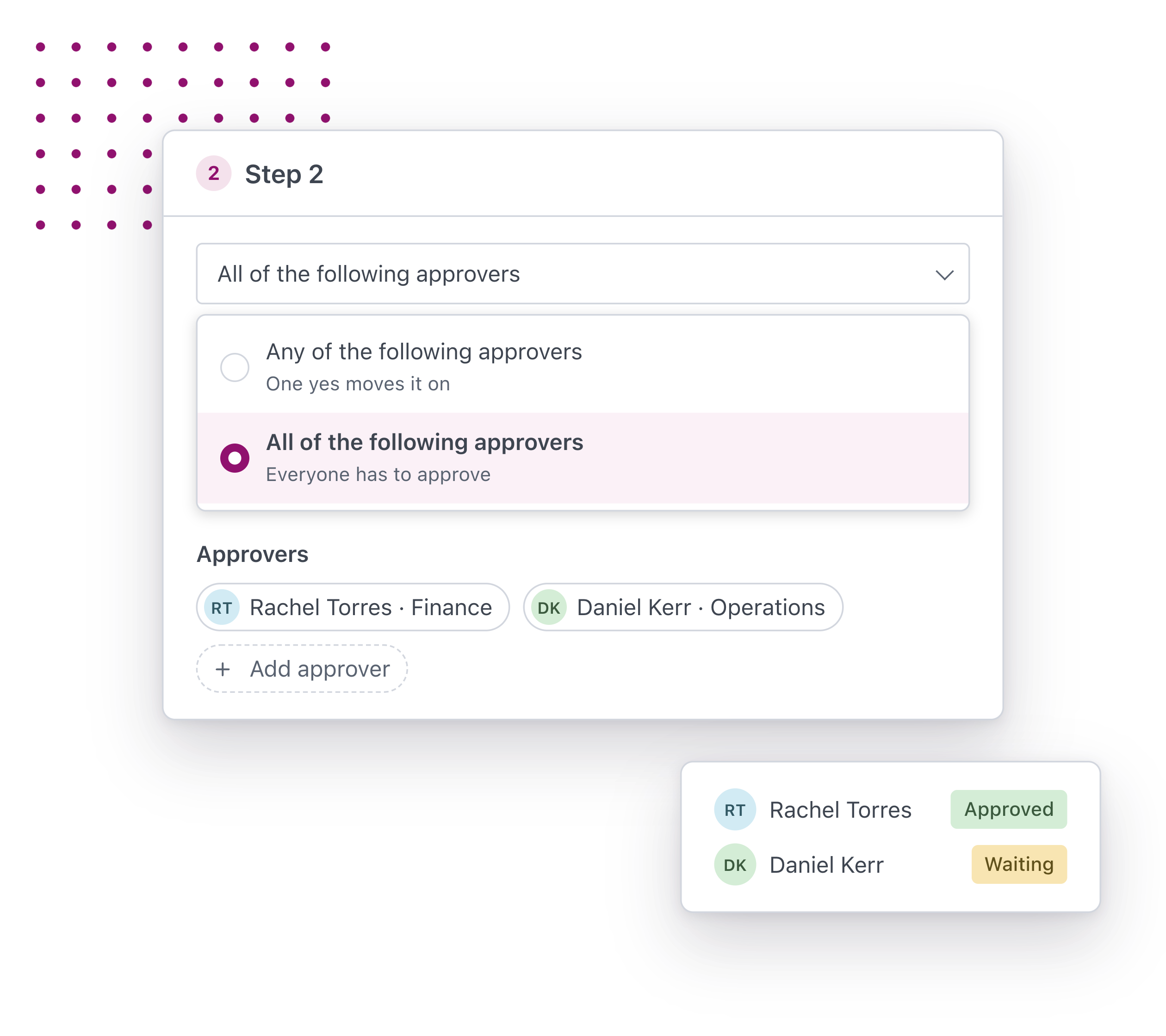
Every request goes to the people who need to sign it off, in the order they need to, without anyone chasing it by email.
Approved means it gets done
Every request ends with a next step and a clear record, so an approval turns into an outcome instead of another email to follow up.
Requests everyone will love

Maya – Employee
Ask once, then let it move
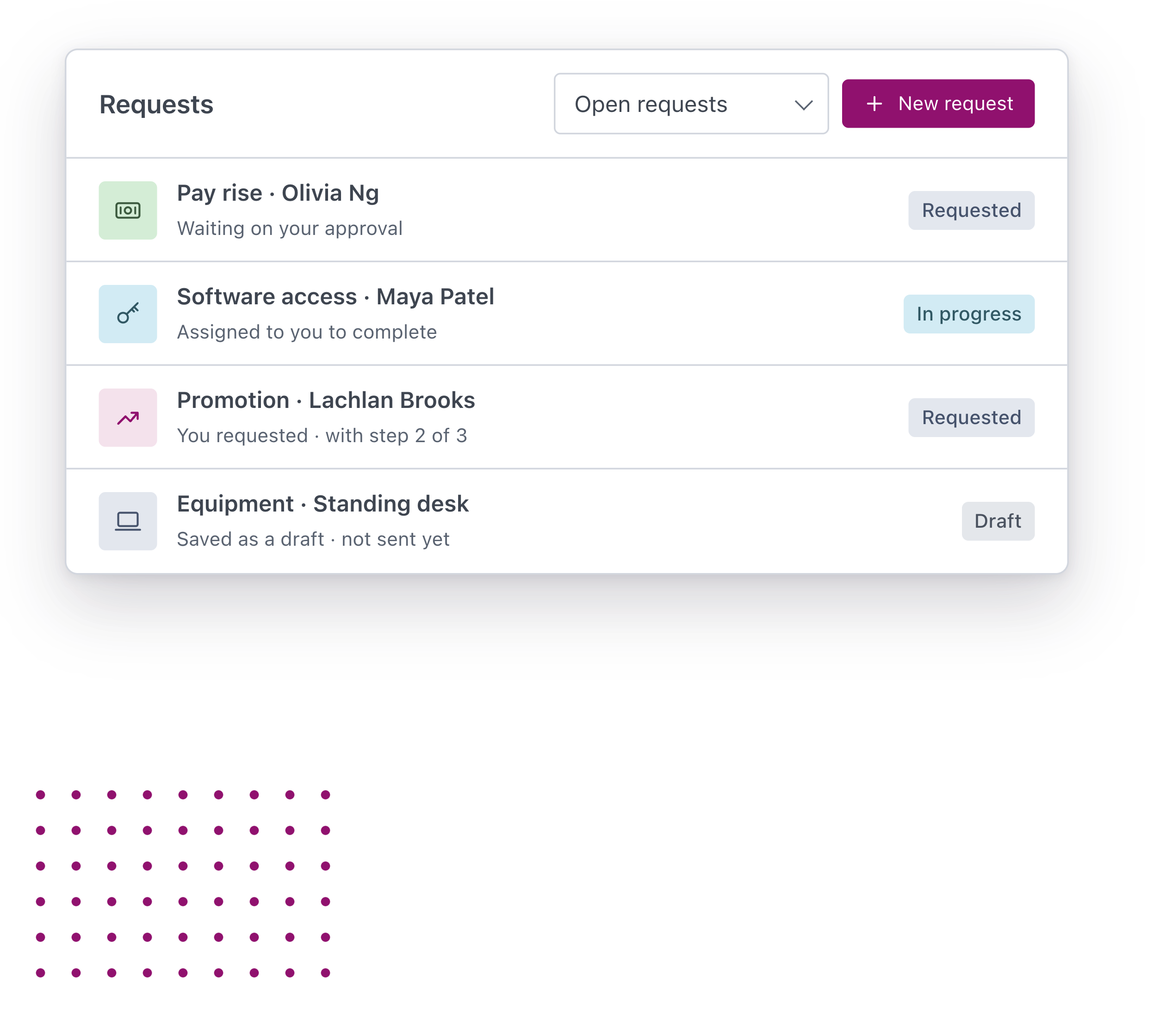
Ask to change your hours or for new equipment from your Requests page, see each approval as it happens and hear the moment it’s done.

James – Manager
Sign-off without the chase
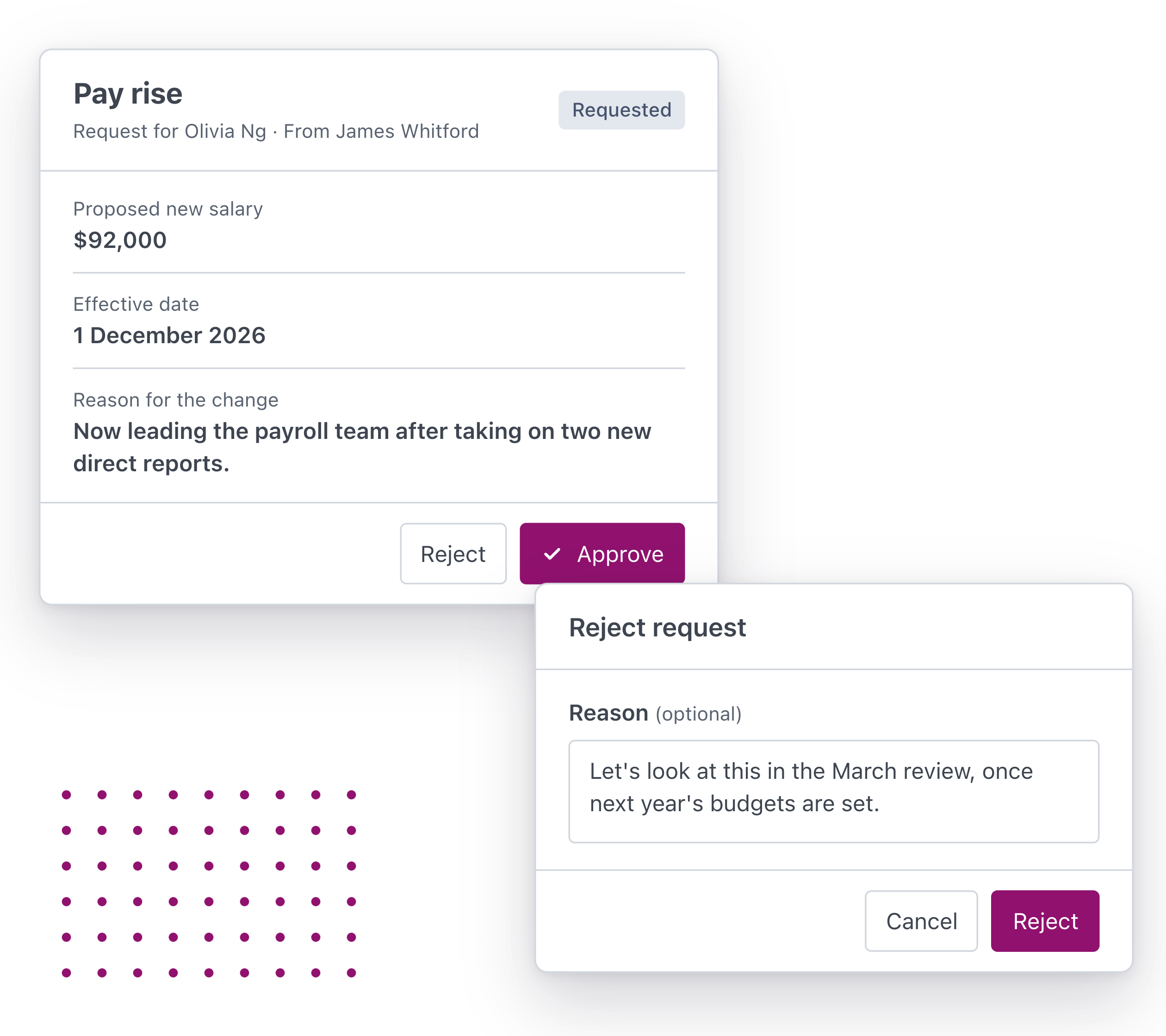
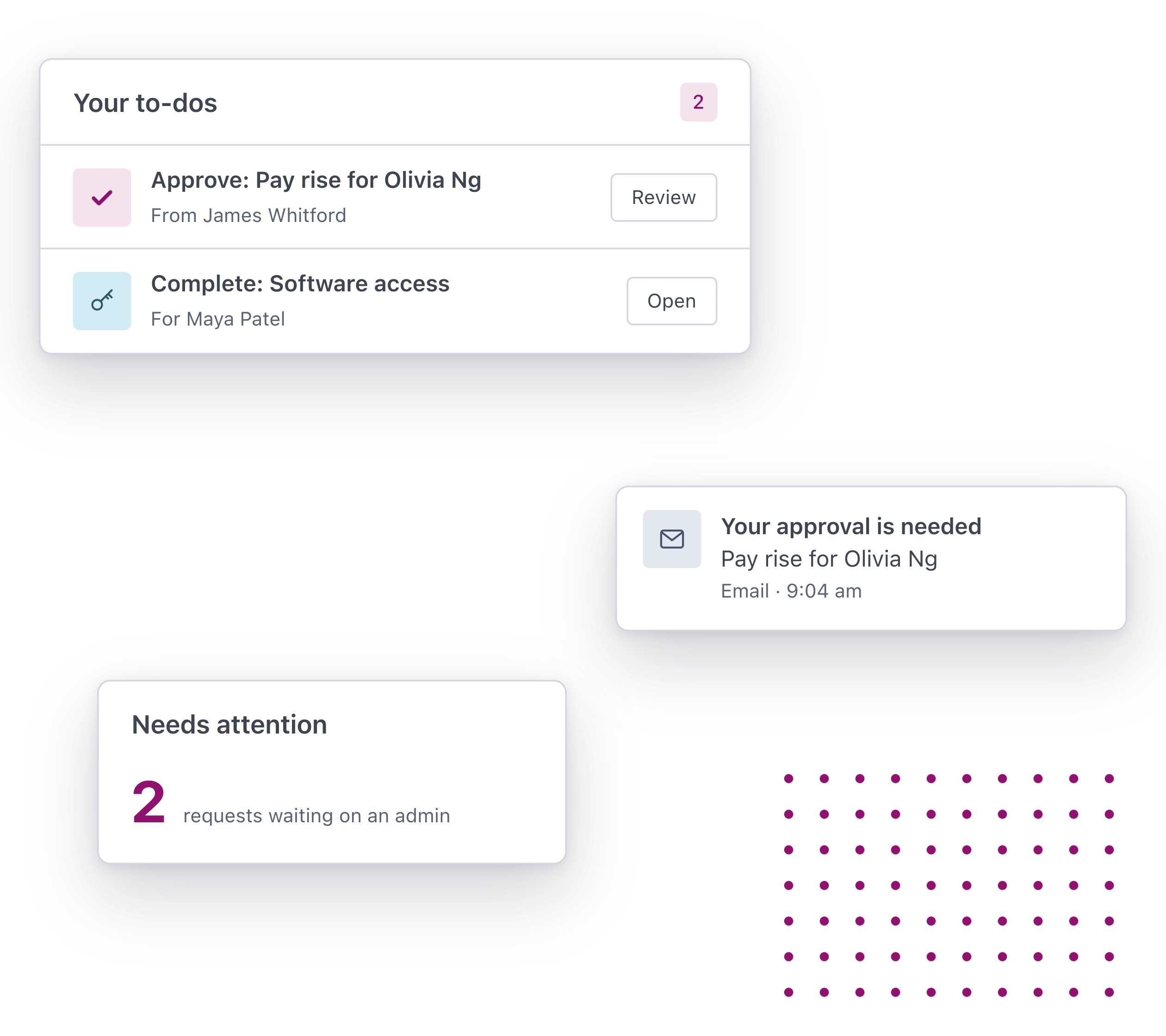
Ask for a new role, or a pay rise for someone in your team, approve what’s waiting on you from Home and give a reason when the answer is no.

Sarah – People Leader
One way to ask for anything
Set up each request once, see every request across your organisation and step in when one gets stuck.




What people are saying about us
More Features
-
Fast, Local Australian
Built for Australian’s by Australian’s.
-
Next-Gen Technology
Modern technology approach enabling scalable HR.
-
Assisted Onboarding
A fast and pain free onboarding experience.
-
Trusted Security
Market leading security and data privacy by AWS.
-
100s of Integrations
Connect your people, data and systems through powerful integrations.
-
Mobile friendly
Built for mobile from the ground up. Works on any device, any where.
Discover Worknice Today
Talk to us about the requests and approvals your team chases today, and see how Worknice can run them.
If you have the questions, then we have the answers!
Like our HR employee onboarding software, Worknice’s free resource’s are created to set HR leaders free to do great work. Discover our free HR resources now.
Ensure employee compliance during the onboarding process
You’ve hired a new employee for your organisation. You ensure there is a desk set up, you rummage through the dusty supply closet to gather all of the necessities, grab some swag items, try and find a spare […]
Sample employee onboarding process map
An employee onboarding process refers to the steps to integrate a new employee into a company and its culture. This process also contributes to getting a new hire the tools and information […]
Employee Onboarding checklist template
This downloadable and free employee onboarding checklist template is designed to help employers get prepared in the lead up to an employee’s first day at work. It includes many of the key tasks to complete […]
FAQs
-
What is approval workflow software?
Approval workflow software gives every request that needs a sign-off, like a pay rise, a promotion, a new role or new equipment, one place to be asked for, approved and acted on, so nothing is lost across email threads, paper forms and spreadsheets.
-
What kinds of requests can we set up?
Anything that needs a form and a yes. Common ones are new roles, pay rises, promotions, changes to someone’s hours or role, equipment and system access. You build each request yourself, with the questions it needs. Leave isn’t one of them, because leave has its own requests and approvals in Worknice.
-
Can finance approve a role before we advertise it?
Yes. Set up a request for new roles that isn’t about any one person, send it through the approvers you need, such as the manager, finance and your CEO, and hand it to whoever runs recruitment once it’s approved.
-
Can HR software handle complex approval workflows?
Yes. A request can go through as many steps as it needs, in order, and each step can need a yes from any one of its approvers or from all of them. Approvers can be named people, the person’s manager or any admin.
-
Who approves when someone changes manager?
Worknice works out who the manager is when that approval step starts, so the request goes to whoever is the manager at that point.
-
What happens once a request is approved?
You choose for each request. Worknice can mark it complete, hand it to a named person or the manager to complete, or add the person it’s about to a workflow with its tasks and paperwork.
-
Can people see where their request is up to?
Yes. Each request shows every step, who has approved it and who has it now. People are told when a request needs their approval, when one is handed to them and when theirs is rejected or completed.
-
Who can see a request?
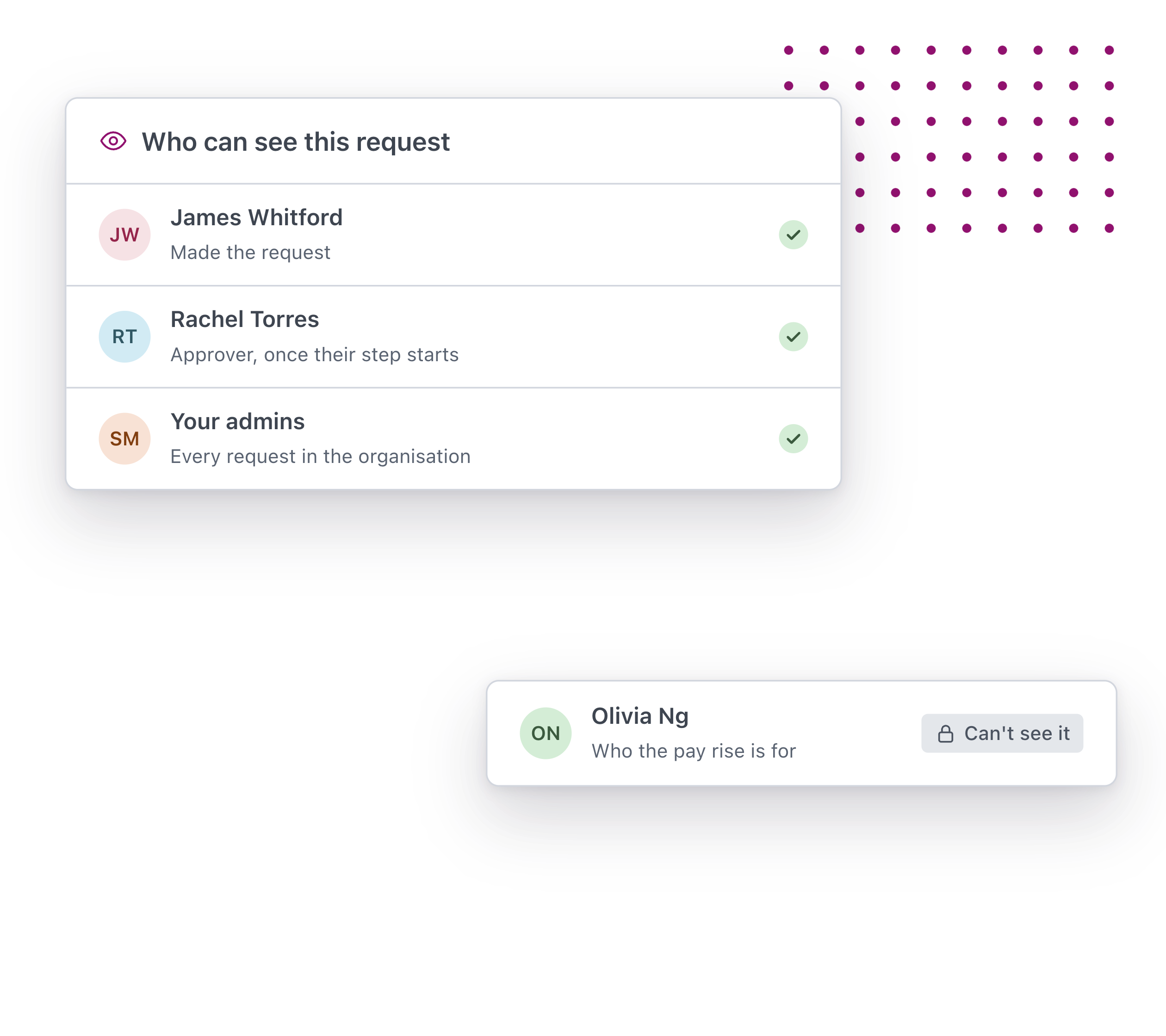
The person who made it, its approvers once their step starts, the person completing it and your admins. Being the person a request is about doesn’t give someone access to it.
-
What if an approver is away?
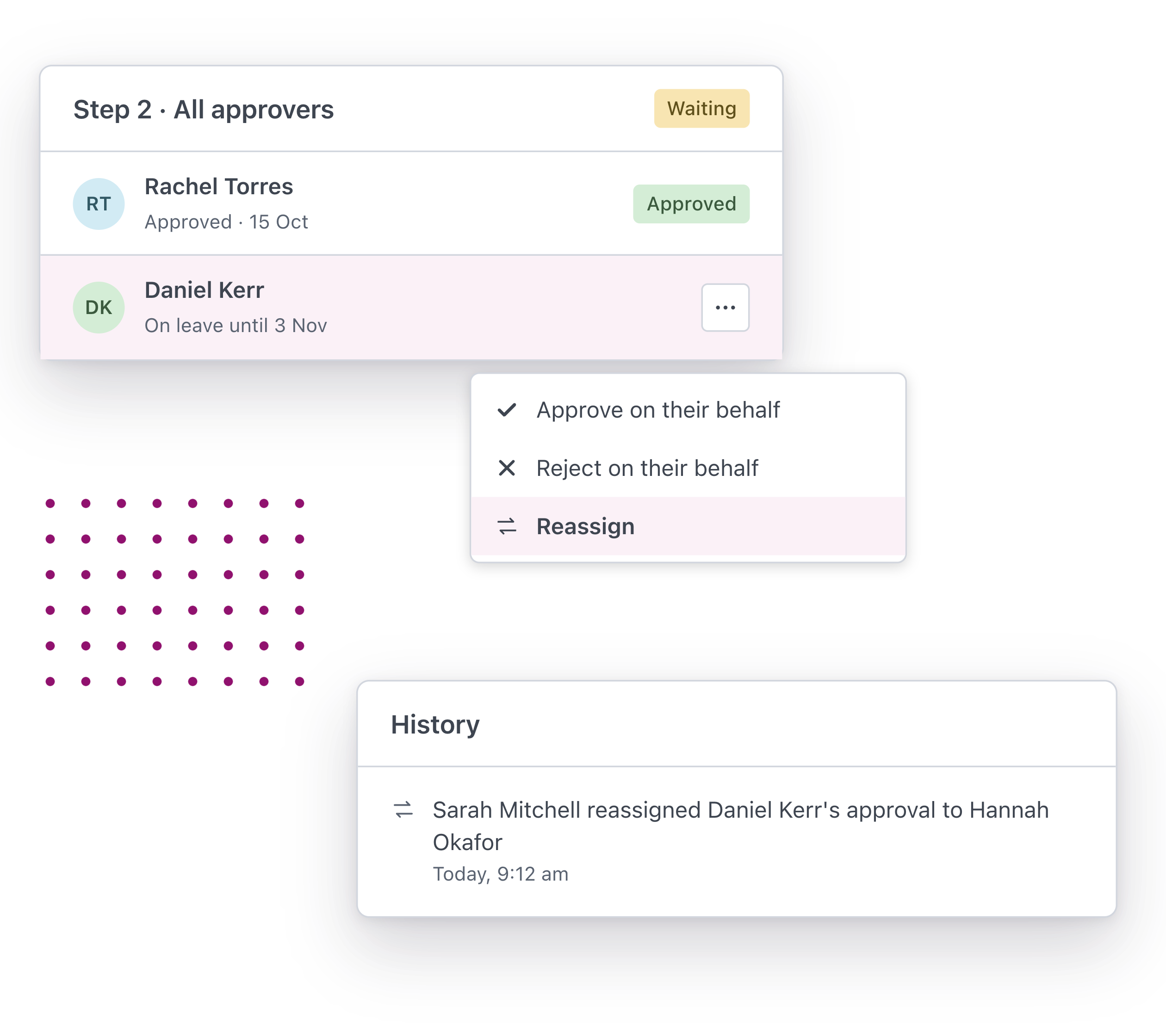
An admin can approve or reject on their behalf, or hand the approval to someone else. Every change is recorded on the request.
-
Can a request be cancelled?
Yes. The person who made it or an admin can cancel a request while it’s still open.
-
Can we save a request and finish it later?
Yes. Save it as a draft, come back to it and send it when it’s ready.
