TL;DR: A next-gen HRIS is open by design. It runs core HR, then connects through two-way integrations to your payroll, recruitment, and rostering tools. A traditional HRIS is closed instead. It expects to own every job and integrates poorly with anything else. Switch when re-keying, parallel spreadsheets, and disconnected records cost more than the move.
Last updated 9 October 2026.
Key takeaways
- The clearest test of a next-gen HRIS is whether its integration list names other vendors’ products.
- According to MuleSoft’s 2025 Connectivity Benchmark, the average enterprise runs 897 applications, and only 29% are integrated.
- For years, HR teams chose between broad but rigid all-in-one suites and polished point solutions that scattered their data.
- A next-gen HRIS keeps payroll as the source of truth, so changing HR systems never forces a payroll migration.
- Fair Work rules require employee records to be kept for 7 years, so plan your export before giving notice.
What is the difference between a next-gen HRIS and a traditional HRIS?
Next-gen and traditional HRIS platforms both hold employee records, but they differ in how they treat every other system you run. The next-gen kind is open, connecting to payroll, recruitment, and rostering tools through two-way integrations. The traditional kind is closed. It expects you to adopt its own module for each job.
That difference in attitude shapes almost everything else about the two. A closed system grows by adding modules, so each new need becomes another part of the same suite. By contrast, an open system grows by adding connections. It keeps a focused core of employee records, onboarding, documents, and compliance, then lets specialist tools plug in around it.
Consider a hospitality group with three venues and about 300 staff. It pays them through one payroll system, rosters in another tool, and recruits through an applicant tracking system. With a closed HRIS, someone copies each new starter between those systems by hand. With an open HRIS, the record is created once and flows to the others.
For the definition on its own, including the five traits most next-gen platforms share, see what next-gen HR software is.
Why did HR teams have to choose between all-in-one suites and point solutions?
HR teams had to choose because, for years, the market offered two incomplete options. All-in-one suites gave one vendor, one bill, and a long feature list, but often felt rigid. Point solutions gave polished, deep tools for single jobs, but scattered data across several systems and contracts. As a result, neither gave HR a reliable single source of truth.
| Approach | Strengths | Weaknesses | Usually suits |
|---|---|---|---|
| All-in-one HR suite | One vendor, one bill, and a long feature list | Clunky workflows, shallow modules, and low employee adoption | Small businesses with no dedicated HR team |
| Point solutions | Polished interfaces, deep features, and easy tailoring | Scattered data, many contracts, and painful integrations | Teams with niche needs and IT support |
| Next-gen HRIS | A focused HR core plus two-way integrations | Depends on the quality of each integration | Mid-sized organisations keeping their existing payroll and tools |
Vendors in both camps kept bolting on features to borrow each other’s strengths. Suites added more modules, while point tools added light HR records. The result was a search for a Goldilocks zone: not too rigid, not too fragmented. The next-gen HRIS is the answer that emerged, because it changes the architecture rather than the feature list.
Why point solutions alone break down
Point solutions work well until the data has to meet. Suppose your recruitment tool, onboarding forms, and payroll each hold a slightly different version of one employee. Every report then starts with an hour of reconciliation. According to MuleSoft’s 2025 Connectivity Benchmark Report, the average enterprise manages 897 applications, yet only 29% of them are integrated.
How can you tell whether an HRIS is open or closed?
You can tell whether an HRIS is open or closed by asking how it handles systems it does not own. An open HRIS names other vendors’ payroll, recruitment, and rostering products as integrations, explains which way each field syncs, and offers an API. A closed one answers with its own modules and treats outside connections as custom work.
Ask the same four questions in every demo, because they cut through most marketing language in ten minutes.
- Direct integrations: which systems do you integrate with directly, and who maintains each one? Named products, maintained by the vendor, signal an open platform.
- Direction of sync: which way does each field move between the systems? Good answers separate data that starts in the HRIS from data that starts in payroll.
- Payroll: do you require us to move payroll to your platform? An open HRIS leaves payroll as the source of truth, while a closed suite often expects its own module.
- Exit terms: what happens to our data if we leave? Clear export terms show how a vendor treats your records.
Watch the demo as closely as the answers. If every screen shown is the vendor’s own module, the platform is probably closed. That holds however many integrations the website lists.
What does an open HRIS look like in practice?
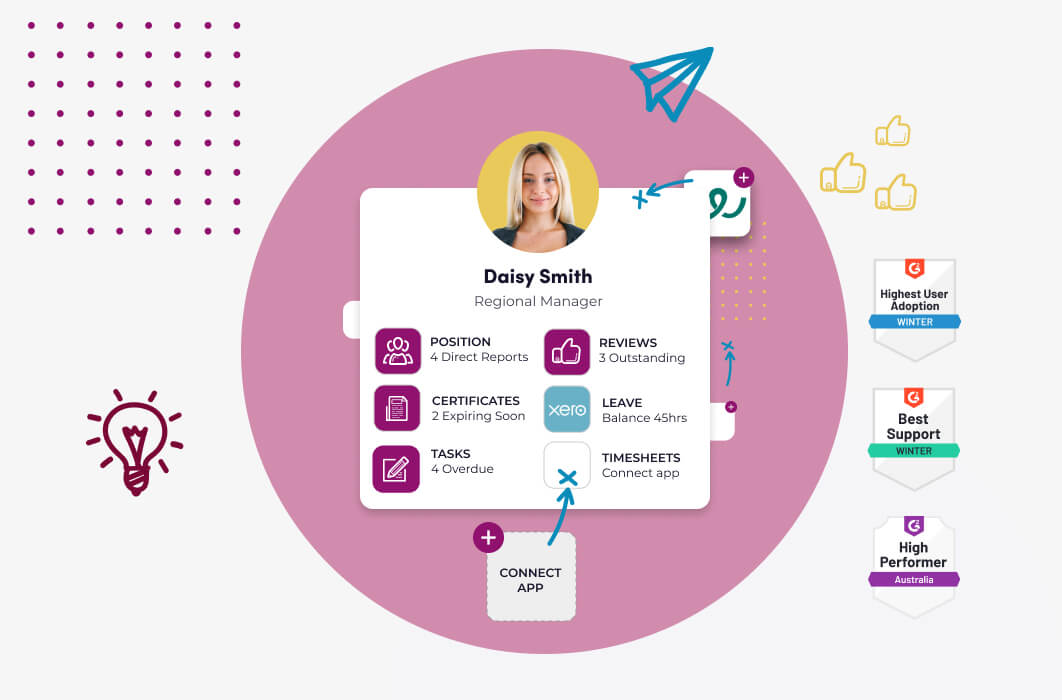
An open HRIS in practice keeps payroll where it is and connects to it, rather than replacing it. It holds the employee record, runs onboarding and compliance, and syncs new starters and changes into payroll. It also connects to recruitment and other tools, and offers an API for anything without a pre-built integration.
Worknice is one Australian-built example of the pattern. It is HRIS-only by design, so payroll stays the source of truth. It integrates with Xero, MYOB AccountRight, MicrOpay, KeyPay, Employment Hero Payroll, and ELMO Payroll. Recruitment tools such as JobAdder and Teamtailor connect directly, while other systems connect through Zapier or an API. The payroll integration page lists what each payroll connection does.
The pattern matters more than the vendor, though. Whichever platform you consider, look for three signs. You want named integrations, a clear direction of sync for each field, and payroll left untouched.
When is it time to switch from a traditional HRIS?
It is time to switch from a traditional HRIS when your team stops trusting it as the source of truth. The clearest sign is a parallel spreadsheet doing the system’s job. New starters re-keyed into payroll, and reports needing manual reconciliation, are close behind. A vendor sunset or a merger can also force the decision.
Double handling has a cost beyond lost time. According to the OAIC, human error caused 37% of the 532 notifiable data breaches from January to June 2025. Every export of employee details, emailed between systems, is one more chance for that kind of error.
Ask what your team stopped using
Before you commit, list the features your team has quietly abandoned, and why. Suppose onboarding moved back to email because the old workflow took more steps than the manual version. In that case, a new system with the same closed design will fail the same way. So the bar is not beating nothing; it is beating the workaround your team already built.
When does a traditional all-in-one suite still make sense?
A traditional all-in-one suite still makes sense for smaller businesses that want one vendor, one contract, and one login. Those businesses usually have no payroll or recruitment tools they want to keep. It also suits teams with no capacity to manage integrations, because a single suite removes that job, at the cost of flexibility.
The trade-off is real, and it is not always in favour of openness. An all-in-one suite can be simpler to buy and to support. However, it also ties your HR system to the vendor’s payroll, so changing either one later means changing both.
Size is a useful guide rather than a firm rule. A business of 20 people with one payroll system may never feel the limits of a suite. On the other hand, an organisation running several entities, payroll systems, or rostering tools usually feels them quickly.
How do you switch to a next-gen HRIS without breaking payroll?
You switch to a next-gen HRIS safely by keeping payroll exactly where it is and connecting the new HRIS to it. First, export and clean your records. Next, agree which system owns each field, and run both systems for a full pay cycle. Then retire the old HRIS once every approved leave request has reached payroll.
Your obligations to old records continue after the contract ends. According to the Fair Work Ombudsman, employee records must be kept for 7 years. They must also stay readily accessible to an inspector. So confirm a complete export, including documents and leave history, before you give notice. The full method is in switching HR systems without losing data.
If you want an open HRIS that keeps your payroll where it is, Worknice is a sensible option for mid-sized Australian organisations. It suits those running several entities or payroll systems in particular, and every customer gets a dedicated implementation manager. However, a business wanting HR and payroll from one vendor may prefer an all-in-one suite. A very small team may not need an HRIS yet.
Frequently asked questions
What is a next-gen HRIS?
A next-gen HRIS is an HR information system built to be open. It runs core HR, such as employee records, onboarding, documents, and compliance. Then it connects through two-way integrations to payroll, recruitment, and rostering tools. A traditional HRIS, by contrast, is closed and expects you to adopt its own module for every job.
How do I know if my HRIS is outdated?
Your HRIS is probably outdated if your team keeps a parallel spreadsheet or re-keys new starters into payroll. Reconciling reports by hand is another sign. So is missing employee self-service on a phone, or a missing two-way payroll integration. Finally, watch for a vendor that answers integration questions with its own modules.
Do I need to change payroll to move to a next-gen HRIS?
No, you do not need to change payroll. A next-gen HRIS leaves payroll as the source of truth for pay, tax, and super. It connects to payroll through an integration instead. That is the main practical difference from an all-in-one suite. The exception is when your current HR system also runs payroll, which makes the payroll change a separate project.
Is an all-in-one HR suite better than a next-gen HRIS?
Neither option is better for every business. An all-in-one suite suits smaller businesses that want one vendor, one contract, and no integrations to manage. A next-gen HRIS suits organisations already running payroll, recruitment, or rostering tools they want to keep. In that case, HR connects them into one reliable record.
What is Worknice?
Worknice is an Australian-built HRIS for mid-sized organisations. It is HRIS-only by design, so payroll stays the source of truth. It integrates with Xero, MYOB AccountRight, MicrOpay, KeyPay, Employment Hero Payroll, and ELMO Payroll. Its core covers employee records, onboarding, documents, compliance, leave, and performance reviews.
About the author
Graham Martin is Co-founder of Worknice, an Australian HRIS built for mid-to-large organisations. He has spent more than a decade working with Australian People and Culture teams on HR systems and payroll integration.
Related reading
- What is next-gen HR software?: the definition, and the five traits next-gen platforms share.
- Switching HR systems without losing data: exporting records, timing contract notice, and keeping payroll safe during a move.
- HRIS versus payroll software: why the two systems do different jobs, and how they connect.
- Best HRIS platforms for mid-to-large organisations: a buyer’s guide to platforms at this size in Australia.
Sources
- MuleSoft (Salesforce). “MuleSoft Connectivity Benchmark Report 2025.” Salesforce Australia blog, 3 February 2025, retrieved 9 October 2026. https://www.salesforce.com/au/blog/mulesoft-connectivity-benchmark-2025/
- Office of the Australian Information Commissioner. “Latest Notifiable Data Breach statistics for January to June 2025.” OAIC, 4 November 2025, retrieved 9 October 2026. https://www.oaic.gov.au/news/blog/latest-notifiable-data-breach-statistics-for-january-to-june-2025
- Fair Work Ombudsman. “Record-keeping and pay slips fact sheet.” Fair Work Ombudsman, content last updated 16 January 2026, retrieved 9 October 2026. https://www.fairwork.gov.au/tools-and-resources/fact-sheets/rights-and-obligations/record-keeping-pay-slips