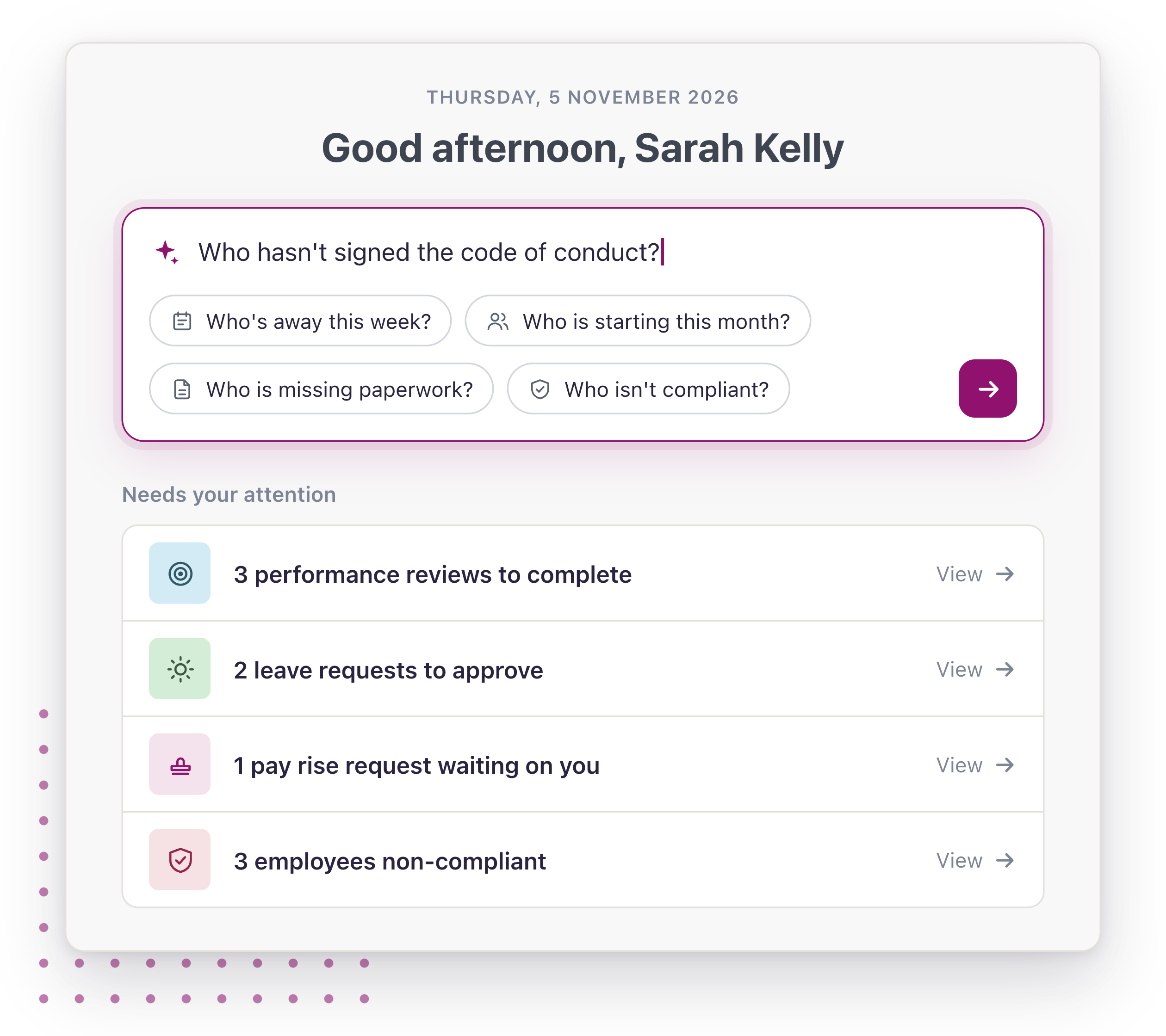
Ask Worknice
People answers, without the digging
Every question about your people, answered from your own records. Every answer, linked to the record. Every lookup, shown.


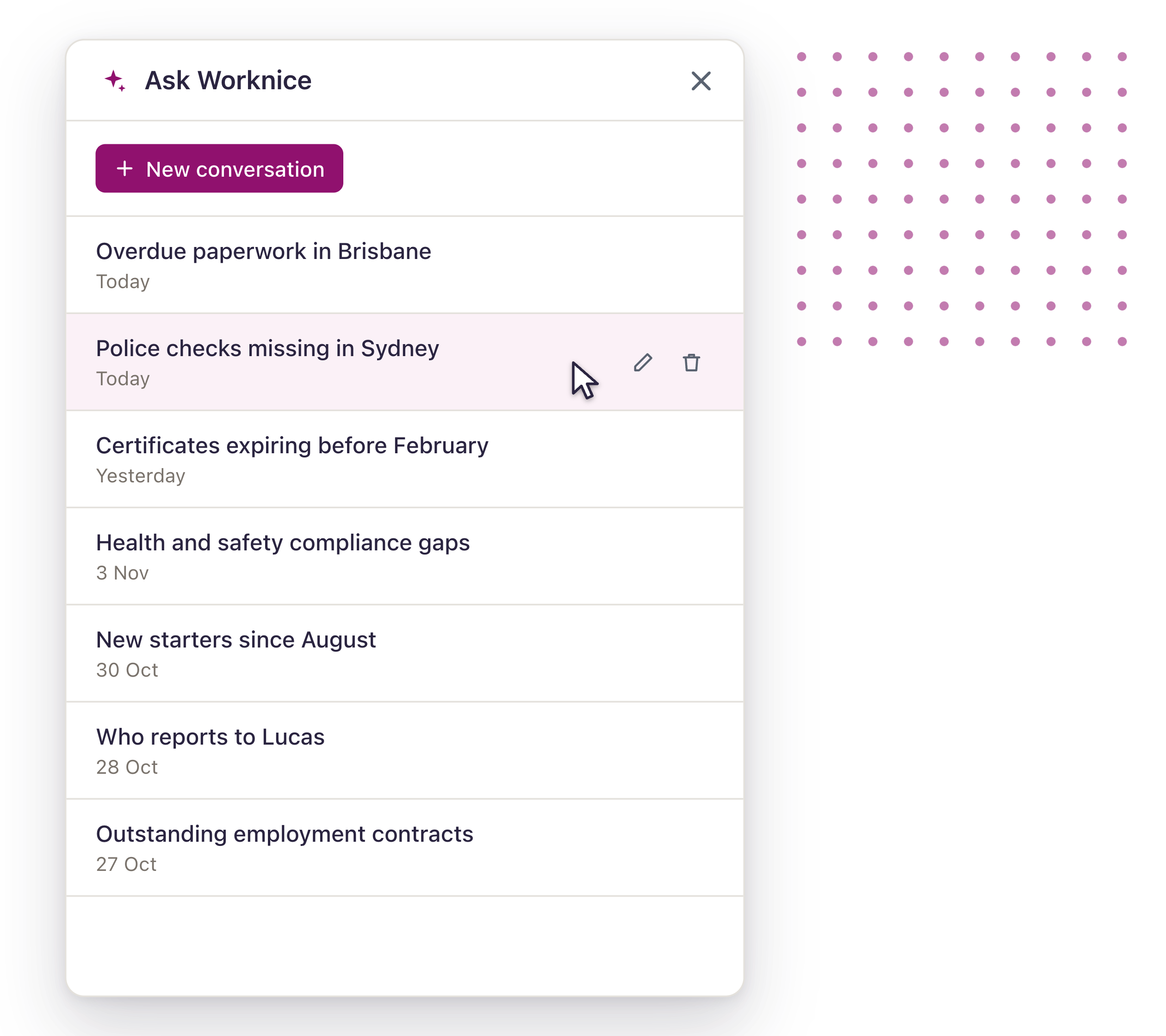
Answering a quick question about your people often means opening screen after screen, building a filter and then double-checking the number before you send it on. Ask Worknice lets you ask the question the way you’d ask a colleague. It looks up your people, paperwork and compliance records, answers with the people and details involved, links you straight to the records so you can act, and tells you plainly when a question is outside what it can answer.
Answers you can trust
Answers you can trust

Real records, not AI invention
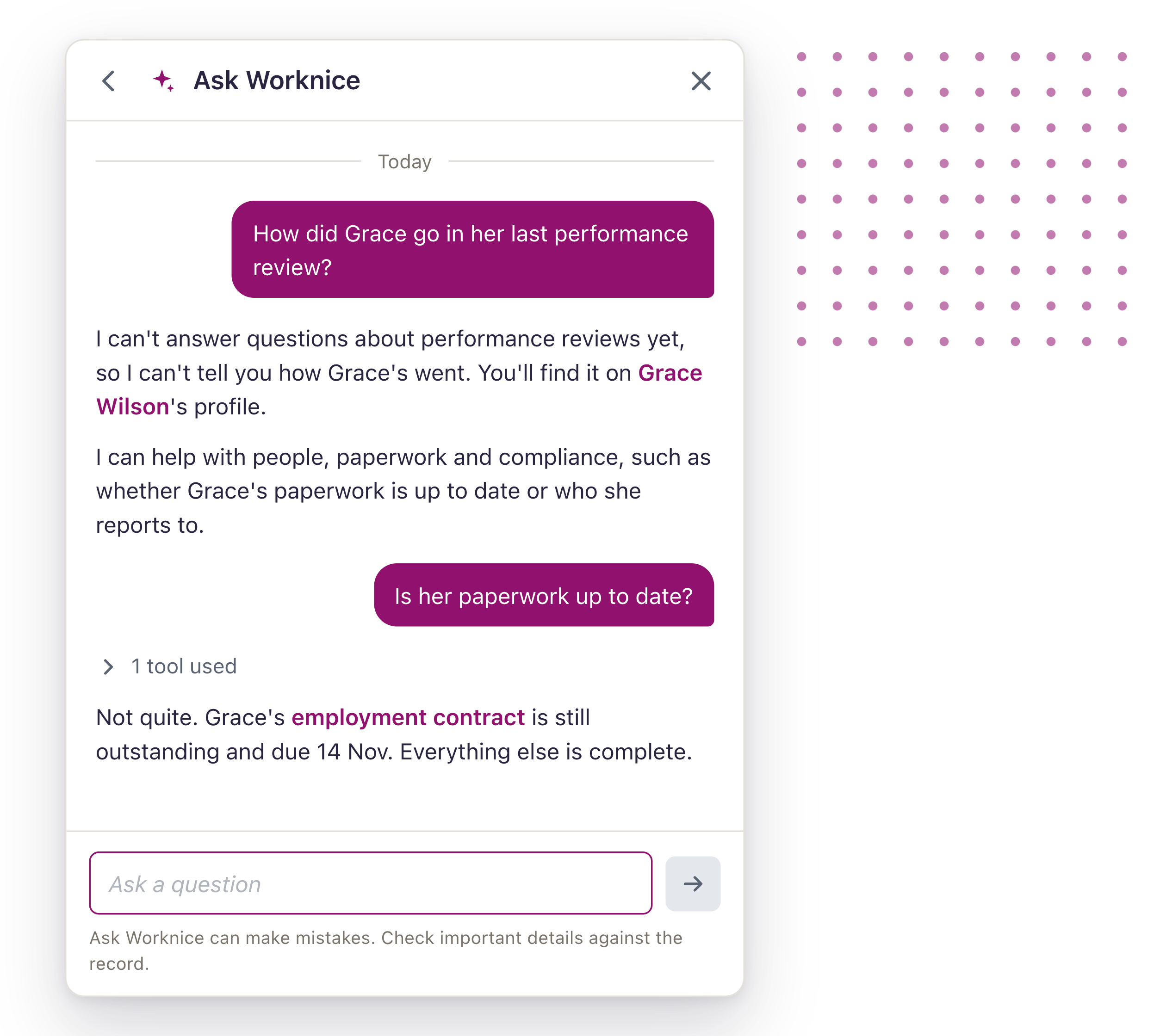
Every answer comes from your own Worknice records. When a question is outside what Ask Worknice can read, it says so instead of guessing.

Your permissions, enforced
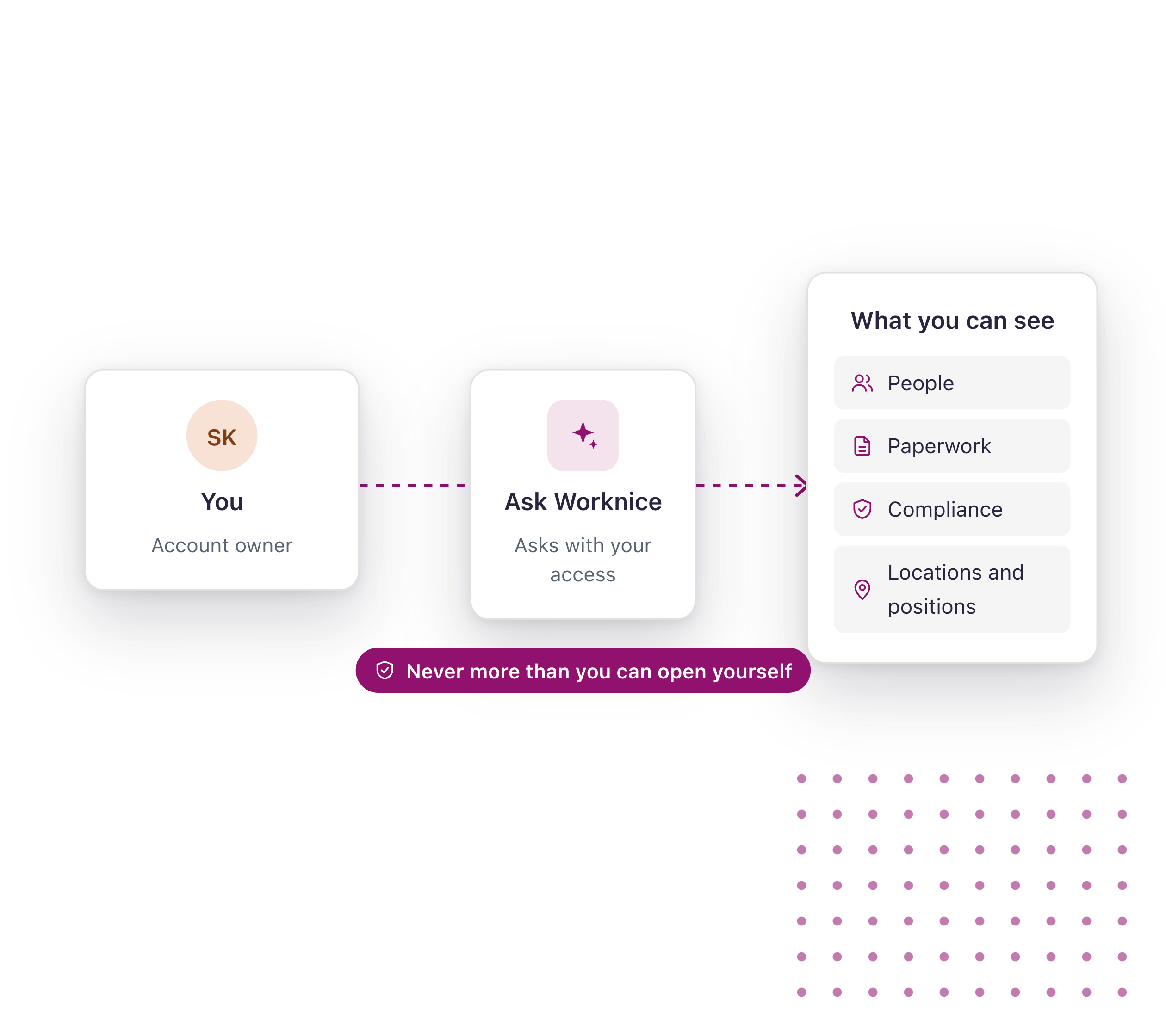
Ask Worknice reads with the access of the person asking, so nobody sees anything they couldn’t already find in Worknice.

It reads. You decide.
Ask Worknice never changes a record. It links you straight to the people in each answer, so you make the call.
Get started with Worknice
Ask about the things you chase
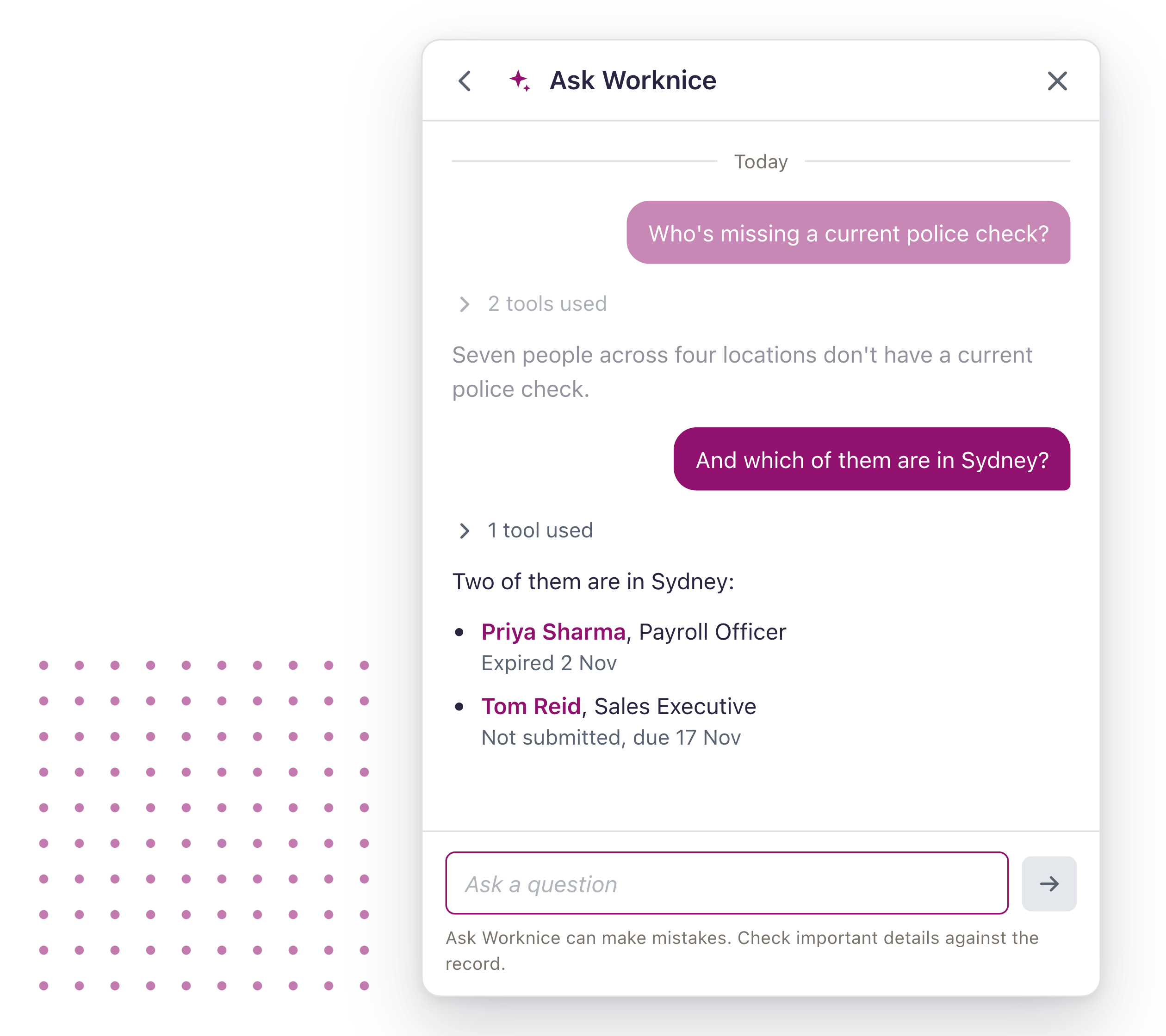
The questions that usually mean a report, a filter and a spreadsheet, answered in a sentence.
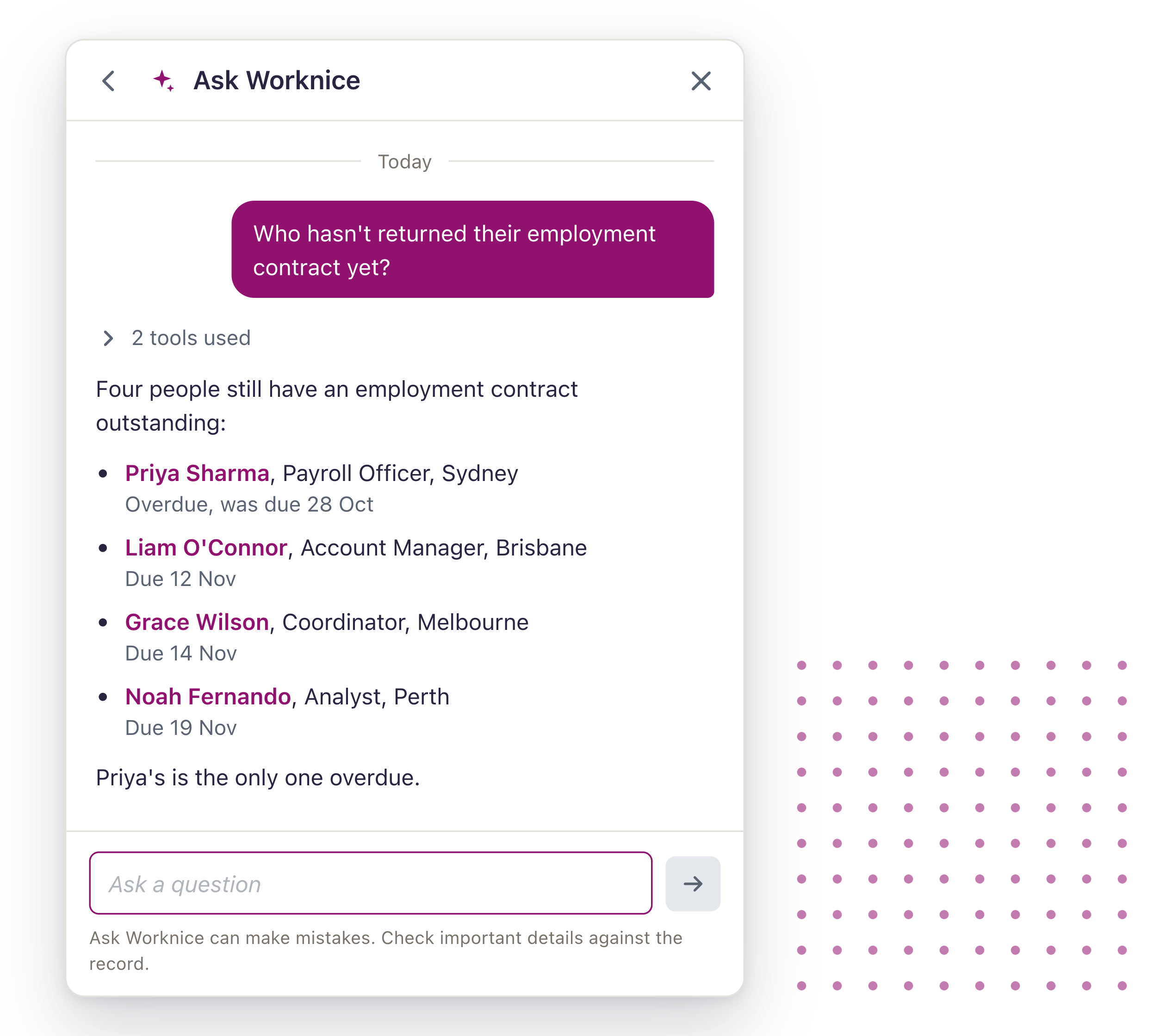
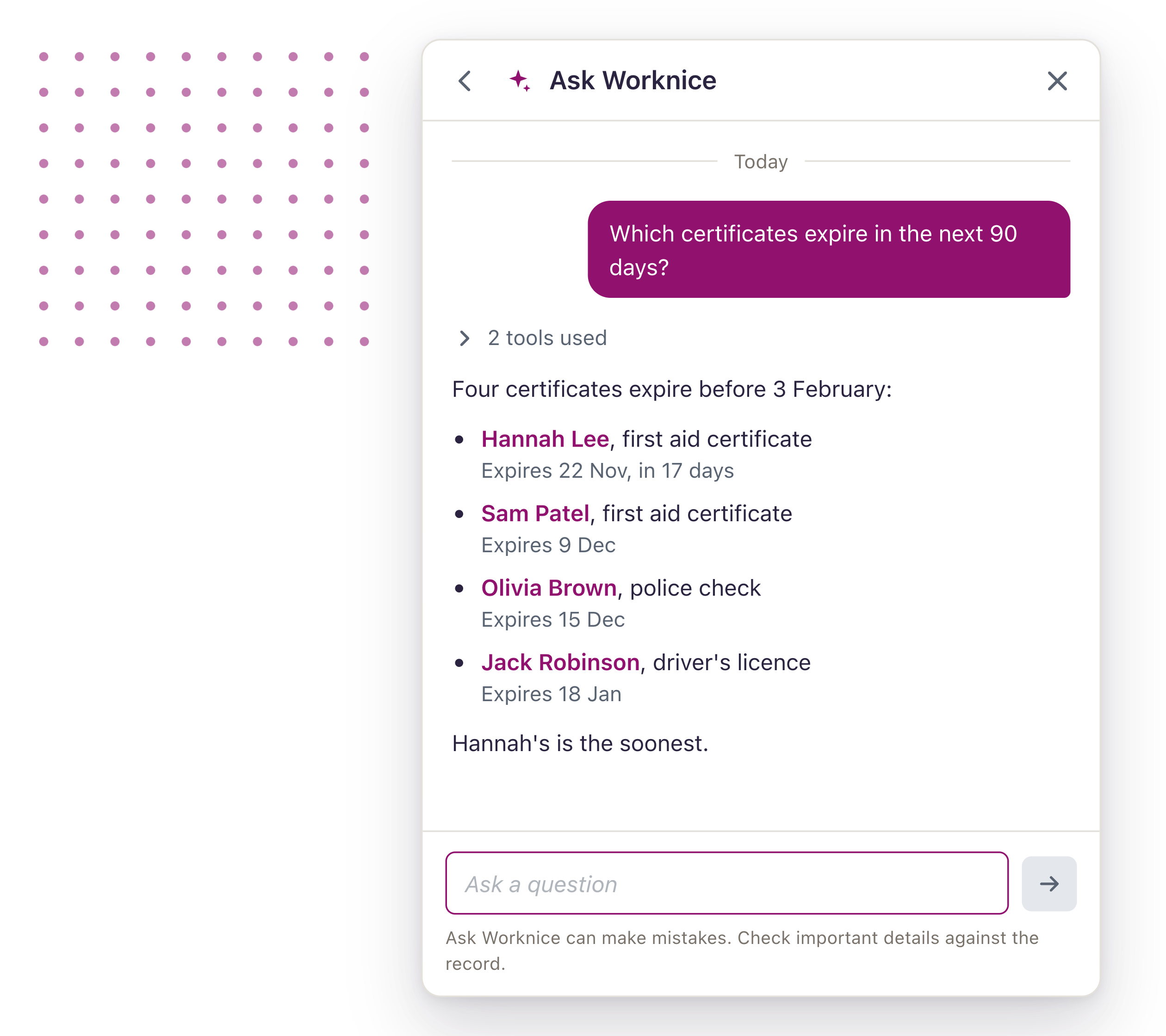
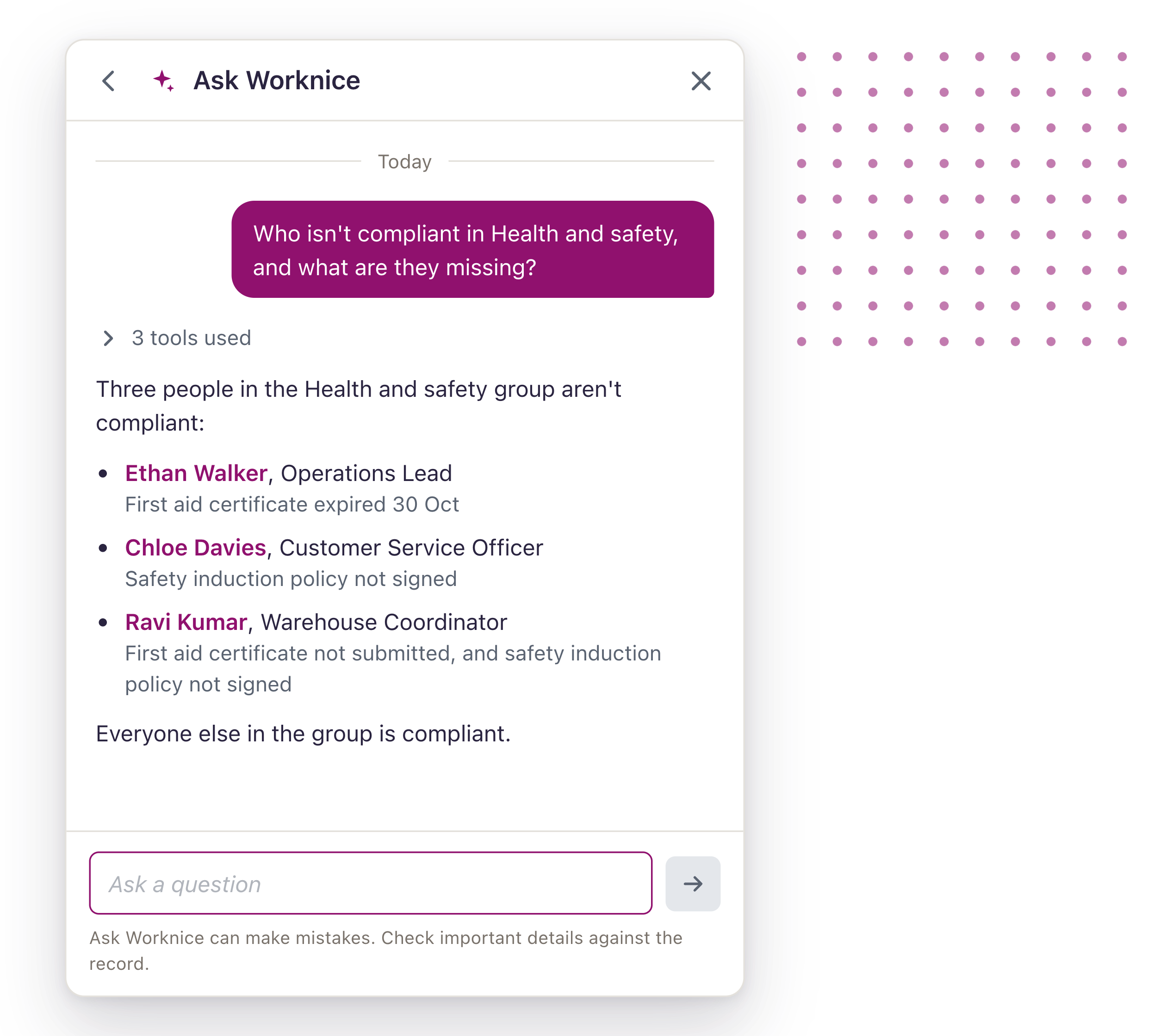
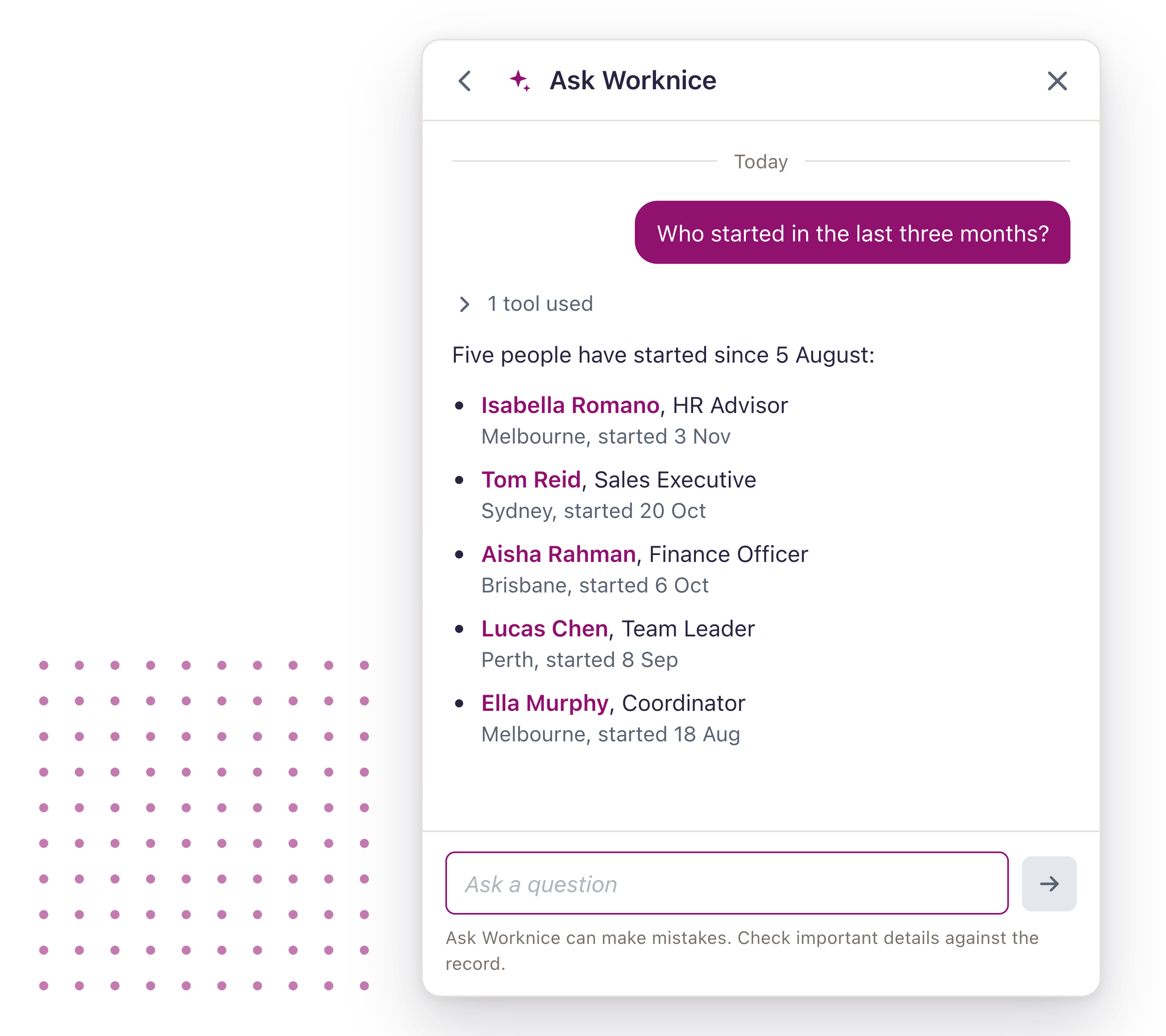
Answers you can check
Every answer shows its working, so you can trust it before you act on it.
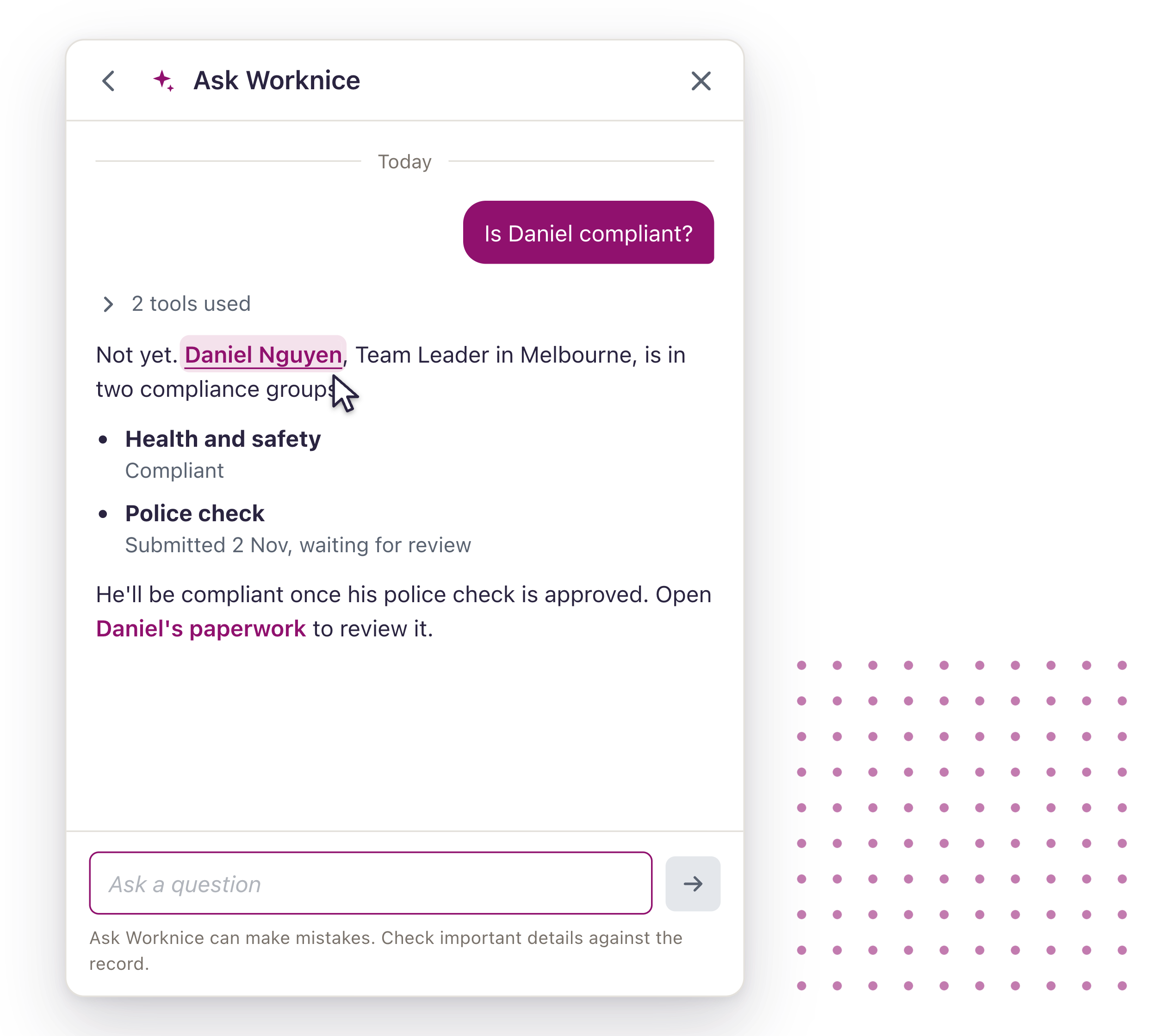
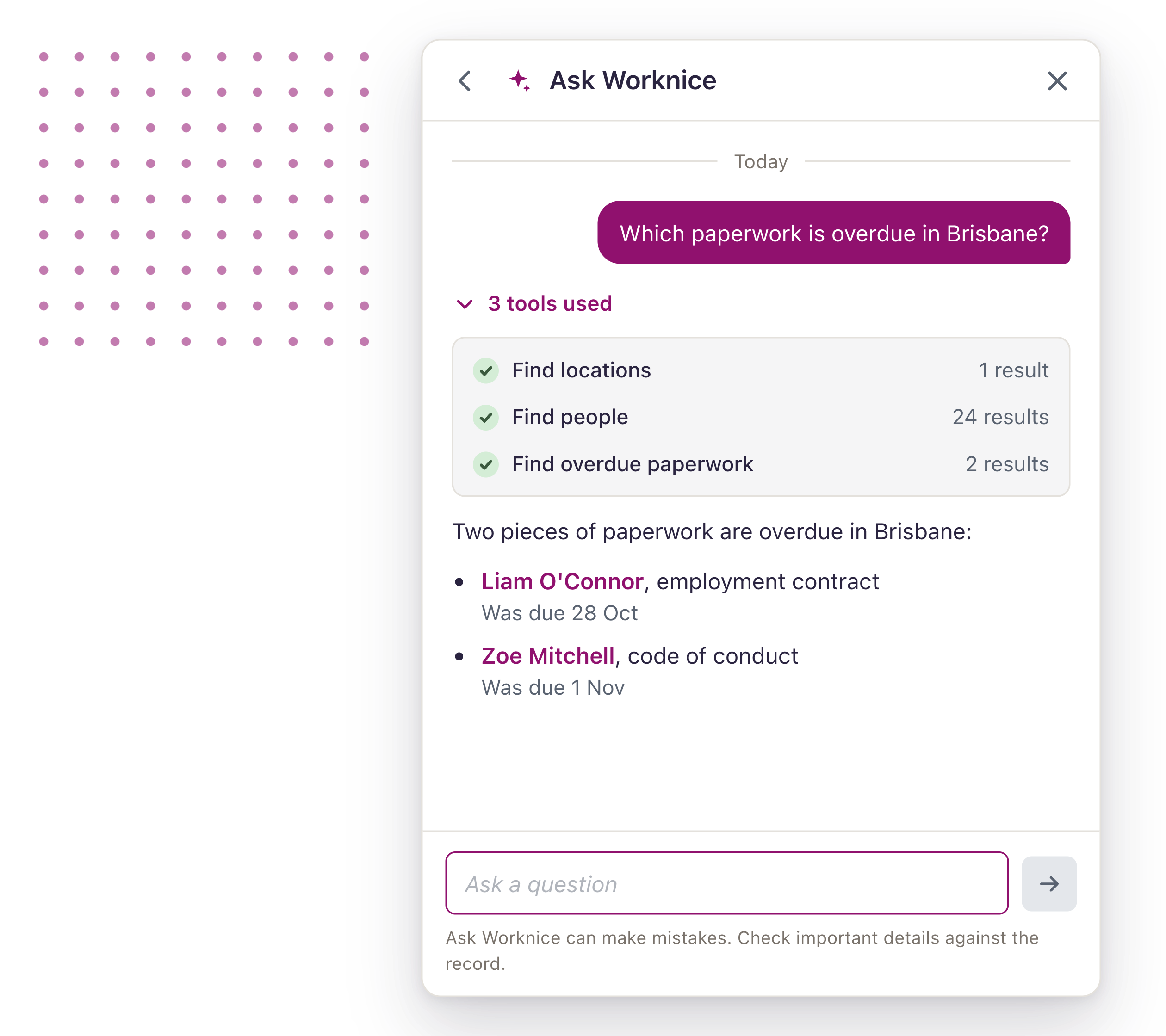
Your people data, handled with care
Ask Worknice is built on the permissions you already set, and it’s clear about what leaves Worknice.
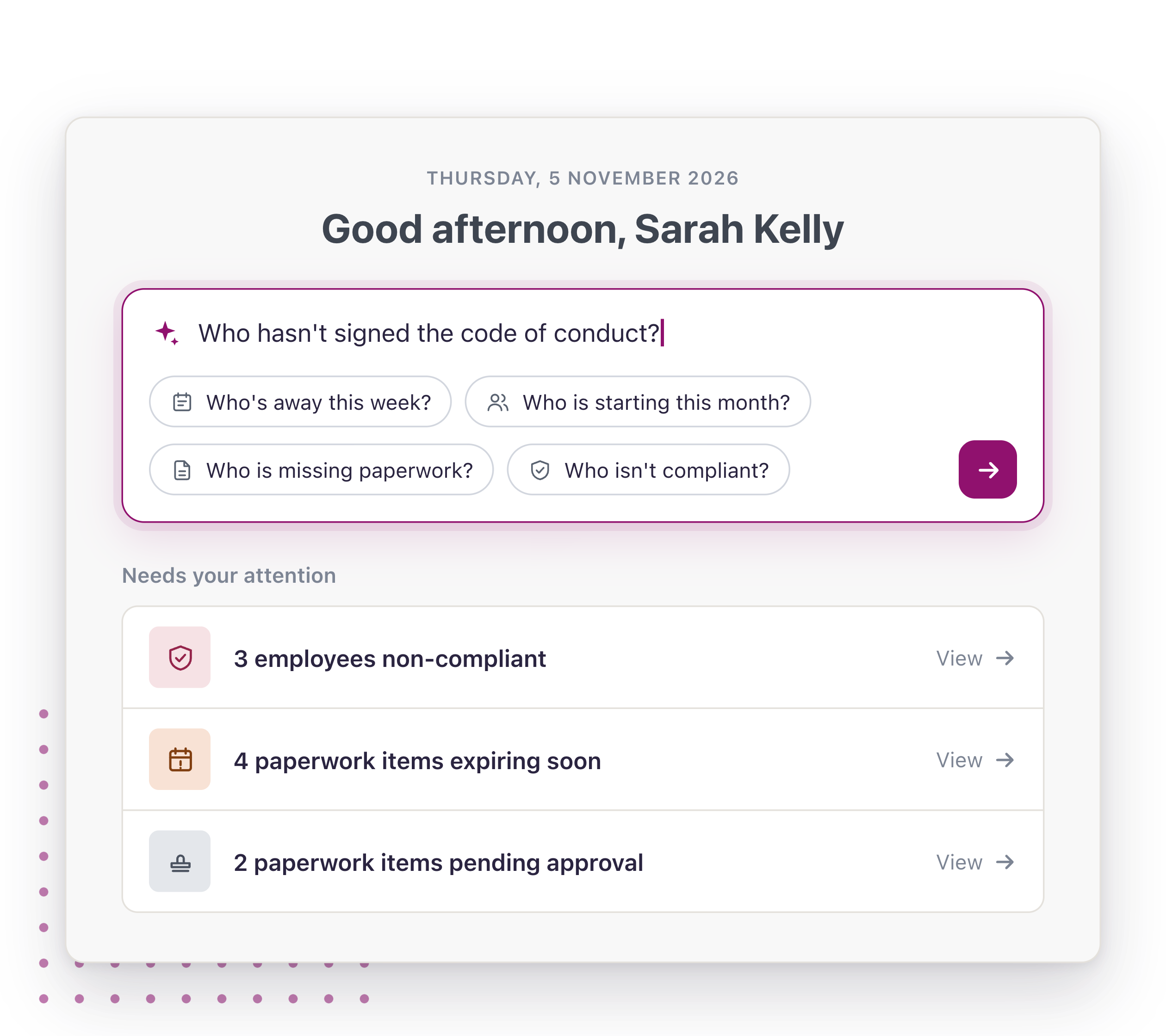
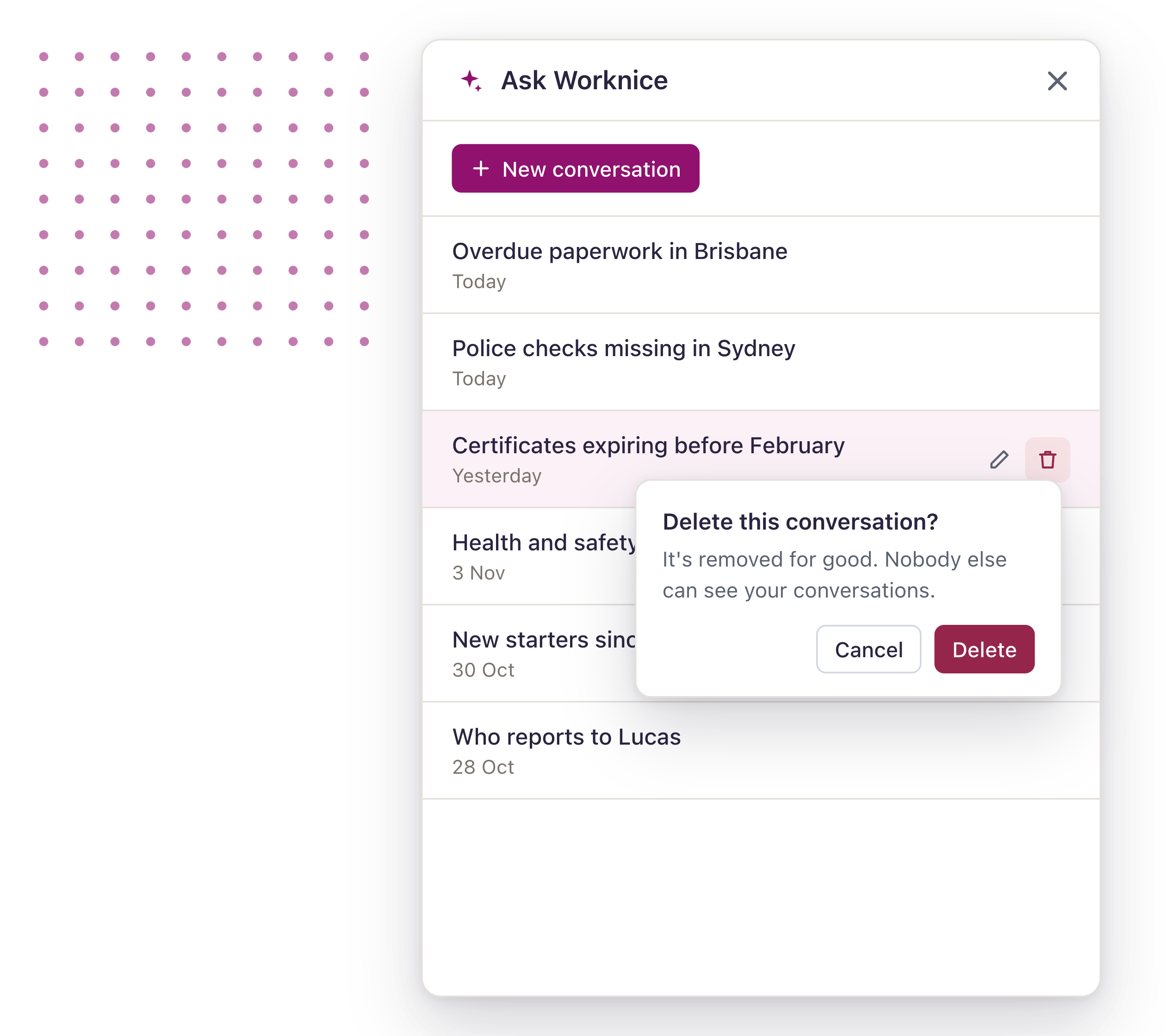
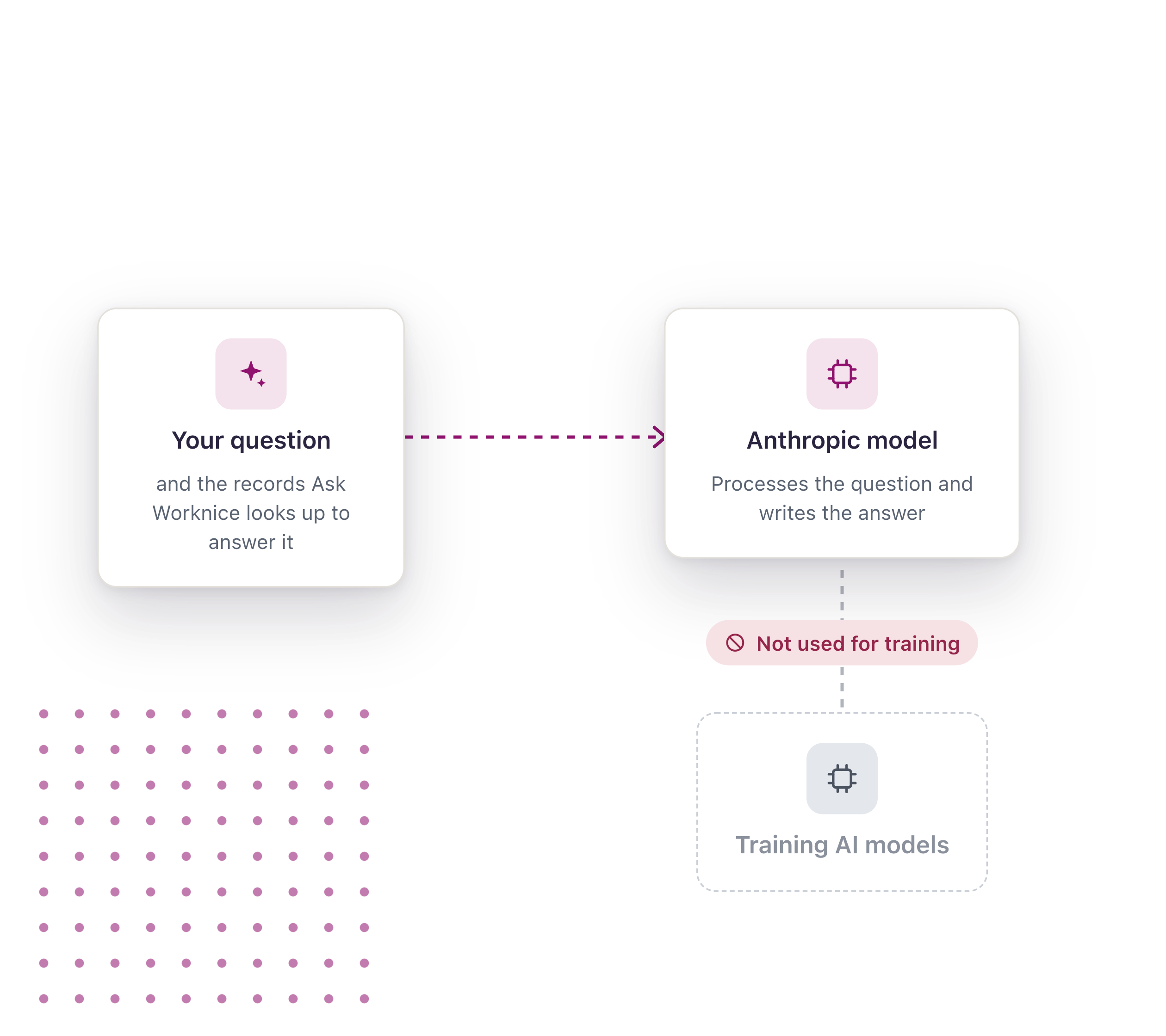
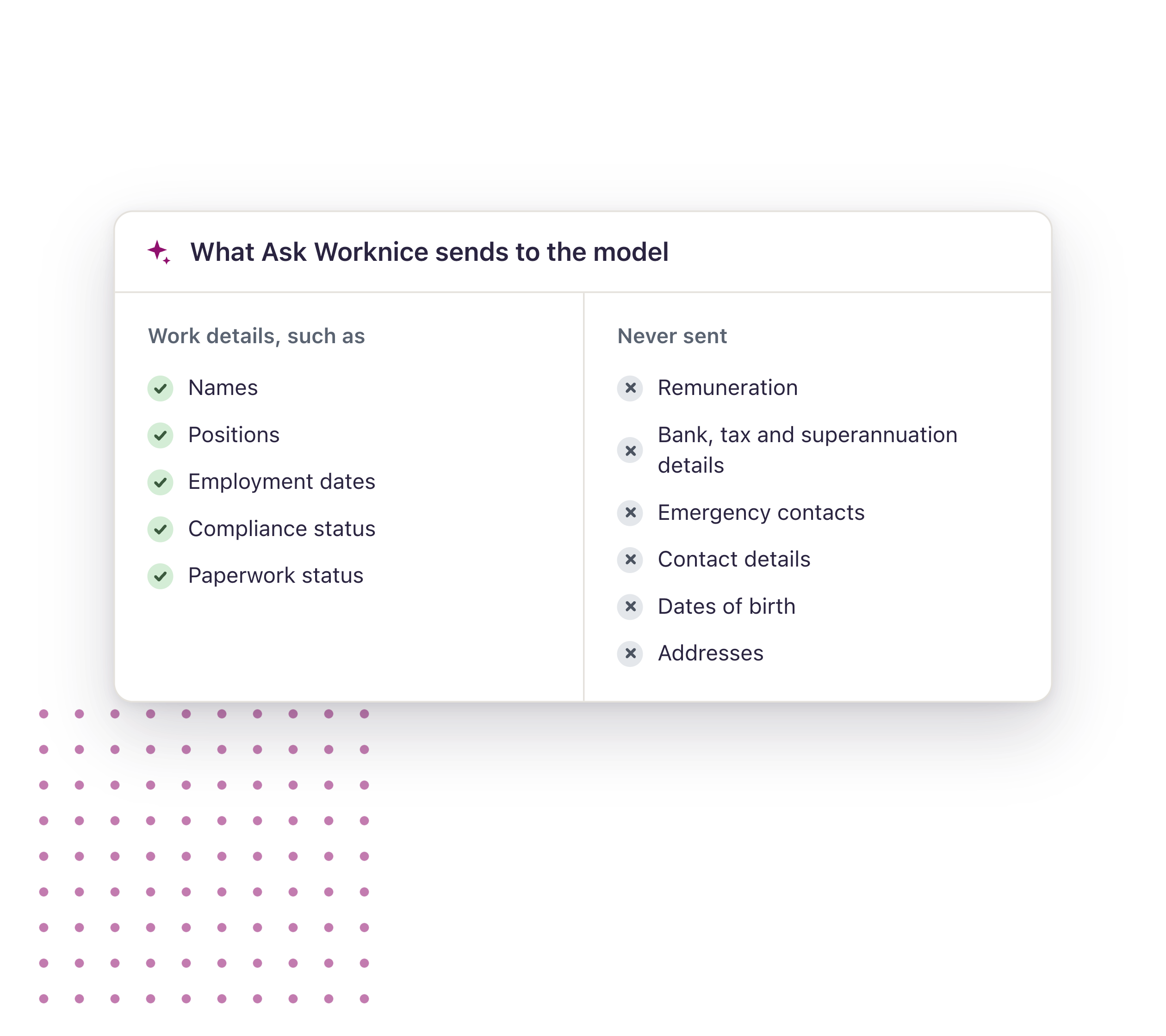
Questions to start with
Monday paperwork check
“Who hasn’t returned their contract yet?”
Get the list of who still owes you something, by person and location, before you start chasing.
Before an audit
“Who isn’t compliant, and what are they missing?”
See every gap in a compliance group in one answer, instead of opening every profile.
Renewals coming up
“Which certificates expire in the next 90 days?”
Find what’s about to lapse while there’s still time to renew it.




What people are saying about us
More Features
-
Fast, Local Australian
Built for Australian’s by Australian’s.
-
Next-Gen Technology
Modern technology approach enabling scalable HR.
-
Assisted Onboarding
A fast and pain free onboarding experience.
-
Trusted Security
Market leading security and data privacy by AWS.
-
100s of Integrations
Connect your people, data and systems through powerful integrations.
-
Mobile friendly
Built for mobile from the ground up. Works on any device, any where.
Ask more of your people data
Bring us the questions your team spends the most time answering, and see Ask Worknice at work.
If you have the questions, then we have the answers!
Like our HR employee onboarding software, Worknice’s free resource’s are created to set HR leaders free to do great work. Discover our free HR resources now.
Ensure employee compliance during the onboarding process
You’ve hired a new employee for your organisation. You ensure there is a desk set up, you rummage through the dusty supply closet to gather all of the necessities, grab some swag items, try and find a spare […]
Sample employee onboarding process map
An employee onboarding process refers to the steps to integrate a new employee into a company and its culture. This process also contributes to getting a new hire the tools and information […]
Employee Onboarding checklist template
This downloadable and free employee onboarding checklist template is designed to help employers get prepared in the lead up to an employee’s first day at work. It includes many of the key tasks to complete […]
FAQs
-
What is Ask Worknice?
Ask Worknice is AI built into Worknice. You ask a question about your people in plain language and it answers from your own Worknice records, with links to the records it used.
-
What can I ask it?
Questions about your people, paperwork and compliance, such as who’s missing paperwork, whose certificates expire soon, who isn’t compliant and why, who started recently and who reports to whom. It can also answer about your locations, positions and tags.
-
What can’t it answer yet?
Leave, performance, goals, tasks, workflows, custom fields, integrations, Insights and uploaded documents. If you ask, it tells you rather than guessing.
-
Who can use Ask Worknice?
Account owners. Ask Worknice is in beta, so talk to us about switching it on for your organisation.
-
Can it change anything in Worknice?
No. Ask Worknice reads your records to answer questions. It doesn’t create, edit or send anything. Taking action, with your approval first, is where Ask Worknice is heading.
-
Can it show me data I’m not allowed to see?
No. Ask Worknice only reads what you could already see by clicking around Worknice yourself.
-
How do I know an answer is right?
Each answer links to the records it used and lists the lookups it made, so you can check it. Like any AI, it can make mistakes, so check important details against the record before you act on them.
-
What does Ask Worknice send to the AI model?
To answer a question, Ask Worknice sends the model work details such as names, positions, employment dates, and compliance and paperwork status. It never sends remuneration, bank, tax or superannuation details, emergency contacts, contact details, dates of birth or addresses.
-
Is our data used to train AI models?
No. Ask Worknice is processed using Anthropic models, and customer data is not used to train them.
-
Can our employees use it?
Not yet. Ask Worknice is for account owners today.
