#1 HRIS Software for Australian Businesses
As rated by 99% of Capterra reviewers! Manage employee data, onboarding & compliance in one modern HRIS platform. Worknice is an core-in-one HRIS (Human Resource Information System) designed to help Australian teams manage employee records, automate HR workflows, and centralise data in one place.

Why you will love our HRIS software
Why you will love our HRIS software

Streamline your people operations
Enjoy your work and do more with the resources at your disposal. Eliminate repetitive busy work with powerful automations and workflows.

Create a delightful employee experience
From onboarding to offboarding, activate a delightful employee experience with a modern platform anyone can use.

Unify your people data & workflows
Connect your favourite tools and gain control of your people data. Have a unified golden record and turn employee records into actionable insights.
Unify data and workflows in Worknice’s HR Information System
-

Onboarding
Configurable, automated onboarding workflows
-
Insights
Turn centralised data into actionable insights
-
Employee database
Powerful people database, positions, & unified data
-
Data tables
Unify people data in one spot
-
Workflows & Approvals
Automate repeatable people ops
-
Performance
Bring the best out of your people
-
Documents
Keep your documents organised & secure
-
Time Off
Time-off calendar, approval, and requests
-
Employee self service
Intuitive, mobile-first access to Worknice
-
Compliance
Create and manage job compliance
-
Integrations
Connect your favourite tools and unify your HR Stack


Unify data and workflows in The Worknice HR Information System
-
Onboarding & Workflow Automation
Configurable, automated onboarding workflows
-
Employee Insights
Turn centralised data into actionable insights
-
Employee data management
Powerful people database, positions, & unified data
-
Employee Performance
Bring the best out of your people
-
Documents & e-sign
Keep your documents organised & secure
-
Time Off & Payroll Integration
Time-off calendar, approval, and requests
-
Employee self service
Intuitive, mobile-first access to Worknice
-
Compliance & Reporting
Create and manage job compliance
-
Unified data tables
Save data tables with always up-to-data flowing in
-
Integrations
Connect your favourite tools and unify your HR Stack


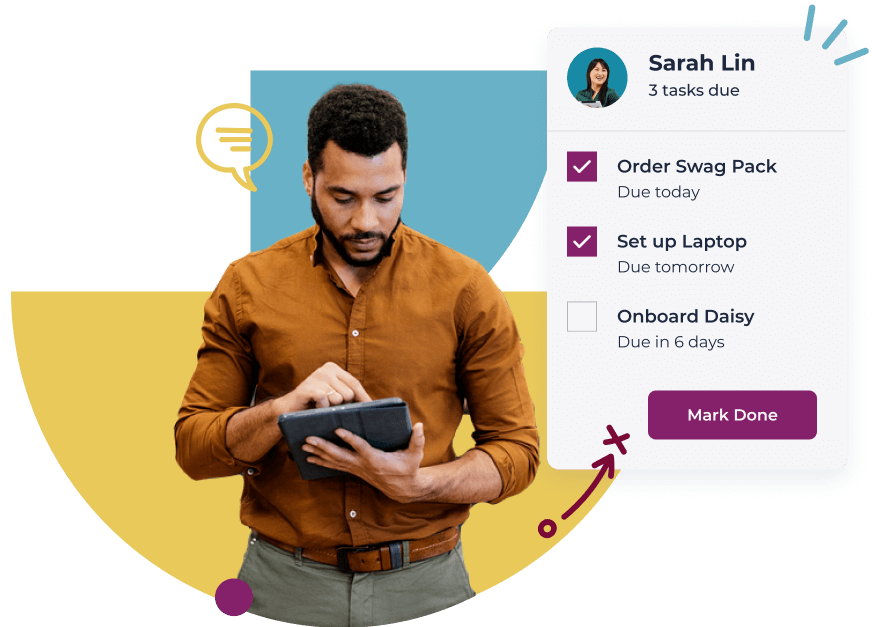
Streamlined onboarding
Worknice employee onboarding software helps you easily build great pre-boarding & employee onboarding experiences that eliminate paperwork and manual process, while improving employee experience and productivity from day one. With our easy to use wizard you can adapt process & workflows, assign due dates for tasks, documents and courses, send automated reminders, and report on organisational metrics like time to productivity.
- Set it up once and onboard repeatedly
- Add documents for digital sign
- Add tasks to make sure things get done
- Embed compliance so nothing gets missed
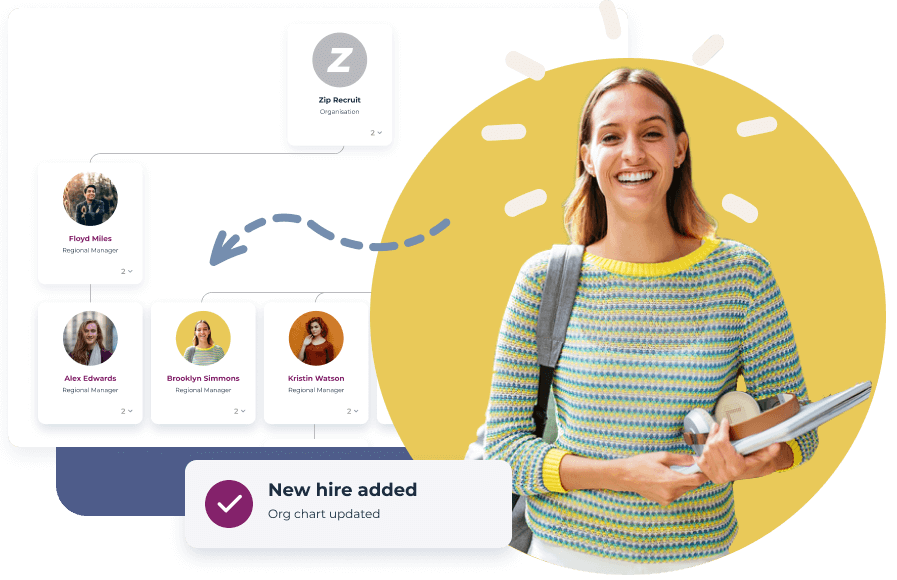
Manage and track employee changes
Control the chaos! Manage all of your sensitive employee records in one secure scalable HR platform. Stay compliant and keep your team in sync with a suite of HR tools at your disposal.
- Organise and view historical employment changes
- Dynamic org charts and directories
- Approval workflows for paperwork and employment changes
- Custom payroll integration – or XERO & Keypay out of the box
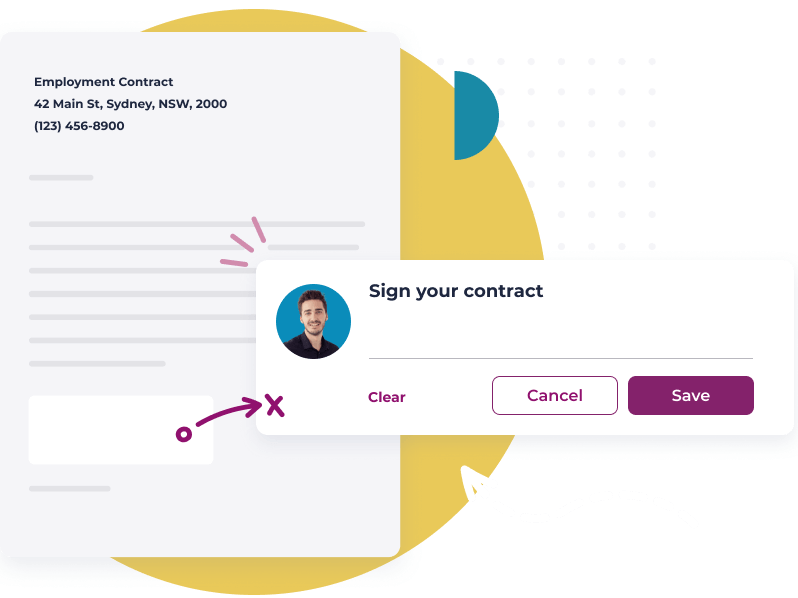
Keep compliance in check
Reduce risk and ensure legal compliance with simple tools to manage policy acknowledgments, required work certificates & qualifications, training completion, approval processes, and more.
- Generate smart documents with dynamic fields
- Digital signatures and acknowledgment tracking
- Secure storage for sensitive information
- Historical data audit trails
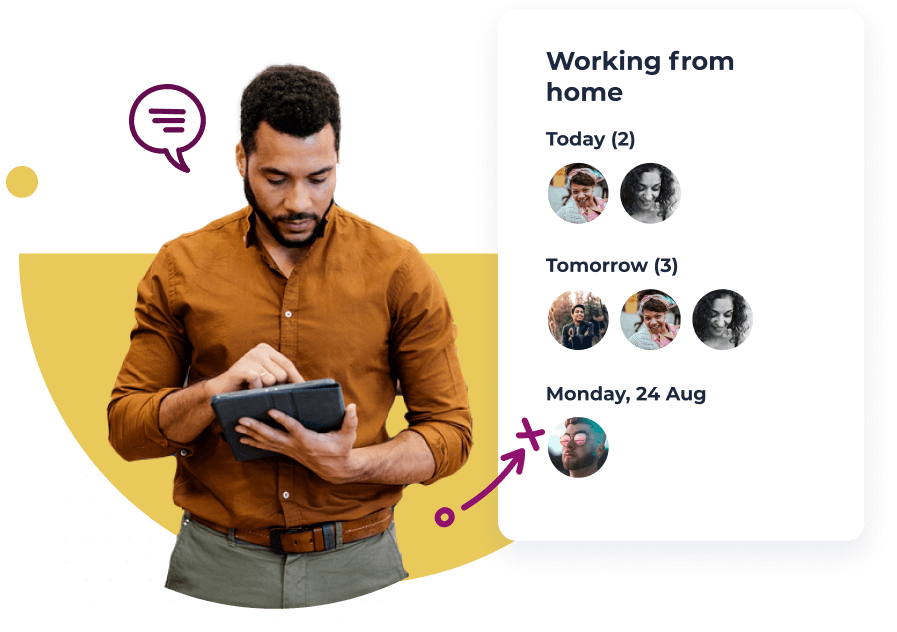
Provide an incredible employee experience
Delight your employees with beautiful and simple to use software. Worknice is fast to learn, instantly intuitive and guides people through their assigned tasks and responsibilities. Empower employees and managers to update and review personal data relating to onboarding, payroll, time-off, performance, and more.
- Delight new starters with seamless onboarding
- Mobile first employee self service
- A single inbox for everything HR
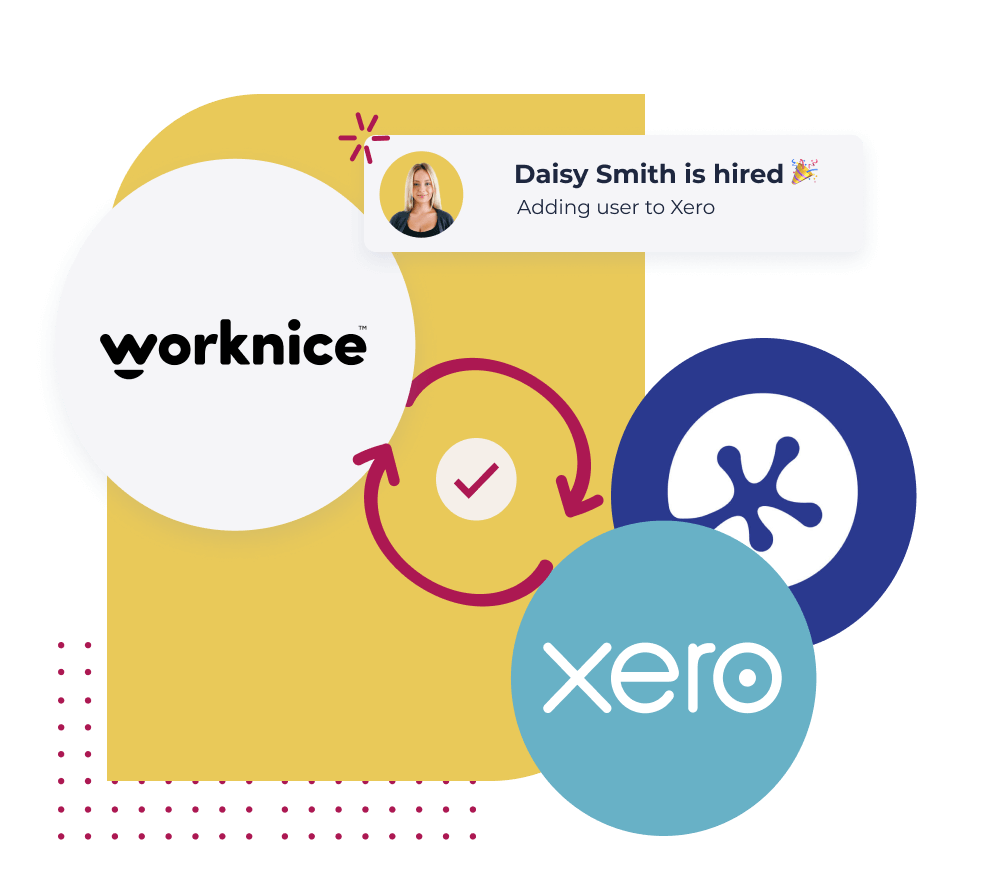
Connect your favourite tools
Don’t settle for the ‘walled garden’ features of an ‘all-in-one’; bring your favourite tools together and create your own best of breed HR stack.
- Unify people data in Worknice
- Sync your payroll seamlessly
- Create a connected HR stack with all your favourite tools
Book Your HRIS Demo
Talk to us about your plans and discover how Worknice can help you build a great workplace.
What our customers say about Worknice HRIS system





More reasons to choose Worknice Australian HRIS software
-
Fast, Local Australian
Local human driven support
-
Localised HRIS platform
Designed for local teams and compliance
-
Assisted Onboarding
A fast and pain free onboarding experience.
-
Trusted Security
Market leading security and data privacy by AWS.
-
100s of Integrations
Connect your people, data and systems through powerful integrations.
-
Mobile friendly
Built for mobile from the ground up. Works on any device, any where.
-
Core-in-one HR
All the tools a modern HR team needs in an HR platform.

What is an HRIS?
An HRIS – or Human Resource Information System – is a centralised software platform that helps HR teams manage employee data, onboarding, payroll integration, leave management, compliance, and reporting in one place.
Australian businesses use an HRIS to stay compliant with Fair Work obligations, manage modern award entitlements, and reduce manual HR admin. Unlike generic HR tools, a locally-built HRIS like Worknice is designed for Australian employment law from the ground up.
Key HRIS features include:
- Employee records & org chart
- Onboarding & offboarding workflows
- Leave & time-off management
- Payroll integration (Xero, KeyPay)
- Compliance tracking (certificates, licences, training)
- HR reporting & insights
FAQs
-
Can Worknice replace the spreadsheets we use to manage HR?
Yes. Worknice helps Australian businesses move HR processes out of spreadsheets, checklists, emails, and shared drives by giving teams one HRIS for employee records, onboarding, compliance, documents, performance, leave, and employee self service. That means HR can spend less time chasing updates and more time keeping people operations moving.
-
Will we have to re-enter employee details into payroll or other systems?
Worknice is designed to reduce double handling by collecting employee information during onboarding and supporting payroll or system handoffs through integrations, APIs, exports, and implementation support. The goal is to help HR avoid entering the same employee data twice, especially for core details like personal information, payroll fields, bank details, tax, and superannuation.
-
Can Worknice work with the systems we already use?
Yes. Worknice supports a best-of-breed HR stack by connecting people data with payroll, recruitment, learning, and other business systems instead of forcing everything into a closed all-in-one platform. Worknice can act as the HR source of truth while helping your existing tools stay connected where data needs to move.
-
Is Worknice an all-in-one HR system or a flexible HRIS?
Worknice is a modern HRIS that brings core people operations into one place while still supporting the specialist tools your business wants to keep. Teams can use Worknice for employee records, onboarding, compliance, documents, leave, performance, and employee self service, then connect it with payroll, recruitment, learning, or ERP systems where needed.
-
How does Worknice help us manage employee changes?
Worknice gives HR a central employee database for managing employee profiles, employment changes, documents, job history, org charts, and personal details. Employees can also update certain information themselves, such as bank or personal details, so HR is not always the middleman for routine changes.
-
What is the difference between an HRIS and HRMS?
The terms are often used interchangeably. An HRIS focuses on core employee data and HR administration. An HRMS (Human Resource Management System) sometimes refers to a broader platform that also includes talent management features like performance reviews and learning. Worknice covers both.
-
Is Worknice built for Australian employment law?
Yes. Unlike global HRIS platforms adapted for Australia, Worknice is built from the ground up for Australian businesses — with support for Fair Work compliance, modern award entitlements, and Single Touch Payroll (STP) via native integrations with Xero and KeyPay.
-
How long does it take to implement an HRIS?
Most Worknice customers are up and running in a matter of weeks, not months. We provide assisted onboarding to get your data migrated and your team trained quickly – without the drawn-out implementation projects typical of enterprise HRIS platforms.
-
Can managers and internal teams get their onboarding tasks automatically?
Yes. Worknice can trigger scheduled tasks, checklists, reminders, and follow-up actions as part of the onboarding workflow, which helps managers and support teams stay on top of setup work. That is especially useful when onboarding depends on IT, payroll, compliance, or equipment tasks happening on time.
-
Can Worknice help us make onboarding feel more polished for new hires?
Yes. Worknice supports a mobile-first onboarding experience with rich content, team introductions, and branded communications so new hires can get a feel for the company before and after they start. The goal is not just to collect forms, but to create a more engaging first impression from day one.
-
How does Worknice help us stay compliant from day one?
Worknice helps teams combine contracts, policies, forms, certifications, licences, and other required onboarding paperwork into one workflow. It also supports automated reminders and follow-up, which makes it easier to stay on top of missing items and reduce compliance risk early.
-
Can we track where each new hire is up to in onboarding?
Yes. Worknice gives teams visibility into onboarding progress so you can quickly see what has been completed, what is overdue, and where someone is stuck. That makes it easier to follow up only where needed instead of manually checking every step.
