Automated onboarding workflows turn a single event, usually the signed contract, into a chain of tasks that run on their own. The system assigns each task to HR, IT, or the manager, sets due dates, sends reminders, and escalates anything that stalls. Because mid-size companies onboard people most weeks, automation is what makes a consistent, compliant onboarding repeatable at scale.
Last updated 24 September 2026.
Key takeaways
- Automated onboarding workflows trigger tasks from an event and drive them to completion without manual chasing.
- The trigger is usually the signed contract, which can create the record, order equipment, and assign policies.
- According to Gallup, employees are 3.4 times as likely to have exceptional onboarding when managers take an active role.
- Automation reduces both delay and compliance risk, because it records who did what and when.
- Onboarding automation works best inside the HRIS, so tasks read and update the real employee record.
What are automated onboarding workflows?
Automated onboarding workflows are rules that run the new-hire process for you. You define a trigger, the steps, the owners, and the timing. Then the system executes the whole sequence each time you hire, assigning tasks, tracking progress, and chasing anything overdue. As a result, onboarding happens the same reliable way for every new starter.
The core shift is from memory to system. In a manual process, one HR coordinator remembers to email IT, nudge the manager, and collect forms. In an automated process, the employee onboarding software does that coordination. So onboarding no longer depends on one person remembering every step, which is exactly where manual onboarding breaks down as hiring grows. Automation is one layer of employee onboarding software, and Australian teams pair it with local onboarding steps.
How does an automated onboarding workflow actually run?
An automated onboarding workflow runs on triggers, actions, and rules. A trigger is an event, usually the signed contract. An action is a task the system performs or assigns, such as creating the record or ordering a laptop. A rule decides the path, such as which manager approves or when a reminder fires. Together, they drive onboarding from offer to productive employee.
Consider a concrete flow. A new hire signs the contract. That triggers the record, a policy pack, an IT ticket, an equipment order, and a payroll notification. Each task lands with the right owner and a due date. This is the onboarding case of broader HR workflow automation, so the same engine that runs onboarding can later run role changes and offboarding.
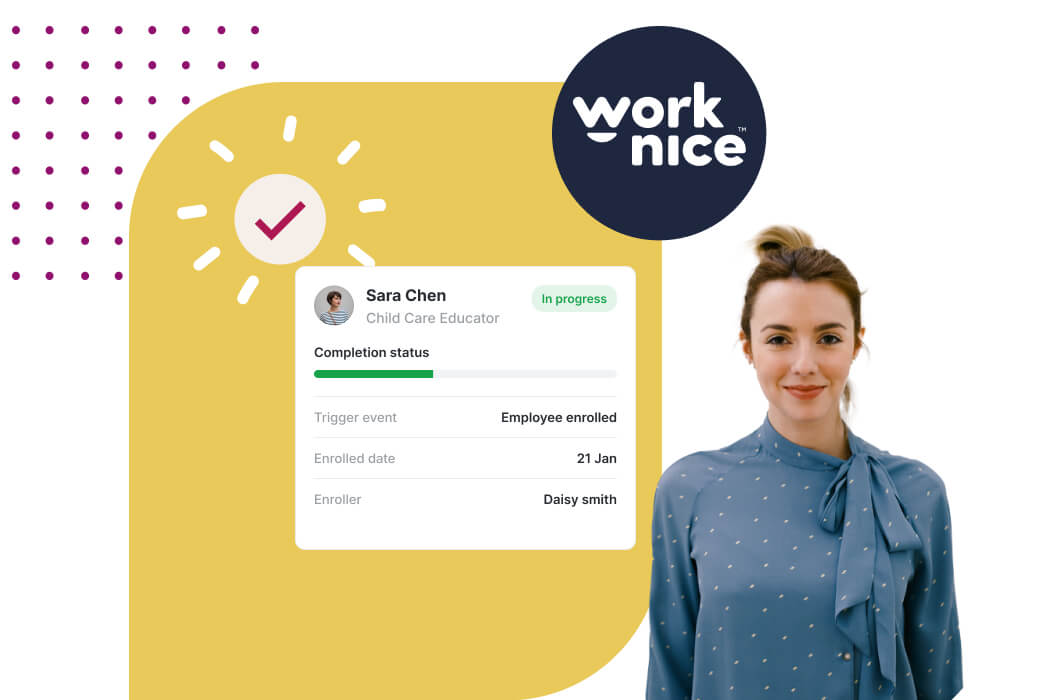
Escalation is what makes automation trustworthy. Suppose the manager has not completed a day-one task by the due date. The workflow sends a reminder, then escalates if it is still outstanding. So nothing stalls silently. A new hire onboarding checklist makes each of these tasks visible, while the automation drives them to completion.
What onboarding tasks should you automate?
Automate any onboarding task that repeats and follows clear steps. The best candidates are record creation, contract and policy delivery, IT and equipment provisioning, compliance capture, and payroll sync. Each happens for every hire, involves several people, and carries a cost when it slips. So each rewards a consistent, automated path.
Provisioning is the task that saves the most stress. When a signed contract triggers accounts, access, and equipment orders, new hires arrive to a working setup. Manager involvement matters here too. According to Gallup, employees are 3.4 times as likely to have an exceptional onboarding experience when managers take an active role, so automate the prompts that keep managers engaged.
Compliance capture is the task teams most often miss. Automating policy acknowledgements, right-to-work checks, and certificate collection means the evidence is gathered at hire, with dates and versions. This connects to your compliance and records, so onboarding builds a defensible audit trail automatically rather than as a separate chore. Super details belong here too: since Payday Super began on 1 July 2026, a new employee’s first contribution must reach their fund within 20 business days of payday.
Why do automated onboarding workflows pay off at mid-market scale?
Automated onboarding pays off because volume multiplies small inefficiencies. Between 100 and 1,000 employees, you might onboard dozens of people a year, each involving a contract, a policy pack, an IT ticket, an equipment order, and a payroll setup. Done manually, that is hundreds of small tasks and dozens of dropped balls. Automated, each hire follows the same path, and HR handles only the exceptions.
The saving compounds across the year. Even a few minutes saved per task adds up to weeks of recovered HR time each year. Fewer errors also means fewer first-pay problems and compliance gaps. So automation is not a luxury at this size. Instead, it is a core reason mid-market teams adopt a full HRIS for mid-sized companies with onboarding built in.
Consistency is the quieter benefit. Automated workflows deliver the same quality experience to every hire, whether you onboard one person or twenty in a week. That reliability is what a digital onboarding experience depends on. A great flow only works if it happens every time.
Should onboarding automation be part of your HRIS?
For most mid-sized companies, onboarding automation belongs inside the HRIS. Onboarding workflows act on people data: records, roles, and compliance. When the automation sits inside the system that holds that data, tasks read and update the real employee record directly. When it sits outside, you add integrations and risk stale data.
A standalone automation tool can help for cross-system processes beyond HR. However, for the new-hire journey specifically, native automation is simpler and safer. This is why a strong HR onboarding platform usually beats bolting an automation layer onto a separate onboarding app. So the practical rule is to automate onboarding inside your HRIS, where the data already lives.
The honest trade-off is flexibility versus simplicity. A dedicated automation platform may offer more raw configurability. For onboarding, though, native automation covers the need while keeping people data unified, which matters more for a mid-sized team.
Why is Worknice a strong choice for automated onboarding?
Worknice is an Australian next-gen HRIS with configurable, automated onboarding workflows at its core. A signed contract can create the record, assign tasks to HR, IT, and the manager, capture policy acknowledgements, and sync the new starter to payroll. Reviewers rate it 4.9 out of 5 on G2 and 5 out of 5 on Capterra.
The reviews reflect the value. On G2, Worknice holds 4.9 out of 5, where reviewers describe a truly customisable product that fits their own processes. On Capterra it rates 5 out of 5, with 99% of reviewers recommending it. Because automation only helps when it matches how you actually onboard, that configurability is exactly what mid-sized teams need.
A fair caveat: Worknice automates onboarding and syncs the new starter to your existing payroll rather than running pay itself. So a workflow can update the employee record and push details to payroll, but payroll stays the source of truth for pay. Most mid-market teams prefer this. You can see automated onboarding in a free demonstration.
Frequently asked questions
What are automated onboarding workflows?
Automated onboarding workflows are rules that run the new-hire process for you. You define a trigger, the steps, the owners, and the timing, and the system executes the sequence for every hire. It assigns tasks, tracks progress, sends reminders, and escalates anything overdue. As a result, onboarding happens consistently without HR manually chasing each step.
What triggers an automated onboarding workflow?
The trigger is usually the signed contract. Once a new hire signs, the workflow can create the employee record, send a policy pack, raise an IT ticket, order equipment, and notify payroll. Each task lands with the right owner and a due date. So a single event sets the whole onboarding process in motion automatically.
What onboarding tasks can you automate?
You can automate any task that repeats and follows clear steps: record creation, contract and policy delivery, IT and equipment provisioning, compliance capture, and payroll sync. Provisioning and compliance capture are especially valuable, because they prevent day-one scrambles and gather evidence at hire. Automating manager prompts also keeps managers engaged, which strongly improves the onboarding experience.
Do automated onboarding workflows reduce compliance risk?
Yes. Automated workflows record who did what and when, so policy acknowledgements, right-to-work checks, and certificates are captured at hire with dates and versions. That builds a defensible audit trail automatically. Because most compliance gaps come from missing or unprovable records, automating the capture of onboarding evidence directly reduces risk as you hire more people.
Should onboarding automation be part of the HRIS?
For most mid-sized companies, yes. Onboarding workflows act on employee data, so automation works best inside the system that holds that data, where tasks read and update the real record. A standalone automation tool suits cross-system processes, but for the new-hire journey, native automation inside the HRIS is simpler, safer, and keeps people data unified.
About the author
Graham Martin is a co-founder of Worknice, an Australian next-gen HRIS. Since 2021 he has worked with hundreds of Australian HR leaders and people teams. He helps mid-sized organisations automate onboarding so their teams spend time on people, not admin.
Related reading
- Do mid-sized companies need onboarding software: where automated workflows fit within onboarding software as a whole.
- What HR workflow automation can automate: how the same automation extends beyond onboarding to role changes and offboarding.
- Australian onboarding requirements: the local steps, such as the Fair Work Information Statement and super, that your workflows need to cover.
- Sample onboarding process map: a starting map of onboarding steps to turn into an automated workflow.
Sources
- Gallup. “Why the Onboarding Experience Is Key for Retention.” https://www.gallup.com/workplace/235121/why-onboarding-experience-key-retention.aspx
- Australian Bureau of Statistics. “Job mobility, February 2026.” https://www.abs.gov.au/statistics/labour/jobs/job-mobility/latest-release
- G2. “Worknice Reviews.” https://www.g2.com/products/worknice/reviews
- Capterra Australia. “Worknice Cost & Reviews.” https://www.capterra.com.au/software/208362/worknice