TL;DR: Worknice has a 2-way integration with Employment Hero Payroll, the payroll also sold as KeyPay and ELMO Payroll. Personal, bank, TFN, super, and leave data sync in both directions, so HR works in Worknice while payroll keeps working in Employment Hero. Employment Hero Payroll stays the source of truth for pay, awards, and leave accruals.
Last updated 11 October 2026.
Key takeaways
- Worknice connects to Employment Hero Payroll, not to Employment Hero’s own HR platform, and the same connection covers KeyPay and ELMO Payroll.
- Personal details, bank accounts, TFN declarations, super, and leave requests sync both ways, so either team can update a record in its own system.
- Names and display name go from Worknice on every sync, so the name on a payslip always matches the name in HR.
- Each employee only sees the leave types Employment Hero Payroll says they can use, and hidden balances stay hidden in Worknice too.
- Connection control works person by person, so volunteers and contractors you do not pay can stay out of payroll.
- Flexibility through Worknice’s ‘connection control’.
- Consolidation with multi-account connection
- Timesaving through automation
What does the Worknice and Employment Hero Payroll integration do?
The Worknice and Employment Hero Payroll integration is a 2-way connection between an Australian HRIS and Employment Hero’s payroll. It imports your employees, creates new hires in payroll, and keeps personal, bank, tax, super, and leave data aligned in both directions. As a result, HR, managers, and payroll each work in the system that suits them.
Some things in life just go together, and HR and payroll are one of them. However, the two teams rarely want the same tool. Accounts teams and external bookkeepers like to update payroll details and check leave in Employment Hero Payroll. HR wants onboarding, documents, and approvals in one place. A one-way integration forces one team to change how it works, which is where most rollouts get stuck.
The integration has three controls that make the 2-way sync manageable:
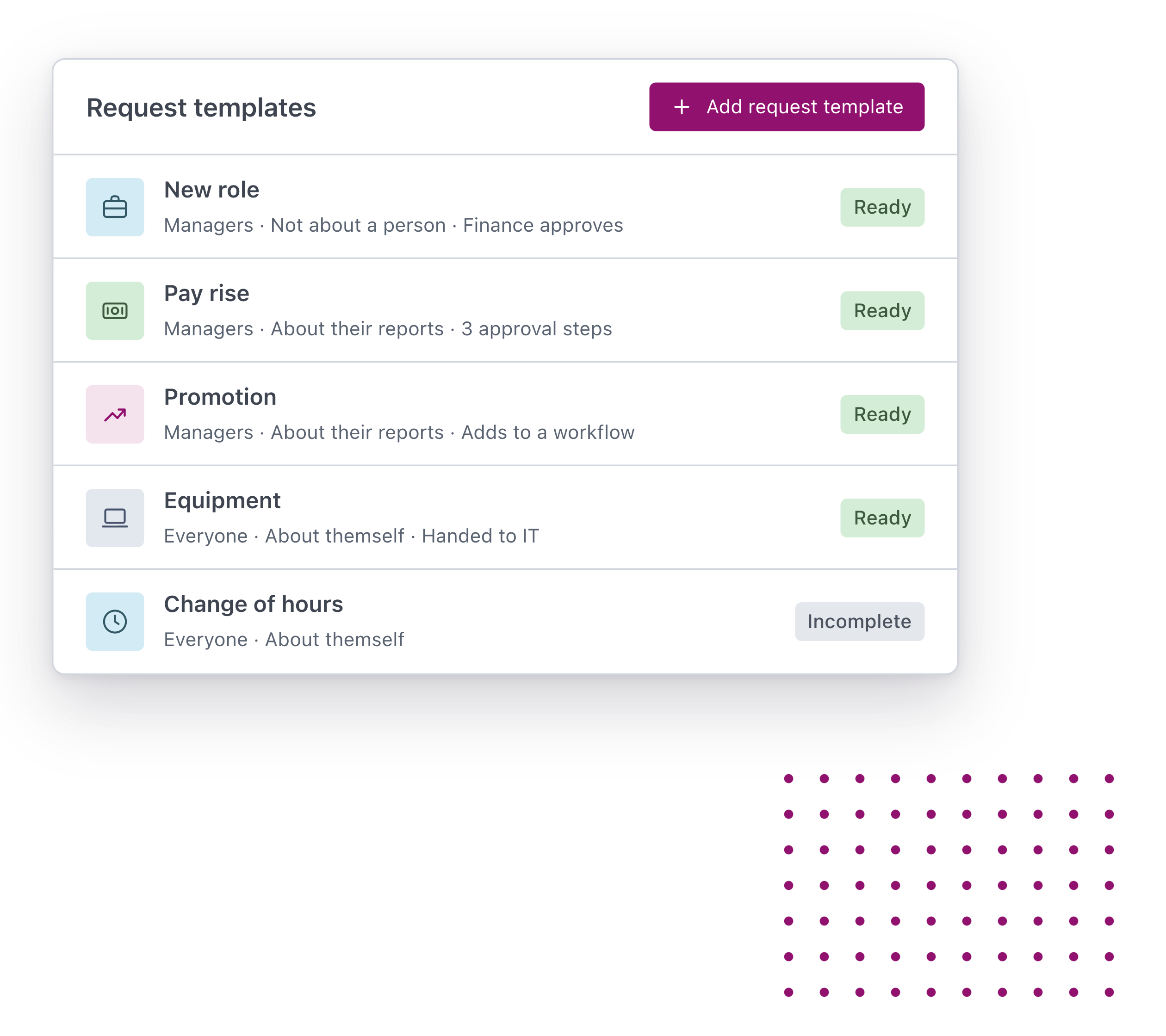
01. Integration connection control
A feature so new and innovative we didn’t know what to call it. Now you can control the Employment Hero integration at the person level, not just the account level.
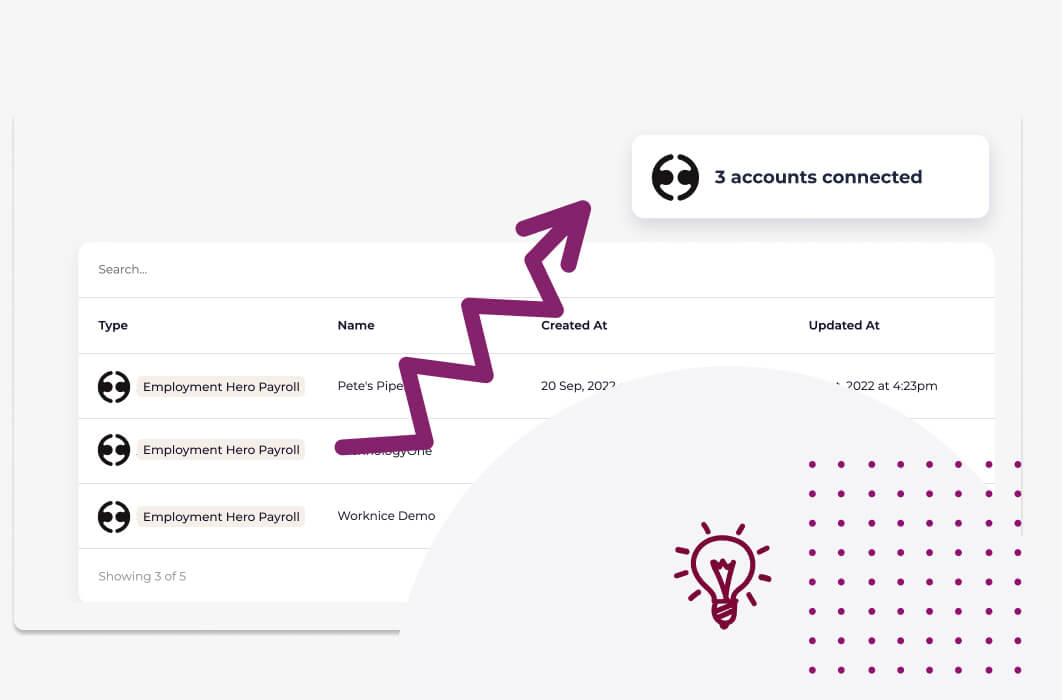
02. Integrate multiple Employment Hero payroll accounts at once
Have more than 1 Employment Hero payroll account? Pull all your people and data together by connecting to multiple Employment Hero payroll accounts.
03. Automation rules
Set up the automation that suits you. Tell Worknice how to sync your data moving forward.
So the useful questions are what moves in each direction, what happens when both teams edit the same person, and who should not bother. For first-time setup and the new starter flow, see connecting Worknice and onboarding into KeyPay.
Does Worknice connect to Employment Hero HR or Employment Hero Payroll?
Worknice connects to Employment Hero Payroll, the payroll engine Employment Hero acquired as KeyPay. It does not connect to Employment Hero’s own HR platform, because Worknice does that job itself. If you search for an “Employment Hero integration” or “Employment Hero connector”, the payroll product is the one Worknice integrates with.
Employment Hero sells HR, payroll, hiring, and rostering as one platform, and many customers use its payroll alone. The payroll is also sold under other names. According to the Worknice help centre, Employment Hero acquired KeyPay, and every white-labelled version of that payroll integrates with Worknice, including ELMO Payroll and PayCat.
So the practical rule is simple. If your payroll is Employment Hero Payroll, KeyPay, or ELMO Payroll, the Worknice integration works the same way. If you already run Employment Hero’s HR platform and are happy with it, you probably do not need Worknice at all.
Organisations with several payroll businesses should read the Worknice KeyPay multi-entity guide, which covers connecting more than one.
Why does Employment Hero Payroll stay the source of truth for pay?
Employment Hero Payroll stays the source of truth for pay because it interprets awards, calculates leave accruals, and pays super. It also reports each pay event to the ATO through Single Touch Payroll. Worknice is HRIS-only by design. It keeps the people record and the workflow around pay, and it never runs a second payroll that could disagree.
According to Employment Hero, its payroll computes complex award interpretations and leave accruals. Those calculations belong where the pay rules live. Worknice therefore follows Employment Hero Payroll’s own settings for leave, rather than keeping a second set of rules that could drift.
The record-keeping rules point the same way. According to the Fair Work Ombudsman, employers must keep time and wages records for 7 years. Those records cannot be changed except to correct an error. One payroll record, with an HR record beside it, is easier to defend than two copies that might differ.
What can Employment Hero Payroll do on its own, and where are the gaps?
Employment Hero Payroll is a capable Australian payroll engine. It interprets awards, accrues leave, pays super, runs Single Touch Payroll, and comes with an employee app for leave requests and timesheets. For a business that mainly needs accurate pay and basic self-service, that may be enough.
According to Employment Hero, employees can handle leave requests, timesheets, and work perks in one app. In October 2025, Employment Hero said it supports 350,000 businesses and described its focus as giving SMBs the infrastructure to compete. For many of them, the bundled HR platform is the natural next step.
The gaps appear for organisations that want to keep Employment Hero Payroll but run a separate HRIS:
Paperwork before payroll: contracts, policies, licences, and the Fair Work Information Statement need collecting before someone is ready to pay.
People you do not pay: volunteers, board members, and some contractors need an HR record but no payroll record.
The rest of HR: performance reviews, an org chart, compliance documents, and HR reporting sit outside a payroll engine’s job.
How does the 2-way sync work in practice?
The sync links each Worknice person to one Employment Hero Payroll employee, then keeps their personal, bank, tax, super, and leave data aligned both ways. Names and display name go from Worknice on every sync. Leave balances are calculated in payroll, and each person sees only the leave types payroll says they can use.
| Data | Direction | When | Who acts |
|---|---|---|---|
| Existing employees | Payroll to Worknice | When you first connect | An admin chooses who to import |
| New hire record | Worknice to payroll | When onboarding is synced | The new starter enters details once |
| Personal details | Both ways | On each sync | Either team, in their own system |
| Names and display name | Worknice to payroll | Every sync | HR, in Worknice |
| Bank accounts | Both ways | On each sync | Either team, in their own system |
| TFN declaration | Both ways | On each sync | Payroll recalculates its audit fields |
| Superannuation | Both ways | On each sync | Either team, in their own system |
| Leave requests | Both ways | On each sync | Employees request; managers approve |
| Leave balances | Both ways, calculated in payroll | On each sync | Nobody, because payroll does the maths |
Two behaviours make the 2-way sync trustworthy. First, each employee’s leave types come from their own allowance in payroll, not from a business-wide list. Second, if the call to payroll fails, the leave lists show an error rather than quietly falling back to every leave type.
What happens when someone edits a record in either system?
An edit to personal, bank, TFN, or super details in either system flows to the other on the next sync. Names are the exception, because Worknice sends core identity fields every time to keep HR and payroll aligned. Leave types and hidden balances follow Employment Hero Payroll’s settings, so you change them in payroll, once.
Four everyday scenarios show how that plays out:
A bank change in payroll: an employee tells the payroll team about a new account, and they update it in Employment Hero Payroll. On the next sync, Worknice shows the new account, so HR never holds a stale copy.
A name change in HR: someone updates their display name in Worknice after marriage. According to the Worknice help centre, payroll’s preferred name comes from the Worknice display name, so it updates on the next sync. Hiding a field on a form does not stop that, because the last valid value still syncs.
A TFN update: when a TFN declaration syncs, payroll recalculates its own declaration fields, such as the from date and lodgement status. Worknice does not set those fields, so a change there is expected rather than an error.
A leave type you want hidden: turn on “Hide balances from pay slips and in employee portal” for it in payroll. The balance then disappears from Worknice too, while past requests against it stay readable.
Approvers also see who else is away. Each request shows anyone in the requester’s team with approved leave over the same dates. It shows their name and dates, but not the leave type. The leave overlap visibility guide explains why that helps.
How does connection control decide who syncs to payroll?
Connection control links each Worknice person to their own Employment Hero Payroll record, instead of syncing a whole account at once. You can therefore keep someone out of payroll entirely, or link two records that do not share an email. It is no longer a case of “sync everything, or sync nothing” for your workforce.

Imagine you onboard Joe Bloggs as a volunteer. You still need his address, his signature on your policies, and maybe a copy of his licence. However, Joe will never be paid, so he should not appear in Employment Hero Payroll. Because Joe has his own connection, you tell Worknice not to create a payroll record, and the recurring sync ignores him from then on.
The same control solves a quieter problem with matching. Sometimes the two records belong to the same person but carry different emails, typically a personal one in payroll and a work one in HR. Connection control lets you link them by hand, so the sync treats them as one employee.
Who should use Worknice with Employment Hero Payroll, and who should stay on Employment Hero alone?
Worknice with Employment Hero Payroll suits Australian organisations that keep Employment Hero’s payroll but want a separate HRIS for onboarding, documents, and HR records. Stay on Employment Hero alone if its own HR platform already covers your needs, or if payroll self-service is all your team uses. In either case, another HRIS adds cost without benefit.
Add Worknice when two or more of these are true:
- Payroll wants to stay in Employment Hero Payroll, while HR wants a different system.
- Volunteers, contractors, or board members need an HR record but no pay.
- Contracts, policies, and licences need tracking alongside the payroll record.
- You run more than one payroll business and want one view of everyone.
Equally, think about change management early. Because the sync runs both ways, accounts teams keep working where they are comfortable, and HR, managers, and employees work in Worknice. Rather than forcing everyone into one tool, each team keeps its own, which saves a lot of headache in the rollout. For a side-by-side view of the two products, read Worknice vs Employment Hero.
Frequently asked questions
Does Worknice integrate with Employment Hero?
Worknice integrates with Employment Hero Payroll, the payroll engine also sold as KeyPay and ELMO Payroll. It does not connect to Employment Hero’s own HR platform, because Worknice is the HR system. The integration imports employees, creates new hires in payroll, and syncs personal, bank, TFN, super, and leave data in both directions.
Is the Worknice Employment Hero Payroll integration two-way?
Yes. Personal details, bank accounts, TFN declarations, super, and leave requests sync in both directions, so either team can update a record in its own system. Names and display name always go from Worknice, and leave balances are calculated in payroll. Leave types follow each employee’s allowance in Employment Hero Payroll.
Is Employment Hero Payroll the same as KeyPay?
Yes, they are the same payroll. Employment Hero acquired KeyPay and sells it as Employment Hero Payroll, and the same engine is also sold as ELMO Payroll. According to the Worknice help centre, every white-labelled version integrates with Worknice, so the connection and data flow work the same way whichever name you use.
What happens if payroll and HR edit the same record?
Edits to personal, bank, TFN, or super details made in either system flow to the other on the next sync. Names are the exception, because Worknice sends first, last, and preferred name on every sync. When a TFN declaration syncs, payroll recalculates its own audit fields, such as the from date, which is expected.
Can I keep volunteers out of Employment Hero Payroll?
Yes, connection control handles that. It links each person to payroll individually, so you can mark a volunteer, contractor, or board member as not connected. Worknice then holds their HR record, documents, and emergency contacts without creating a payroll record, and the recurring sync ignores them. The same control links records that do not share an email.
About the author
Graham Martin is a co-founder of Worknice, the Australian HRIS for mid-to-large organisations. He works with HR and payroll teams on connecting HR to Xero, MYOB AccountRight, MicrOpay, KeyPay, Employment Hero Payroll, and ELMO Payroll. He writes about keeping people data clean and payroll-ready.
Related reading
- Worknice and KeyPay for multi-entity teams: several payroll businesses in one HRIS, and two-way leave approval.
- Connecting Worknice and onboarding into KeyPay: first-time setup and the new starter flow.
- Worknice vs Employment Hero: how the two products differ for Australian organisations.
- Worknice payroll integration overview: how Worknice connects to each payroll system it supports, and what stays with payroll.
Sources
- Worknice Help Center. “Employment Hero (Keypay).” Retrieved 11 October 2026. https://help.worknice.com/article/employment-hero-keypay
- Employment Hero. “Payroll Software for Australian Businesses.” Retrieved 11 October 2026.
- Employment Hero. “Integrations.” Retrieved 11 October 2026.
- Employment Hero. “Employment Hero Surpasses A$300M ARR.” 8 October 2025, retrieved 11 October 2026.
- Fair Work Ombudsman. “Record-keeping.” Page last updated 28 August 2026, retrieved 11 October 2026. https://www.fairwork.gov.au/pay-and-wages/paying-wages/record-keeping
- Fair Work Ombudsman. “Fair Work Information Statement.” Page last updated 7 October 2026, retrieved 11 October 2026. https://www.fairwork.gov.au/employment-conditions/national-employment-standards/fair-work-information-statement
- Australian Taxation Office. “Single Touch Payroll.” Retrieved 11 October 2026. https://www.ato.gov.au/businesses-and-organisations/hiring-and-paying-your-workers/single-touch-payroll
Never add new employees to Employment Hero payroll again
Worknice set’s up new hires in Employment Hero payroll for you – removing the need for time consuming double handling and the potential for mistakes.
See how integrating payroll can streamline your onboarding process.